Pitch Review
AI presentation workspace built for teams that make decks together
Is this your product? Claim this page · Request a change
Looking for a Pitch alternative? See our ranked comparison.→What is Pitch?
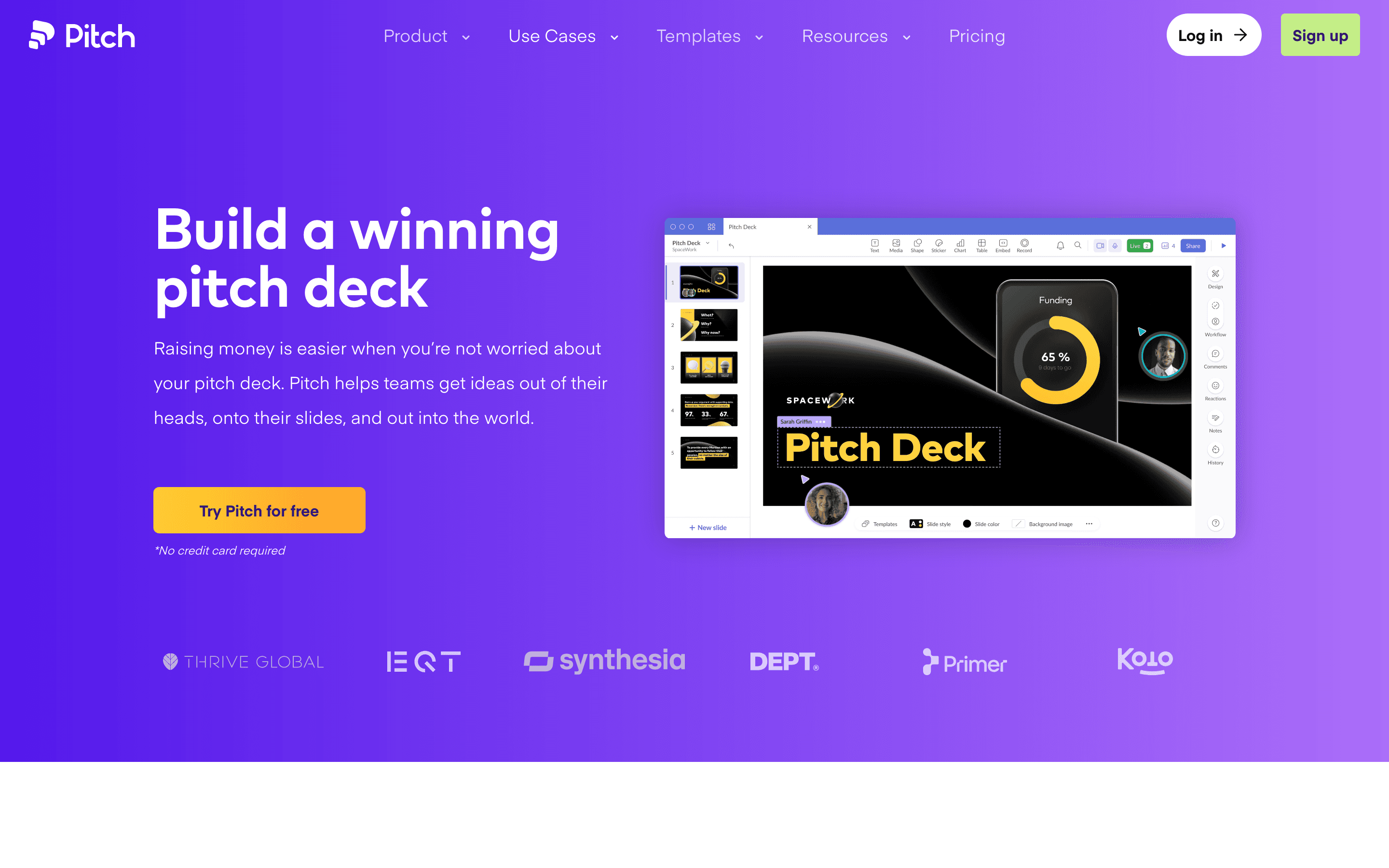
Pitch is a browser-based presentation tool built around live collaboration. Multiple people edit the same deck at once, comment inline, and use shared asset libraries and brand templates so a deck looks consistent no matter who built which slide.
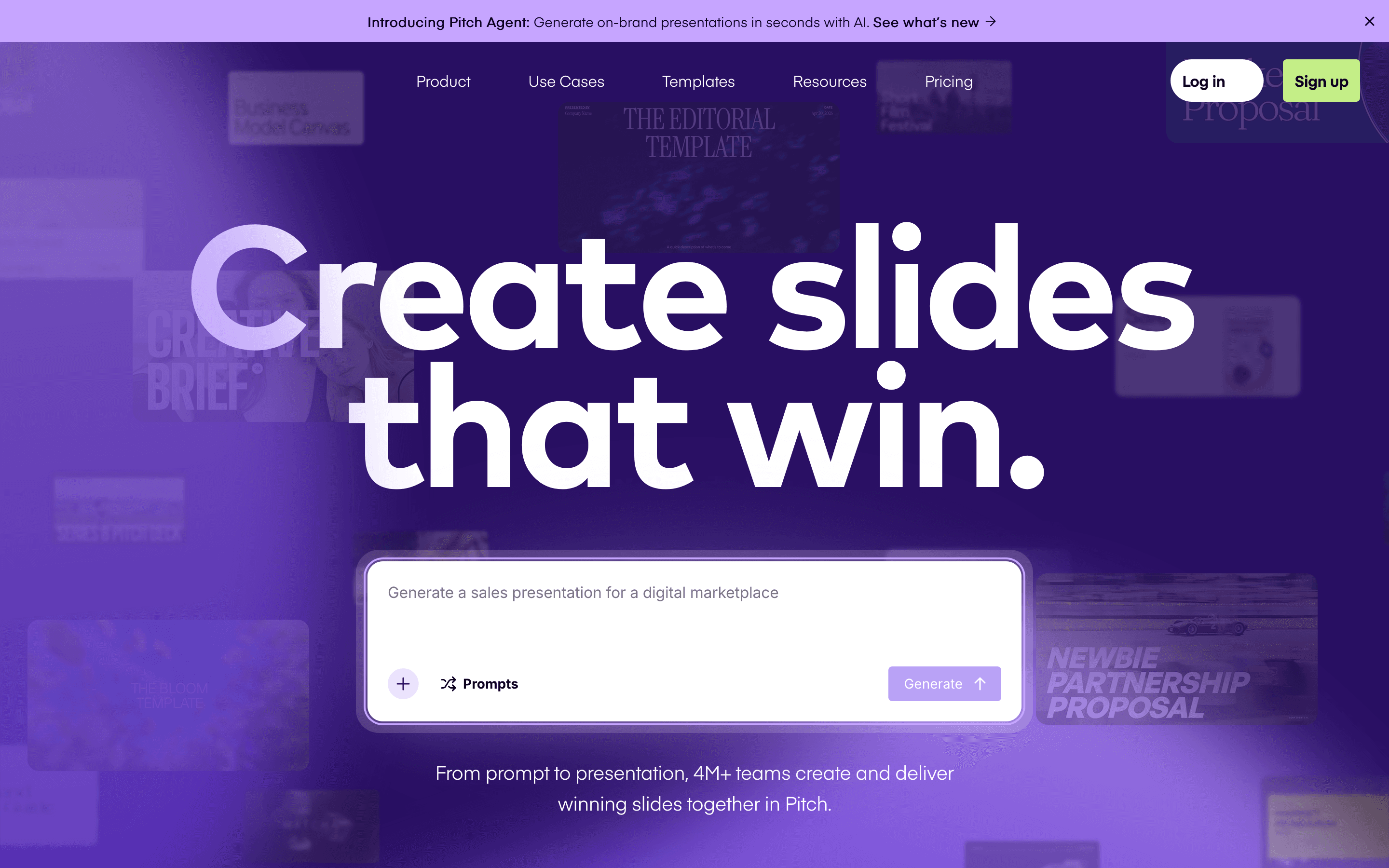
It leans on AI for the parts that used to eat an afternoon: generating a first draft from a prompt or outline, rewriting copy on a slide, and restyling images. Credits meter that AI usage, and how many you get depends on your plan.
Sharing is built for decks that go out to clients or investors, not just internal decks. You get trackable links, analytics on who opened what and for how long, and shared pitch rooms where a deck and its comments live outside your workspace.
Pitch screenshots
Who it's for
- ✓ Founders and small teams who build and revise decks together and need real-time co-editing
- ✓ Sales and fundraising teams who want to see when a prospect or investor opens a deck and how long they spend on each slide
- ✓ Teams that want AI to draft a first pass of a deck instead of starting from a blank slide
Who should look elsewhere
- ✗ Solo users who just need one nice deck occasionally and don't want to pay to export it
- ✗ Teams that need pixel-level design control, advanced alignment tools, or custom diagramming
- ✗ Anyone who wants unlimited AI generation without tracking a credit budget
Pros
- + Real-time multiplayer editing feels closer to Google Docs than to PowerPoint
- + Link analytics show exactly when a prospect or investor opens your deck and which slides they lingered on
- + Free plan supports up to 5 people and unlimited presentations, not just a single trial deck
- + Shipped a steady stream of small feature updates through 2026, including teamspaces and SCIM
Cons
- – Free-plan exports are PDF only and carry Pitch's branding; removing the watermark or exporting to PowerPoint needs a paid seat
- – AI credits are metered and a heavy user burns through the free one-time allotment fast
- – Design tools lag behind dedicated design software: limited fonts, no built-in diagramming, and alignment tools reviewers call thin
- – Team and Business plans price per seat, so a deck-heavy team of 20+ people adds up quickly next to flat-rate tools
Pitch pricing
What you pay for
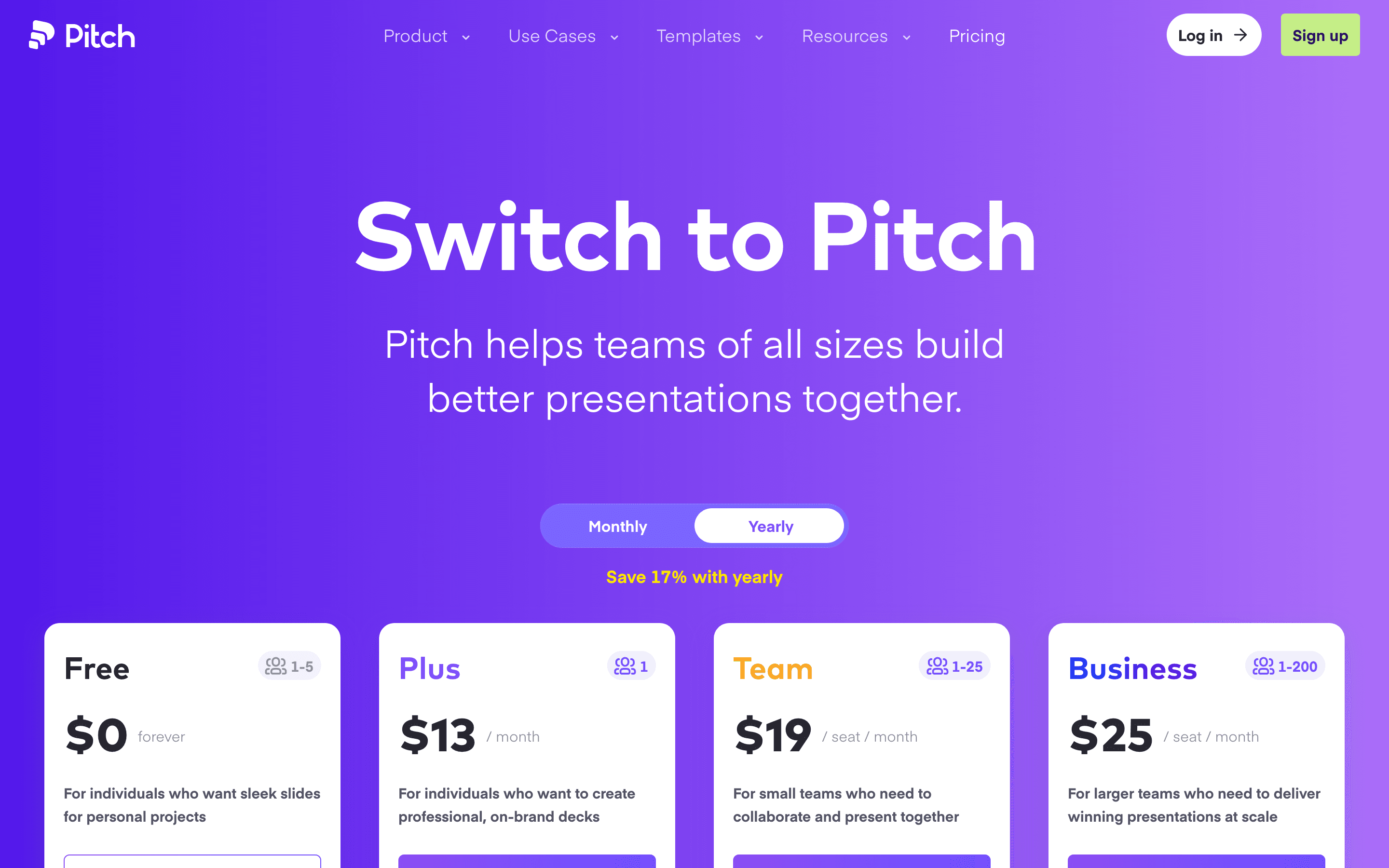
Pitch's paid tiers are priced per seat and jump in three steps: a solo Plus plan, a Team plan for small groups, and a Business plan for bigger orgs, with Enterprise sold on a custom quote. The free plan is generous for a single small team but caps AI credits at a one-time 100, so any real AI usage pushes you to a paid seat fast. All prices are public on the pricing page, nothing here is hidden behind a sales call except Enterprise.
At about $13/month to start, it sits at the higher end of Presentation Software pricing.
| Plan | Price | Highlights |
|---|---|---|
| Free | Free | Up to 5 workspace members · Unlimited presentations · 100 AI credits, one time · 2 external guests · Branded sharing links and PDF exports |
| Plus | $13/seat/mo | 1 member per workspace · 6,000 AI credits a year · 5 external guests · Unbranded sharing links · PowerPoint export · Custom fonts and video uploads |
| Team | $19/seat/mo | Up to 25 members · 6,000 AI credits per seat a year · 25 external guests, 25 advanced links · Custom domain · 30-day version history |
| Business | $25/seat/mo | Up to 200 members · 9,000 AI credits per seat a year · Unlimited external guests and advanced links · Unlimited version history |
| Enterprise | Custom | 30+ members, no cap · SAML SSO and SCIM provisioning · Dedicated success manager · Invoiced billing · Priority support |
Per-seat prices shown are annual billing; monthly billing runs 15-21% higher (Plus $15, Team $23, Business $30 per seat per month). No minimum seat count is stated for Team or Business, they scale per seat as you add members up to each plan's member cap. Enterprise is quote-only, contact sales.
Pricing verified July 7, 2026 · source
How Pitch's pricing compares
Pitch next to its closest alternatives on entry price, billing, and whether pricing is public.
| Tool | Starting price | Billing | Free option | Pricing disclosed |
|---|---|---|---|---|
| Pitch | $13/seat/mo | per-seat | Yes | Partly public |
| Gamma | $9/seat/mo | per-seat | Yes | Public |
| Beautiful.ai | $12/seat/mo | per-seat | Trial (14 days on Pro or Team (credit card required, auto-charges if you don't cancel)) | Partly public |
| Canva | $144/seat/yr | per-seat | Yes | Partly public |
Is Pitch still actively developed?
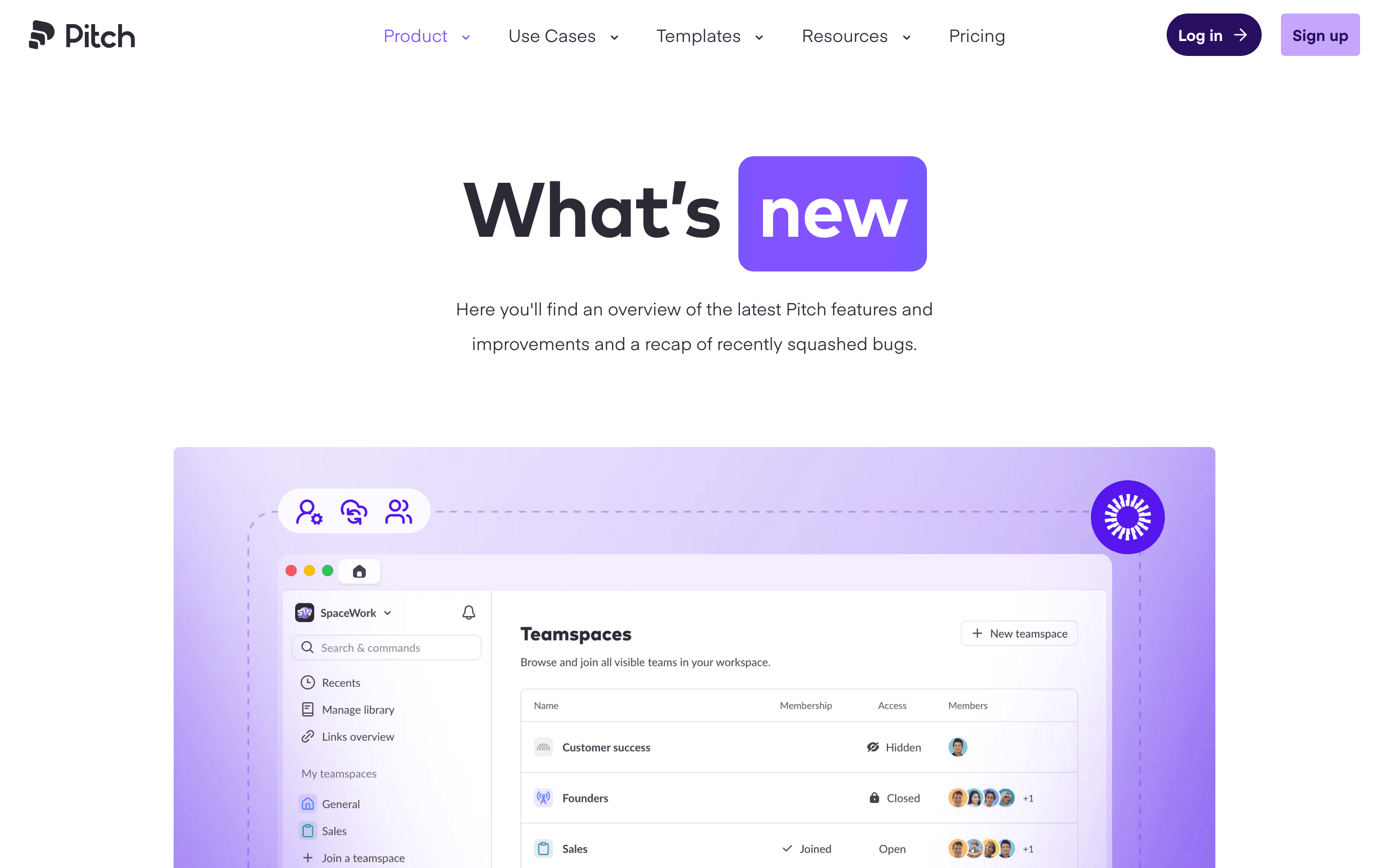
Last significant update: June 2026. Pitch added teamspaces for organizing workspaces, SCIM support for automated user provisioning, an improved AI agent experience, and new image styling options.
Top Pitch alternatives
Pitch FAQ
Is Pitch free to use?+
Yes. The Free plan supports up to 5 workspace members and unlimited presentations, but you get only 100 AI credits total and can't remove Pitch branding or export unbranded files.
How is Pitch priced for teams?+
Team and Business plans charge per seat per month, cheaper if you pay annually. Team runs $19/seat/month annual ($23 monthly), Business runs $25/seat/month annual ($30 monthly).
Can I export a deck without paying?+
Partly. Free workspaces can export to PDF, but the file carries Pitch's branding and there is no PowerPoint export. Removing the branding and exporting to PowerPoint both require a paid plan.
What are AI credits and do they run out?+
Every AI action, like generating a deck or rewriting a slide, uses credits. Free workspaces get 100 one time. Paid plans get an annual credit pool per seat that resets each billing cycle, and you can buy more or set a monthly budget cap.