Sentry Review
Error tracking and performance monitoring for developers, priced by event volume
Is this your product? Claim this page · Request a change
Looking for a Sentry alternative? See our ranked comparison.→What is Sentry?
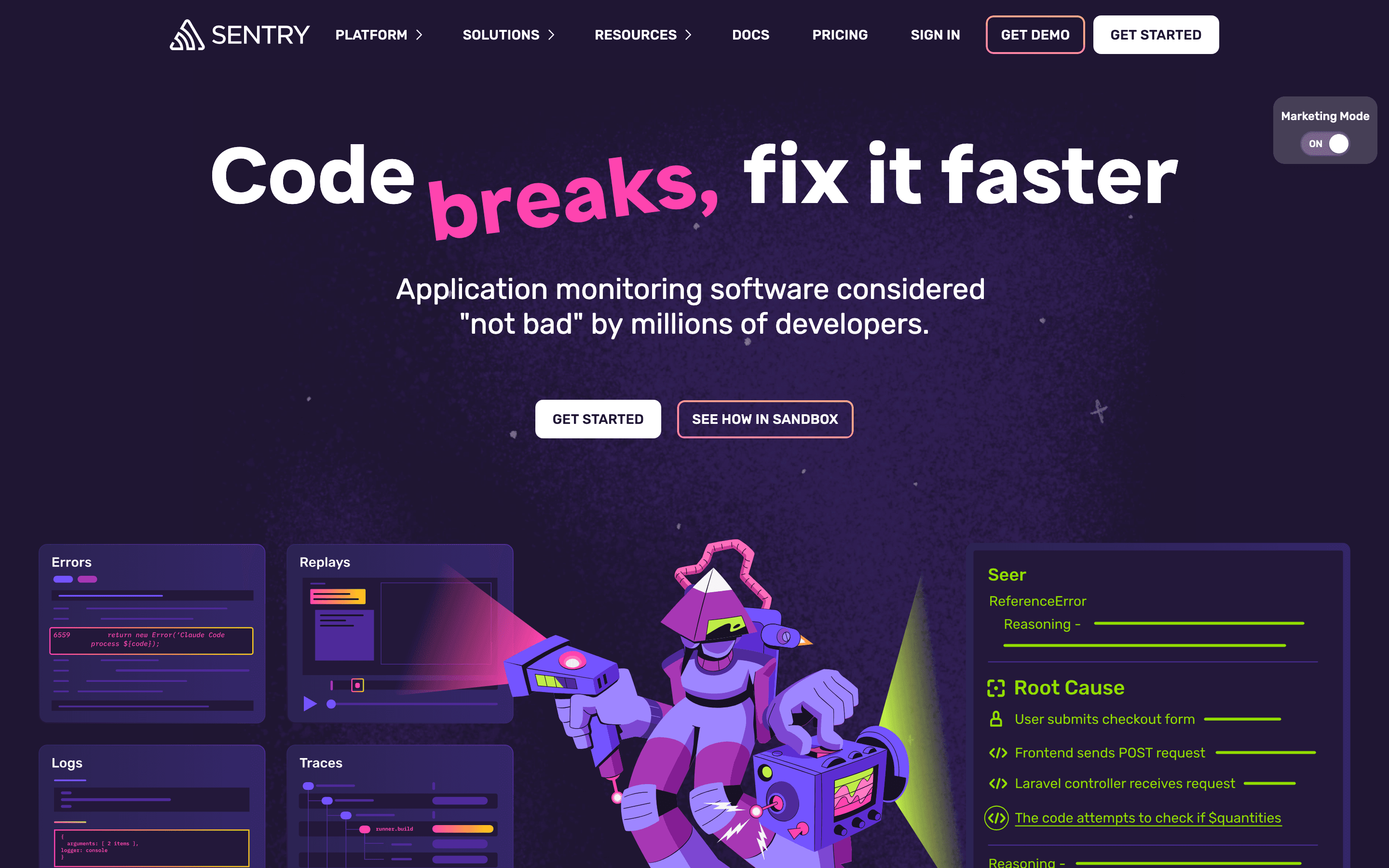
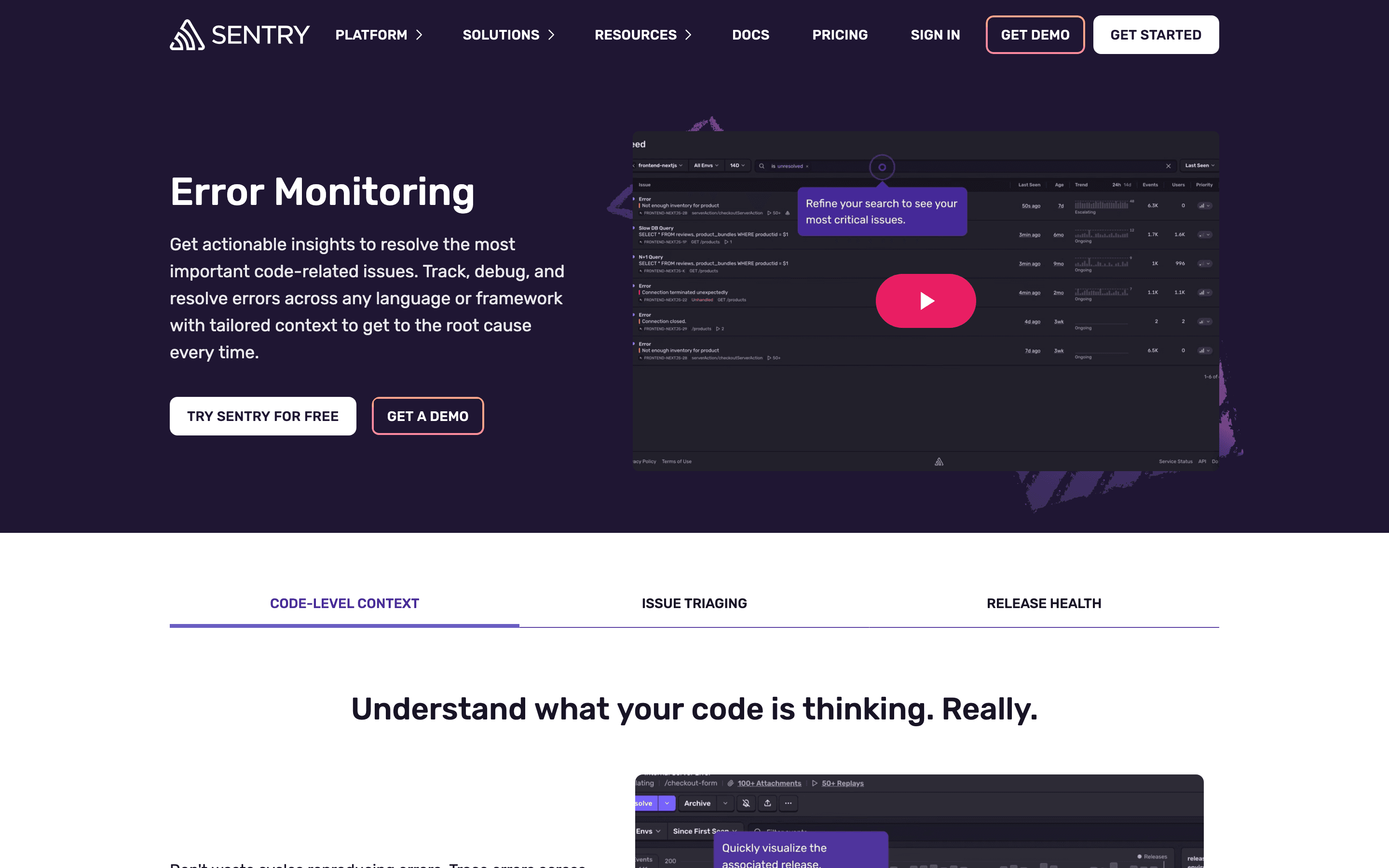
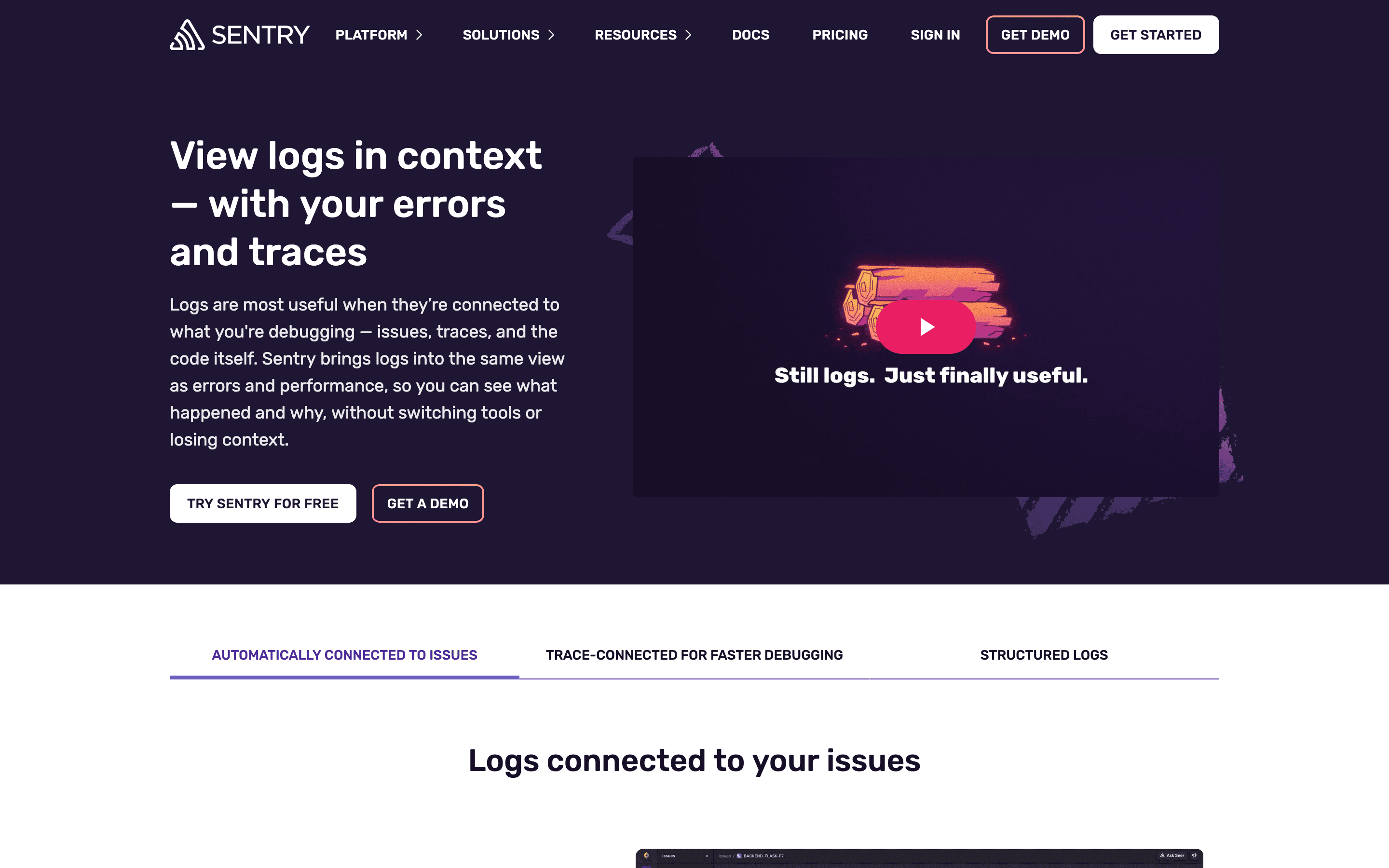
Sentry is an error tracking and application performance monitoring tool. You drop an SDK into your app, and it captures unhandled exceptions, stack traces, slow transactions, and now logs, session replays, and profiling data, all tied back to the release and commit that caused the problem.
It started as an open-source error tracker and has expanded into a broader observability platform: tracing, uptime checks, cron monitoring, and an AI agent called Seer that reads a stack trace and proposes a fix. Pricing is built around event volume rather than seats, so cost tracks how noisy your app is, not how many people are on your team.
Sentry screenshots
Who it's for
- ✓ Engineering teams that want error alerts tied directly to the code and release that broke
- ✓ Teams already comfortable tuning sampling rates and quotas to keep usage-based billing predictable
- ✓ Products with a self-hosted or open-source option in mind, since Sentry offers both
Who should look elsewhere
- ✗ Teams with noisy, high-volume error patterns (chatty third-party scripts, retry loops) who aren't ready to tune sampling before their bill spikes
- ✗ Teams that want flat, predictable per-seat pricing regardless of traffic
Pros
- + Free Developer plan covers a real amount of usage (5k errors, 5M spans) for solo projects, not just a token trial
- + Every tier's data quota and every overage rate is published on the pricing page, so you can model cost before committing
- + Unlimited users on paid plans means adding teammates doesn't raise the bill
- + Seer AI agent can trace an error back to the responsible code and hand off a fix to GitHub Copilot
Cons
- – Usage-based billing means a bad deploy or a retry loop can spike your bill in a single day: one documented case put error overages alone at roughly $5,700/month plus $1,560 in span overages on top of the $80 Business base, at 20M errors and 500M spans a month
- – Business-tier overage rates for errors and spans run about double the Team-tier rate at the same volume (e.g. $0.0003 vs $0.00015 per error at the highest usage tier); replay overage is priced the same on both plans
- – Enterprise pricing is quote-only, so larger teams can't self-serve a real number
Sentry pricing
At about $26/month to start, it sits at the higher end of Observability & Error Monitoring pricing.
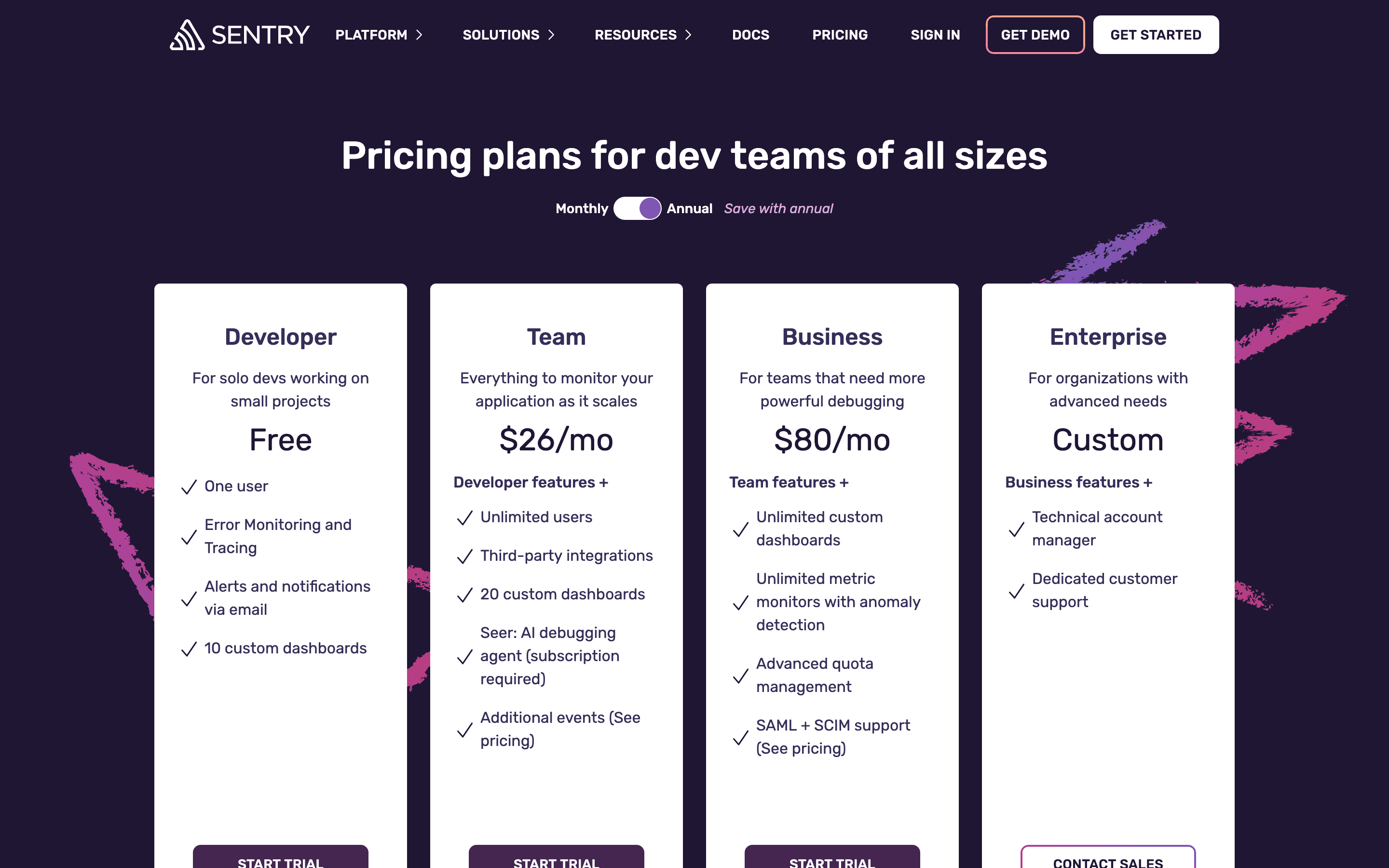
| Plan | Price | Highlights |
|---|---|---|
| Developer | Free | 1 user only · 5k errors and 5M spans included · Email alerts · 10 custom dashboards |
| Team | $26/mo | Unlimited users · 50k errors, 5M spans, 5GB logs, 5GB metrics, 50 replays included · Third-party integrations · Seer AI debugging agent available as an add-on |
| Business | $80/mo | Unlimited custom dashboards · Unlimited metric monitors with anomaly detection · SAML/SCIM · Advanced quota management |
| Enterprise | Custom | Custom limits on all data types · Technical account manager · Dedicated support |
Team ($26/mo) and Business ($80/mo) are the base rate when billed annually; billed monthly they're $29/mo and $89/mo instead. Each tier already includes a prepaid data quota (errors, spans, logs, metrics, replays). Go over that quota and you pay per-unit overage: logs and metrics each run $0.50/GB extra, uptime monitoring $1.00 per additional check, cron monitoring $0.78 per additional monitor, UI profiling $0.25/hour, continuous profiling $0.0315/hour. Enterprise is quote-only. The real monthly bill for a growing team is usually well above the sticker price once you factor in overages.
Pricing verified July 7, 2026 · source
How Sentry's pricing compares
Sentry next to its closest alternatives on entry price, billing, and whether pricing is public.
| Tool | Starting price | Billing | Free option | Pricing disclosed |
|---|---|---|---|---|
| Sentry | $26/mo | usage-based | Yes | Partly public |
| Datadog | $15/host/mo | usage-based | Yes | Partly public |
| New Relic | $10/seat/mo | tiered | Yes | Partly public |
| Grafana | $19/mo | usage-based | Yes | Partly public |
| Honeycomb | $150/mo | usage-based | Yes | Partly public |
| Axiom | $25/mo | usage-based | Yes | Partly public |
Is Sentry still actively developed?
Last significant update: July 2026. Custom dashboards now support equations built from application metrics, letting teams build derived charts (ratios, rates, custom math) directly from metric data instead of exporting it elsewhere.
Top Sentry alternatives
Sentry FAQ
Is Sentry free?+
Yes, the Developer plan is free forever, but it's capped at one user and 5k errors plus 5M spans a month.
How much does Sentry cost for a team?+
Team starts at $26/month billed annually and Business at $80/month billed annually, both with unlimited users. Those prices include a prepaid data quota, and you pay overage rates once you exceed it.
Why do Sentry bills go up unexpectedly?+
Billing is based on event volume, not seats. A noisy exception, a retry loop, or unexpectedly heavy session replay usage can push you past your plan's included quota and into overage charges mid-month.