Supabase Review
Hosted Postgres with auth, storage, and edge functions built in
Is this your product? Claim this page · Request a change
Looking for a Supabase alternative? See our ranked comparison.→What is Supabase?
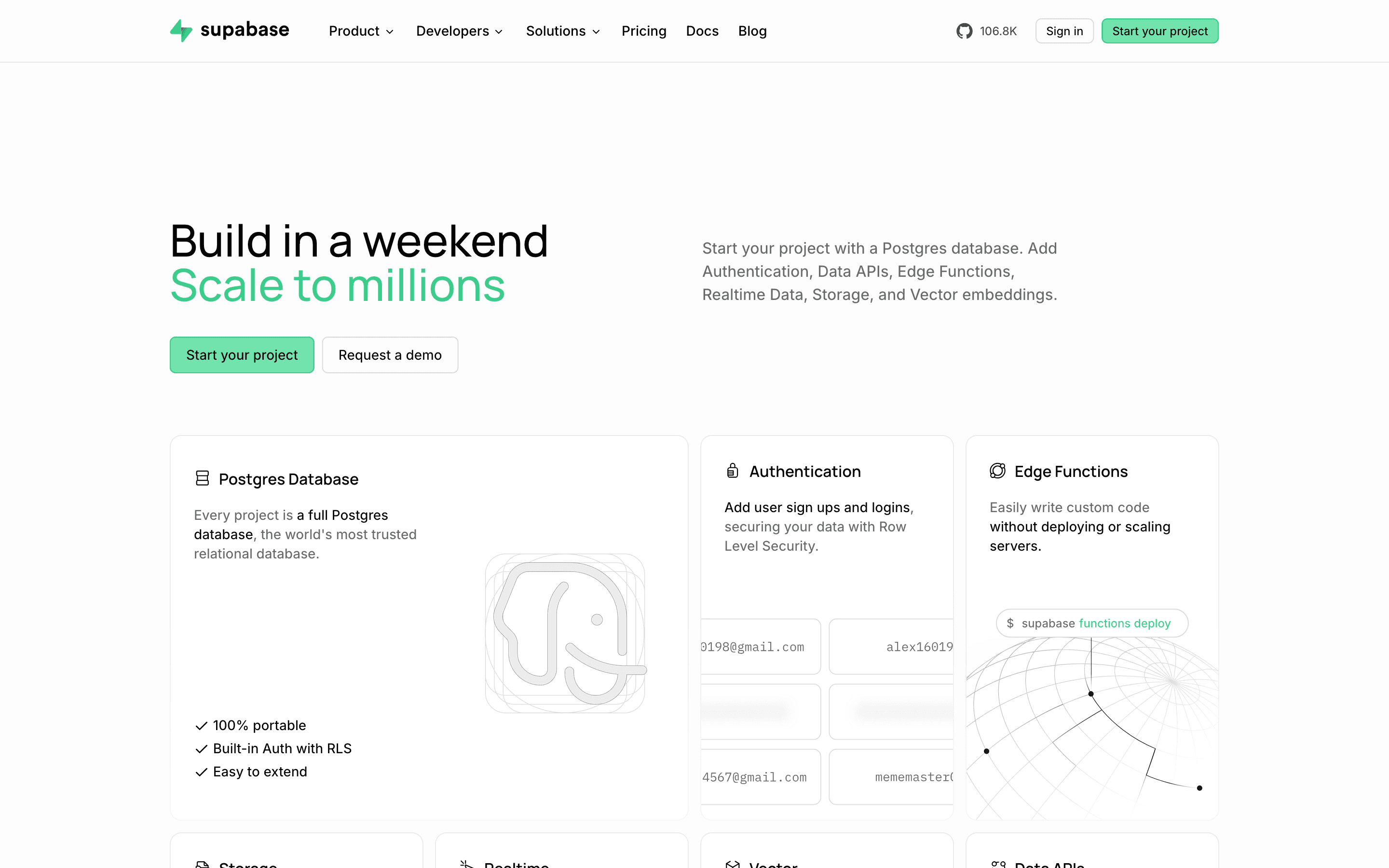
Supabase gives you a hosted Postgres database plus the pieces most apps build around it: auth, file storage, realtime subscriptions, and edge functions. You get a real Postgres instance you can connect to directly, not a proprietary database behind an API, so existing SQL knowledge and tooling carry over.
The pitch is that you skip standing up your own database, auth service, and storage bucket, and instead get a dashboard, generated client libraries, and row-level security policies to control access. Pricing separates a flat plan fee from usage: database size, bandwidth, storage, and monthly active users all have included amounts and then per-unit overage charges, plus a separate hourly charge for compute per project.
Supabase screenshots
Who it's for
- ✓ Developers who want real Postgres with auth and storage already wired up, not a proprietary data layer
- ✓ Teams comfortable managing SQL, migrations, and row-level security directly
- ✓ Projects that need to scale from a free single project to paid multi-project setups without switching platforms
Who should look elsewhere
- ✗ Teams that want one predictable flat bill rather than a base fee plus several metered add-ons
- ✗ Projects needing heavy custom logic in the database via triggers and stored procedures, where standard Postgres tooling can start to fight the platform
Pros
- + Real Postgres underneath, so you can connect with any Postgres client or ORM and aren't locked into a proprietary query language
- + Generous free tier for a single small project, including 50,000 MAUs and 500 MB of database
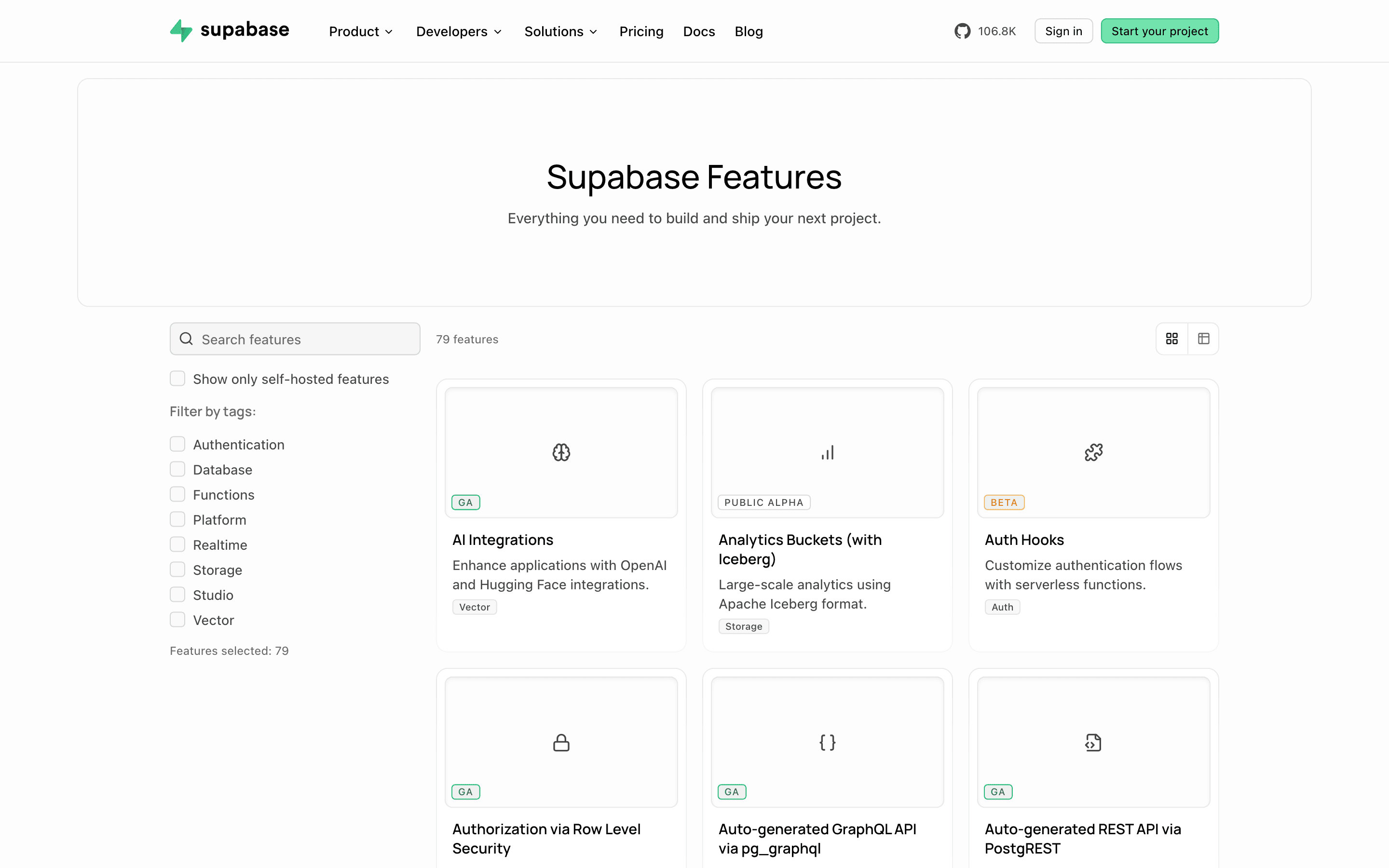
- + Auth, storage, realtime, and edge functions all ship in one platform instead of four separate vendors
- + Compute, storage, and bandwidth pricing is public and itemized, not hidden behind a sales call
Cons
- – The bill has a lot of moving parts: a flat plan fee, per-project compute billed hourly, and separate overage rates for disk, egress, storage, and MAUs
- – Spend caps are on by default on Pro, so a project can get paused when you hit an included limit unless you proactively enable pay-as-you-grow
- – Free-tier projects pause after a week of inactivity and are capped at 2 active projects
- – Some teams report local development friction and reliability issues, like the CLI's Docker setup breaking and databases going read-only when storage filled up unexpectedly
Supabase pricing
At about $25/month to start, it is one of the cheaper options in Backend as a Service.
| Plan | Price | Highlights |
|---|---|---|
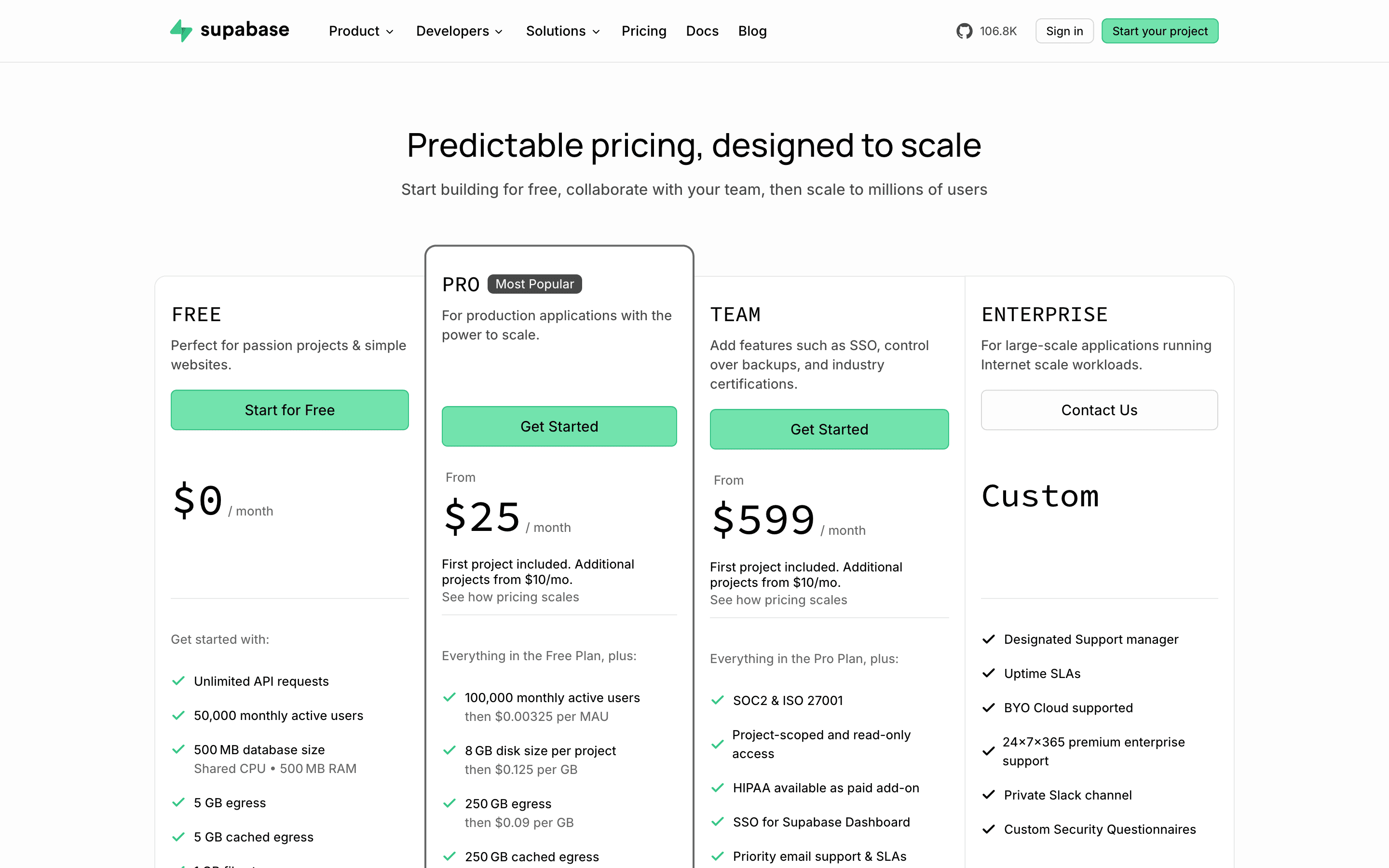
| Free | Free | 50,000 monthly active users · 500 MB database, shared CPU · 5 GB egress + 5 GB cached egress · 1 GB file storage · 2 active projects max, pauses after a week of inactivity · Community support only |
| Pro | $25/mo | 100,000 MAUs, then $0.00325 per extra · 8 GB disk, then $0.125/GB · 250 GB egress, then $0.09/GB · 100 GB storage, then $0.0213/GB · Includes $10/month compute credit (one Micro instance) · 7-day backups, email support |
| Team | $599/mo | Same usage allowances as Pro · SOC2 and ISO 27001 · HIPAA available as a paid add-on · Priority email support with SLAs · 14-day backups, 28-day log retention |
| Enterprise | Custom | Designated support manager · 24/7/365 support · Uptime SLAs · Bring-your-own-cloud support |
Pro is $25/month per project and is the entry paid plan; Enterprise is quote-only. Every plan bills usage separately from the plan fee: disk, egress, storage, and MAUs beyond the included amounts are charged per unit, and compute for each project is billed hourly on top (the $10/month Micro instance is included on Pro and Team, bigger instances cost more). Spend caps are on by default on Pro, so going over the included usage pauses the project unless you turn on pay-as-you-grow in the dashboard. Add-ons like point-in-time recovery ($100/mo per 7-day window), database branching, and custom domains ($10/mo) are billed separately.
Pricing verified July 22, 2026 · source
How Supabase's pricing compares
Supabase next to its closest alternatives on entry price, billing, and whether pricing is public.
| Tool | Starting price | Billing | Free option | Pricing disclosed |
|---|---|---|---|---|
| Supabase | $25/mo | tiered | Yes | Partly public |
| Firebase | Free tier + custom | usage-based | Yes | Not disclosed |
| Appwrite | $25/mo | usage-based | Yes | Partly public |
| Nhost | $25/mo | tiered | Yes | Partly public |
| Convex | $25/seat/mo | usage-based | Yes | Partly public |
| PocketBase | Free tier + custom | free | Yes | Not disclosed |
Is Supabase still actively developed?
Last significant update: July 2026. Supabase Pipelines entered public alpha, letting you stream Postgres changes to BigQuery through a managed CDC service in the dashboard, available on all paid plans.
Top Supabase alternatives
Supabase FAQ
Is Supabase free?+
Yes, there is a genuinely free plan with 50,000 monthly active users and a 500 MB database, but it caps you at 2 active projects and pauses projects after a week of inactivity.
How much does Supabase cost once I outgrow the free plan?+
The Pro plan starts at $25/month per project. That covers a base allowance of usage; going over it adds per-unit charges for disk, bandwidth, storage, and active users, plus a separate hourly compute charge for the project.
Can my project get shut off if I hit a limit?+
On the Pro plan, spend caps are on by default, which pauses the project if you exceed the included usage until you turn on pay-as-you-grow billing in the dashboard.
Is Supabase just Postgres with a nicer dashboard?+
At its core, yes. You get a real hosted Postgres database you can connect to with standard tools, with auth, storage, realtime, and edge functions layered on top.