Top Circleback Alternatives in 2026
Here for Circleback itself? See the full Circleback profile, pricing & reviews →
Suggest a change- If you want Circleback's automation habit without paying from day one, choose Fathom. Fathom's Free plan is free forever for unlimited recordings and transcripts, not a 7-day trial like Circleback's, and its paid tiers add the same kind of CRM sync and cross-meeting AI assistant.
- If you want the cheapest per-seat price among options that at least list Salesforce/HubSpot integrations, choose Fireflies. Fireflies Pro runs $10 a seat per month billed annually against Circleback's $20.83 annual Individual price (or $18 vs $25 if you compare monthly-to-monthly instead), and lists Salesforce and HubSpot among its integrations. To be fair, Otter's Pro plan is even cheaper at $8.33 a seat annually and lists the same integrations, so neither tool's pricing page actually confirms which tier turns CRM sync on, that gap is identical for both. Fireflies gets the nod anyway because Otter cut its Pro plan's transcription minutes from 6,000 to 1,200 without lowering the price and is a named defendant in a consolidated privacy class action, real downsides that outweigh a few dollars a seat.
- If most of your team only watches recaps and a handful of reps actually run the calls, choose Grain. Grain's Free plan gives every notetaker seat unlimited meetings up to 45 minutes with no seat charge at all, while Circleback bills every seat on its Team plan regardless of who's actually recording.
- If you're a sales team that wants playbook coaching built into the recorder, choose tl;dv. tl;dv's Business plan checks calls against playbooks like MEDDIC and BANT and flags objections automatically, a layer Circleback doesn't offer at any price.
- If you already type your own notes and just want them cleaned up, not a bot on the call, choose Granola. Granola transcribes quietly in the background while you type and never shows up as a visible bot, the opposite of how Circleback joins every meeting.
- If you rely on Circleback's in-person recording and its automations to 1,000+ apps, choose stay on Circleback. tl;dv also captures in-person conversations, through a mobile app, and lists a bigger integration count, but most of that runs through Zapier, n8n, or API rather than a native connection. No alternative here pairs Circleback's desktop-and-phone capture, extended to an Apple Watch complication, with 1,000+ automations that fire natively instead of through a separate connector.
Circleback is a solid pick for founders and small sales or CS teams who want a bot that joins the call, writes the notes, and then automates the busywork after, updating a CRM, posting a Slack recap, drafting a follow-up email. The catch is there's no free plan, only a 7-day trial before you have to subscribe, and at least one Trustpilot reviewer says support is a chatbot that rejects custom messages, with no way to open a ticket or reach a person even to report the app crashing.
That's usually what sends teams looking at alternatives: a real free tier to test with, cheaper per-seat pricing once you add headcount, or sales-specific features like coaching and deal tracking that Circleback doesn't build in.
Circleback alternatives compared
| Tool | Best for | Starting price | Free option | Last update |
|---|---|---|---|---|
| FathomBest free alternative | Individual reps or founders who want unlimited free recording and don't mind a 5-call cap on advanced AI features | $20/seat/mo | Yes | — |
| FirefliesCheapest per seat among CRM-friendly options | Sales and CS teams who want meeting notes synced straight into their CRM | $10/seat/mo | Yes | — |
| GrainBest for teams with many viewers, few callers | Sales and CS teams that want call notes tied directly into HubSpot or Salesforce | $15/seat/mo | Yes | May 2026 |
| tl;dvBest for sales coaching | Sales teams that want AI coaching and CRM logging built into the recorder, not bolted on | $18/seat/mo | Yes | December 2025 |
| Granola | Founders and reps who already type notes during calls and want them cleaned up automatically | $14/seat/mo | Yes | July 2026 |
| Otter | Individuals and small teams who mainly need reliable transcripts and summaries of Zoom/Meet/Teams calls | $16.99/seat/mo | Yes | April 2026 |
| Read AI | Sales and CS teams who want meeting scoring and talk-time analytics on top of transcripts | $15/seat/mo | Yes | May 2026 |
Why teams switch from Circleback
Support is a chatbot with no way to escalate
At least one Trustpilot reviewer describes Circleback's support as a chatbot with pre-written prompts that rejects custom messages, with no way to open a ticket or reach a person, even to report the app crashing.
There's no free plan to test with
Circleback offers only a 7-day free trial before you must subscribe. Teams that want to try a notetaker for free before committing budget look elsewhere.
Enterprise pricing isn't public
Circleback's Enterprise tier is quote-only, so larger teams can't budget a rollout without a sales call first.
Transcription gets shakier in noisy or crowded rooms
Speaker identification and transcription accuracy decline with overlapping speakers or a noisy conference room, according to user reviews.
The best Circleback alternatives, ranked
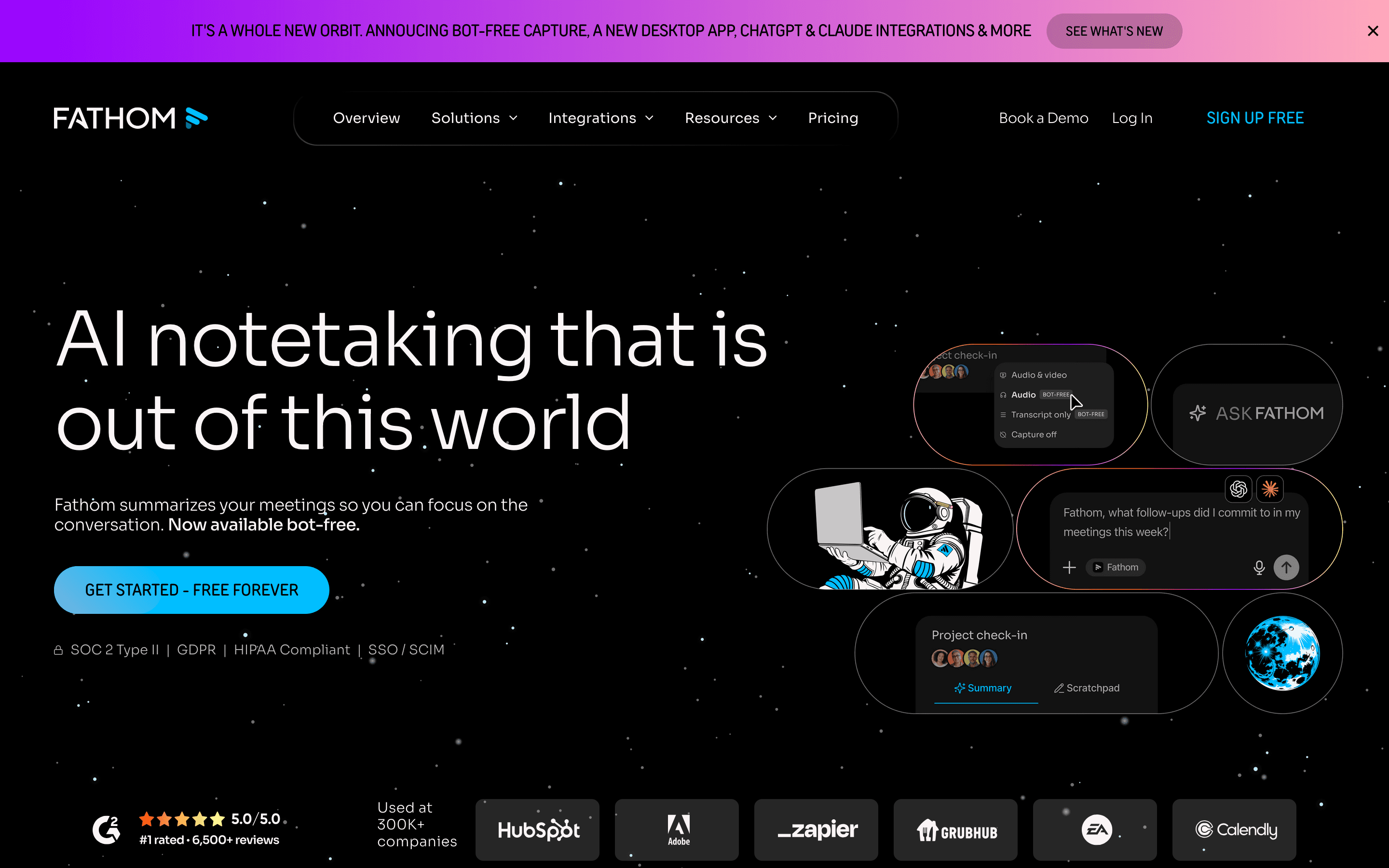
Fathom is the strongest overall substitute for Circleback because it fixes the one thing Circleback can't offer: a real free plan. Recording, transcripts, and summaries stay free forever, not just for a 7-day trial. Free users do hit a wall on advanced features, Ask Fathom, unlimited action items, after 5 calls a month, but paid tiers pick up CRM sync to Salesforce and HubSpot, call coaching scorecards, and bot-free capture options Circleback doesn't have. Team and Business plans need a 2-seat minimum, so a true solo user stays cheapest on Free. The tradeoff: third-party pricing trackers report steep renewal increases, around 111% for SMB contracts, so negotiate multi-year terms upfront if you plan to stay past year one.
Pros
- + Free plan is genuinely usable long-term, not a time-limited trial
- + Bot-free capture options mean you can record without an obvious bot in the call
- + CRM sync and coaching scorecards on Business tier compete with dedicated revenue intelligence tools at a lower price
Cons
- – Free users only get advanced AI features (Ask Fathom, action items, advanced summaries) on their first 5 calls each month, then lose them until the next month
- – Team and Business plans require a 2-seat minimum, so solo team leads can't get team features at single-seat pricing
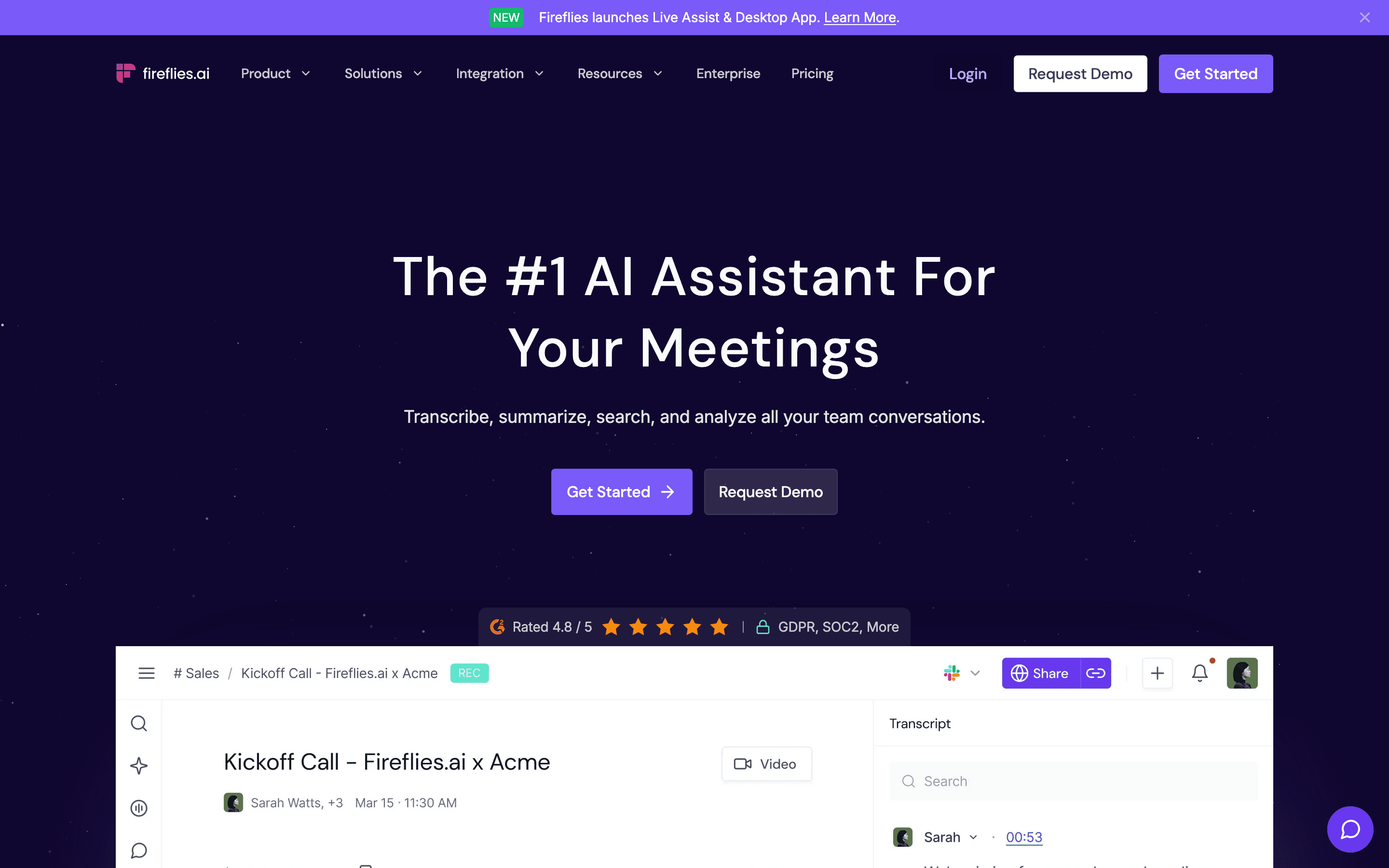
Fireflies matches Circleback's core loop, a bot joins the call, transcribes it, and can push notes into a CRM, at a lower entry price: $10 a seat per month billed annually versus Circleback's $20.83 annual Individual price (or $18 vs $25 if you compare monthly-to-monthly instead). It also has a genuine free plan, something Circleback lacks, though it's capped at 400 minutes of team storage. One caveat: Salesforce and HubSpot only show up in Fireflies' general integrations list, not tied to a specific plan, so its pricing page doesn't actually say which tier turns CRM sync on, the same gap Otter has for its own Salesforce connector. The other catch is how AI features are metered. Skills, Voice Agents, and sentiment analysis run on a one-time credit grant that never refills, and Fireflies auto-enrolls paid accounts in a $5 add-on once credits run out unless you turn that off. If your team leans hard on AI automations every week, budget for extra credits on top of the seat price.
Pros
- + Works across Zoom, Google Meet, Microsoft Teams, and uploaded recordings
- + CRM sync and AI Skills automate a lot of the post-call admin work
- + Business and Enterprise tiers scale storage to unlimited
Cons
- – AI Skills, Personal Assistant, Voice Agents, and sentiment analysis run on a one-time credit grant that never refills, not a monthly allowance, so active users hit a wall and must buy more or get auto-billed for a top-up
- – Free plan caps out at 400 minutes of storage per team, which fills up fast for active teams
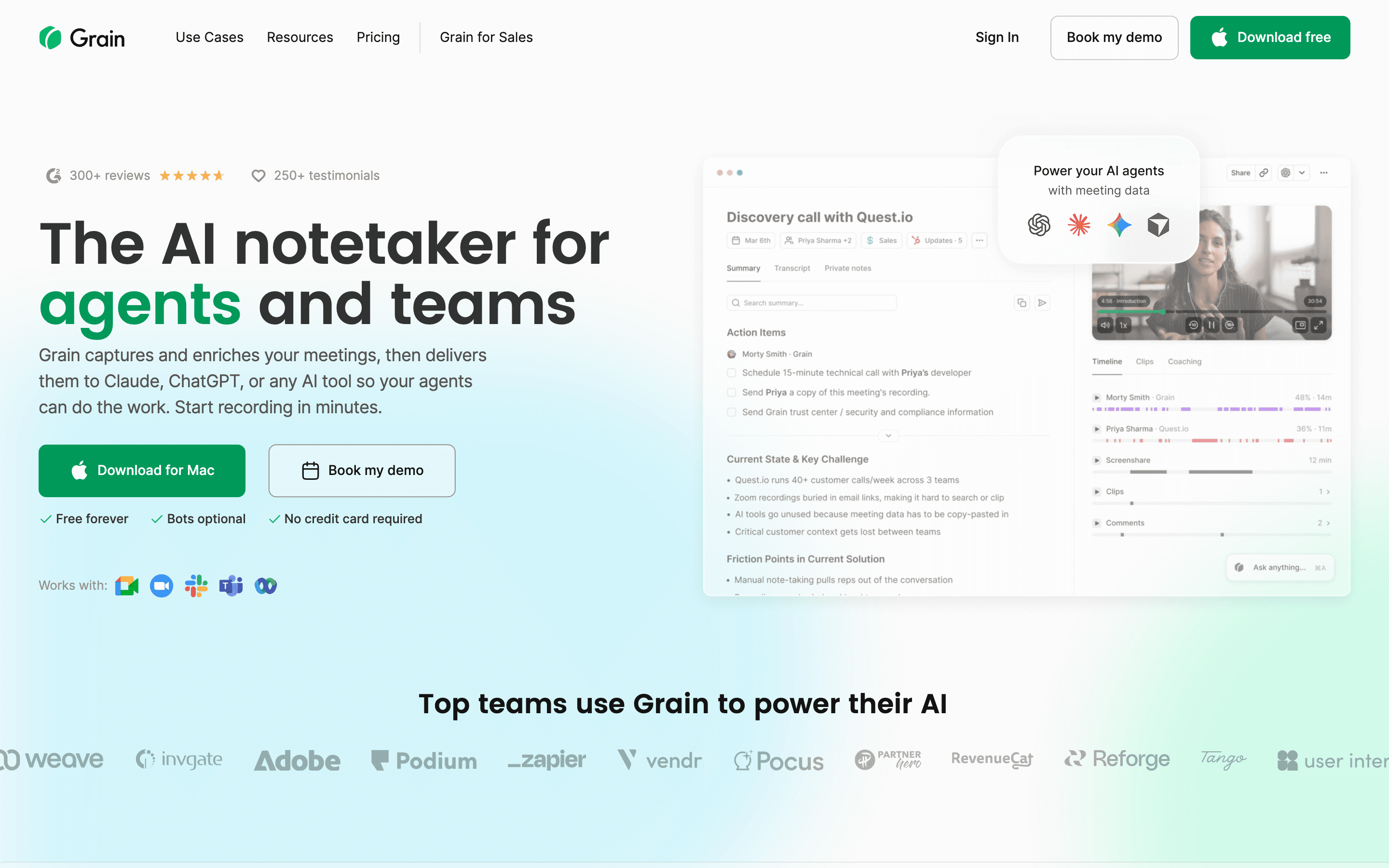
Grain is built for sales and CS teams and prices itself around who actually runs calls. Free viewer seats mean people who only watch and comment cost nothing, while Circleback charges per Team seat regardless of usage. Grain's Free tier is also more generous than Circleback's, unlimited meetings up to 45 minutes with unlimited notetaker seats, versus Circleback's trial-only access to recording. Business tier, $29 a seat per month billed annually, adds HubSpot and Salesforce sync plus AI coaching and deal pipeline tracking, comparable in ambition to Circleback's automations but aimed squarely at revenue teams. Watch for user reports of losing access to old recordings after downgrading, since Grain hasn't published a clear retention policy.
Pros
- + Free viewer seats mean you don't pay for people who only watch and comment
- + Deal pipeline tracking and AI coaching go further than most general-purpose notetakers
- + Generous free plan: unlimited meetings up to 45 minutes each, with unlimited notetaker seats
Cons
- – Per-seat cost adds up fast for teams where most people also need to record their own calls
- – Multiple users report losing access to past recordings after downgrading, with no clear public policy on what gets locked versus deleted
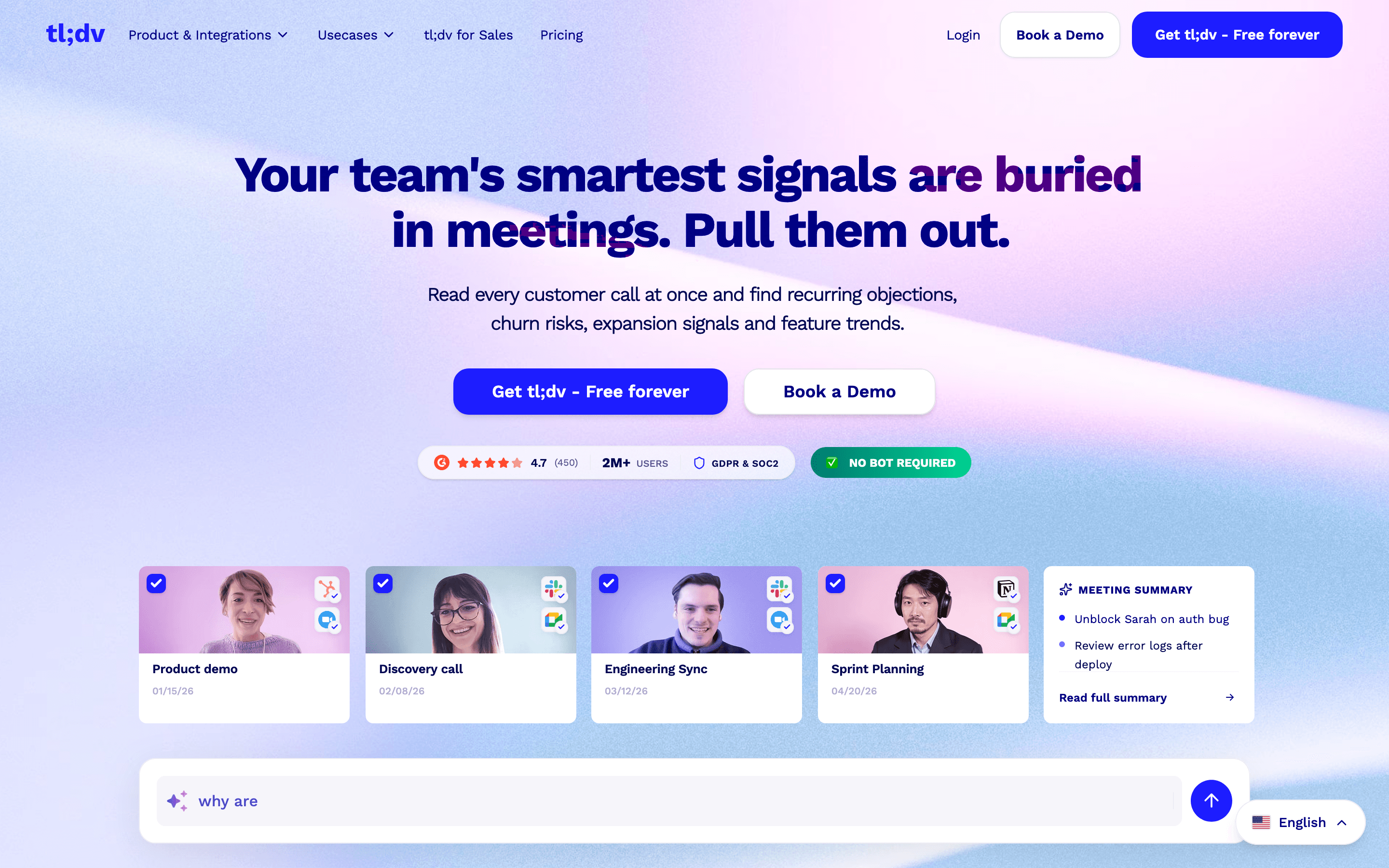
tl;dv covers the same ground as Circleback, bot-based recording, AI notes, CRM push, but leans harder into sales coaching. Its Business plan checks calls against playbooks like MEDDIC and BANT, flags objections, and helps explain why deals were won or lost, a layer Circleback doesn't have at any price. Pro, at $18 a seat per month billed annually, lands close to Circleback's Team price and includes unlimited integrations through Zapier. The free plan is thinner than Circleback's trial in one way: recordings auto-delete after 3 months and AI summaries cap at 10 for the account's whole lifetime. Support has also drawn complaints, including a reported account lockout tied to a 2026 domain migration.
Pros
- + Business plan bakes in sales coaching (playbook adherence, objection tracking) that most notetakers charge more for or don't offer
- + Unlimited integrations on Pro and up, including CRM sync via Zapier and 5,000+ tools through native, Zapier, n8n, and API
- + Annual billing cuts the per-seat price by roughly 40%, so committing early is worth it if you're staying
Cons
- – Free plan auto-deletes recordings after 3 months and caps AI summaries at 10 for the account's lifetime, so it works as a trial more than a real free tier
- – Monthly pricing is close to double the annual rate ($29 vs $18 for Pro, $98 vs $59 for Business), which punishes anyone not ready to commit for a year
Granola
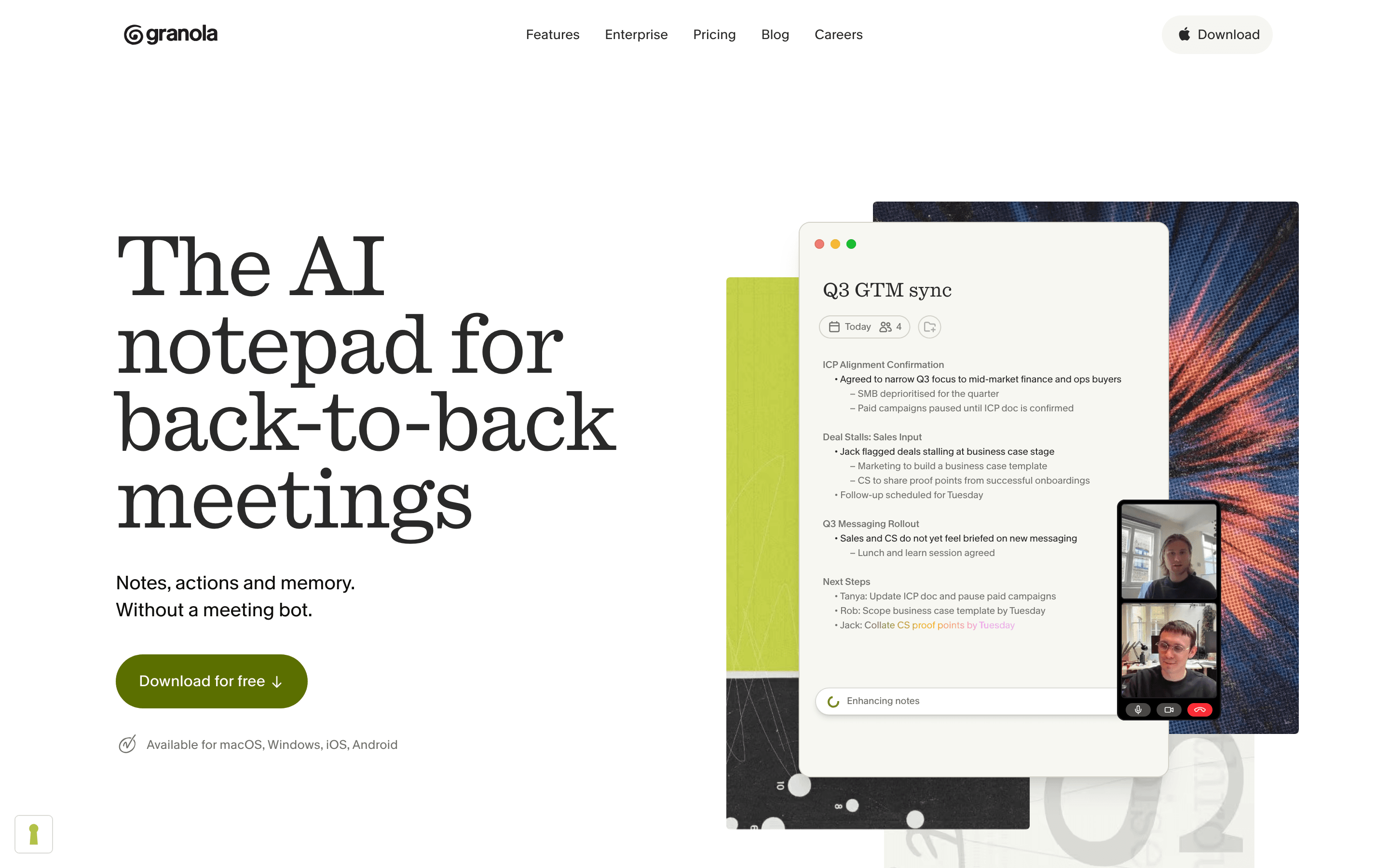
Granola works differently from Circleback in a way that matters: it doesn't join as a visible bot. You type your own rough notes during the call, it quietly transcribes in the background, and it rewrites your notes into a clean summary once you're done. That suits founders and reps who already take notes and just want them cleaned up, rather than Circleback's fully automated capture. Business tier, $14 a seat per month, undercuts Circleback's $25 Individual plan and includes Notion, Slack, and HubSpot integrations plus MCP access. The tradeoffs: no audio or video playback to double-check a transcription error, and by default your calls train Granola's model unless you're on Enterprise.
Pros
- + Notes read like a human wrote them instead of a raw AI transcript
- + Works on in-person conversations too, through the Android and iOS apps
- + Business tier at $14/seat is cheaper than Fathom and tl;dv for the same integrations
Cons
- – No audio or video playback, so you can't verify a transcription error after the fact
- – Free plan's meeting history cap isn't clearly stated by Granola, and reviewers report different numbers
Otter
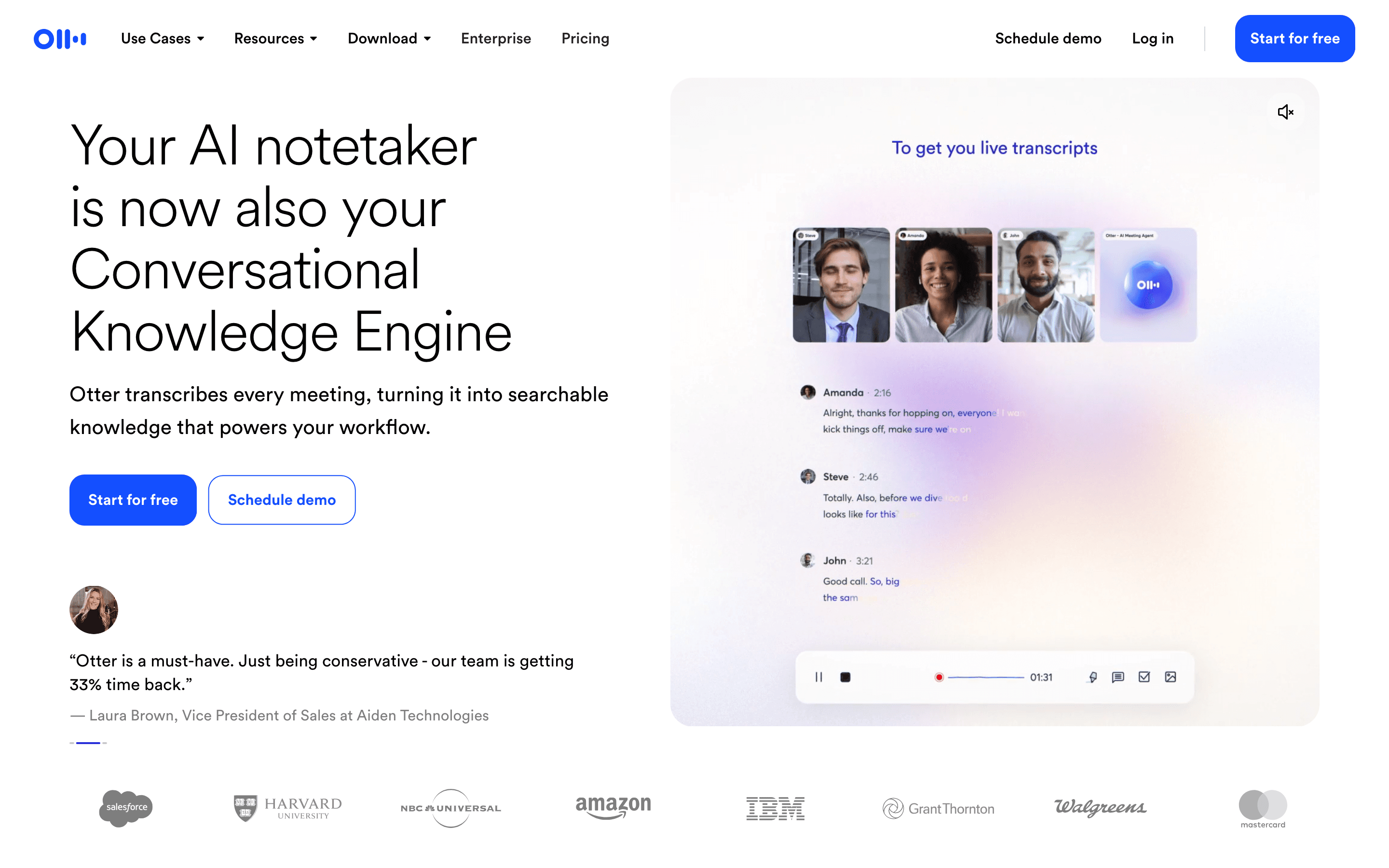
Otter is one of the oldest names in this category and still competes on transcription quality and price transparency, every tier except Enterprise has a published price. Its free Basic plan, 300 minutes a month, is smaller than Fathom's or Grain's, and Otter recently cut Pro plan transcription minutes from 6,000 to 1,200 without lowering the price, a move that frustrated existing users. It lacks Circleback's depth of automations and in-person recording, leaning instead on new AI Chat and MCP connectors to Gmail, Notion, and Salesforce. Otter is also a named defendant in a consolidated federal privacy class action over recording meeting participants without consent, worth weighing if you record calls with external guests.
Pros
- + Real, published pricing for every tier except Enterprise, so you can budget without a sales call
- + Free Basic plan is usable for light, occasional meetings
- + New AI Chat and MCP connectors let you ask questions across past meetings instead of hunting through transcripts
Cons
- – Otter cut the Pro plan's monthly transcription minutes from 6,000 to 1,200 without lowering the price, which frustrates heavy users
- – No phone or live chat support, only a help center and email tickets
Read AI
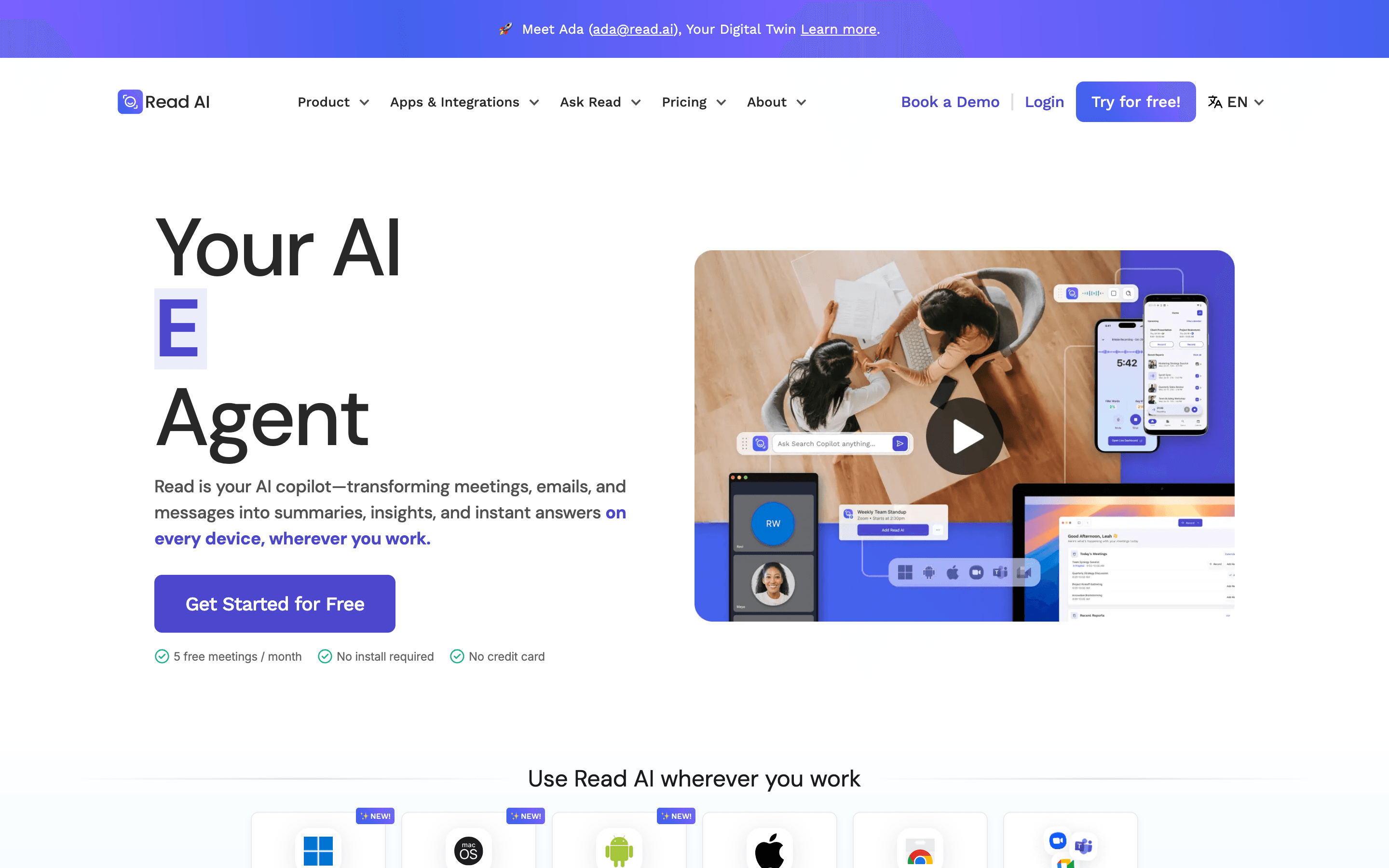
Read AI adds meeting scoring, talk-time ratios and sentiment, on top of the usual transcript and summary, something Circleback doesn't offer. Premium integrations, Notion, Salesforce, HubSpot, Jira, Confluence, are included on its entry paid plan at $15 a seat per month billed annually, and it now works as a Claude connector. But licensing is per person, so covering a whole team costs more than it first looks. The bigger issue is trust: Trustpilot reviews sit around 1.4 out of 5 from roughly 87 reviews, mostly from people whose meetings the bot joined without asking, and several universities have blocked it outright over consent concerns. Weigh that against Circleback's own, more minor, support complaints before switching.
Pros
- + Meeting analytics like talk-time ratio and sentiment go beyond a plain transcript
- + Premium integrations (Notion, Salesforce, HubSpot, Jira, Confluence) are included on the entry paid plan
- + Pricing is public and posted on the site, not hidden behind a sales call
Cons
- – Per-seat licensing means covering a whole team costs more than tools priced per workspace
- – Free plan is capped at 5 meeting transcripts a month with a 1-hour meeting limit
Should your product be on this ai meeting notetakers list?
If you build a tool that belongs next to the ones above, submit it. A human reviews every submission. Approved products get their own page with pricing and screenshots, plus a place in the comparisons where they fit. It is free. You sign in with your work email so you can follow the decision, and there is no password to create.
Circleback alternatives: FAQ
What's the best free alternative to Circleback?+
Fathom. Its Free plan covers unlimited recordings, transcripts, and basic summaries forever, unlike Circleback which only offers a 7-day trial before you must subscribe.
What's the cheapest Circleback alternative for a team?+
Fireflies Pro is $10 a seat per month billed annually, well under Circleback's $20.83 annual Individual price (or $18 vs $25 if you compare monthly-to-monthly instead), and it lists Salesforce and HubSpot among its integrations. Otter's Pro plan is nominally cheaper at $8.33 a seat annually and lists the same integrations, but neither vendor's pricing page says which tier actually turns CRM sync on, so treat that as unconfirmed for both. Otter also cut its Pro plan's monthly transcription minutes from 6,000 to 1,200 without lowering the price.
Is there a Circleback alternative that doesn't join calls as a visible bot?+
Granola. It transcribes quietly in the background while you type your own notes, rather than joining as a bot the way Circleback does.
Which Circleback alternatives are built for sales teams specifically?+
tl;dv and Grain both go further than Circleback for sales use cases, tl;dv with playbook coaching and objection tracking, Grain with deal pipeline tracking and free viewer seats for the rest of the team.
Circleback alternatives: pricing compared
Entry price, billing model, and whether pricing is public. 8 of 8 publish pricing you can check without talking to sales.
| Tool | Starting price | Billing | Free option | Pricing disclosed |
|---|---|---|---|---|
| Circleback | $25/seat/mo | per-seat | Trial (7 days) | Partly public |
| Fathom | $20/seat/mo | per-seat | Yes | Partly public |
| Fireflies | $10/seat/mo | per-seat | Yes | Public |
| Grain | $15/seat/mo | per-seat | Yes | Partly public |
| tl;dv | $18/seat/mo | per-seat | Yes | Partly public |
| Granola | $14/seat/mo | per-seat | Yes | Public |
| Otter | $16.99/seat/mo | per-seat | Yes | Partly public |
| Read AI | $15/seat/mo | per-seat | Yes | Public |
How we made these picks. We compare tools on public pricing, features, and hands-on assessment, then verify every price against the vendor's own page. We never accept payment for rankings. Read the full methodology. Spotted an error? Report it.