tl;dv Review
AI notetaker that records Zoom, Meet, and Teams calls and turns them into searchable notes and CRM updates
Is this your product? Claim this page · Request a change
Looking for a tl;dv alternative? See our ranked comparison.→What is tl;dv?
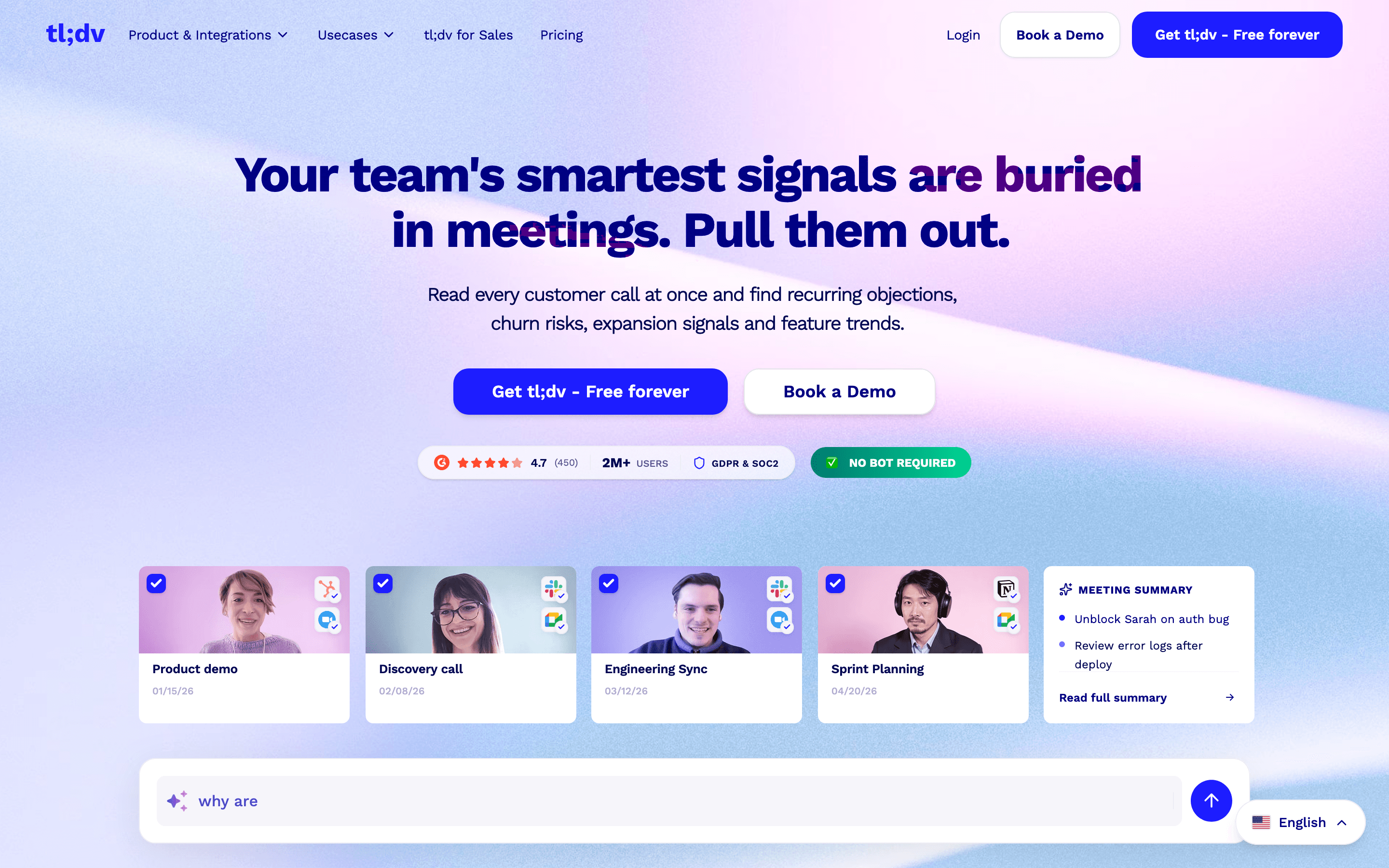
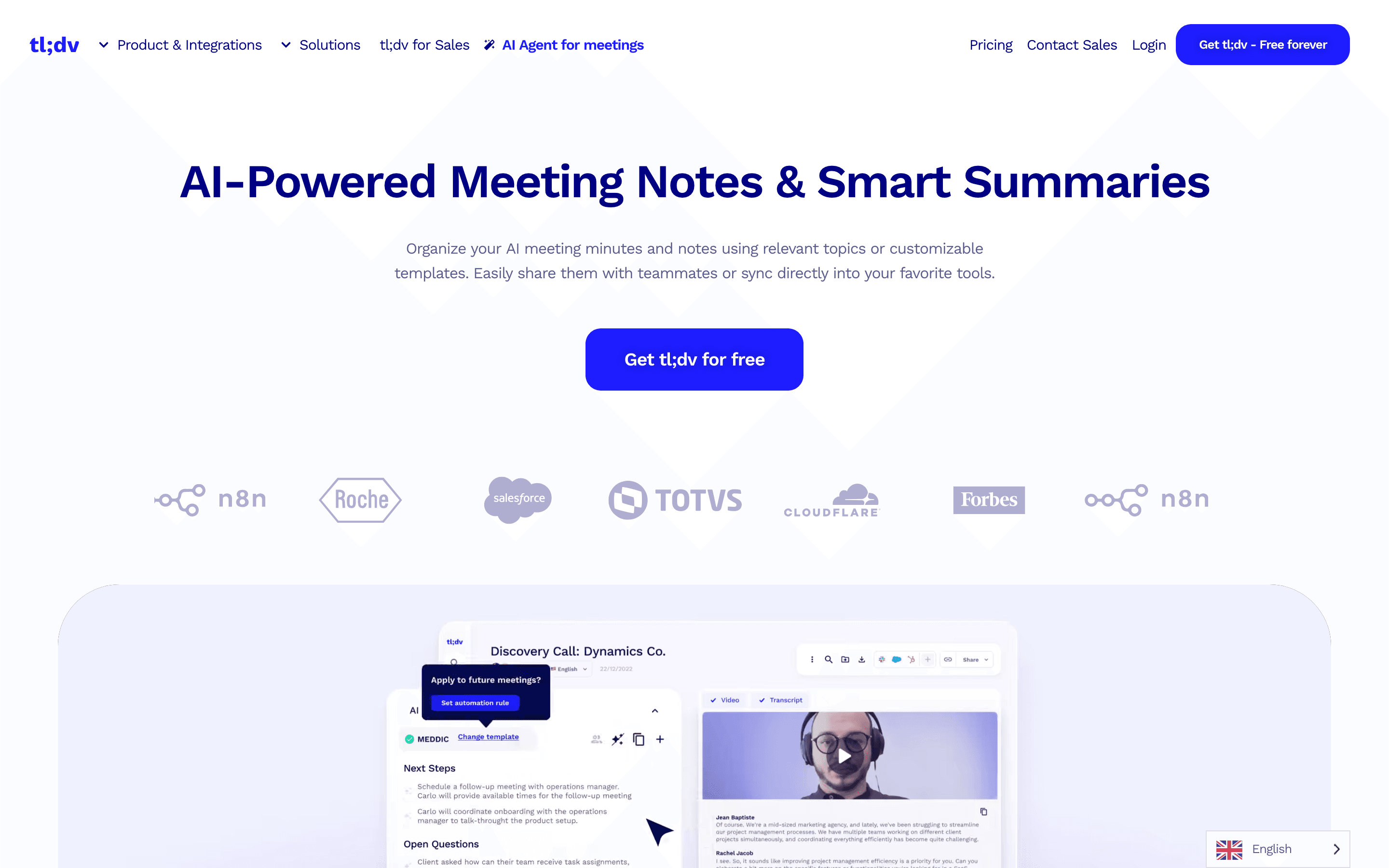
tl;dv joins your Zoom, Google Meet, or Teams call, records it, and turns the recording into a transcript, an AI summary, and searchable notes. It works across 30+ languages and pushes what it captures into Slack, Notion, and CRMs like HubSpot and Salesforce.
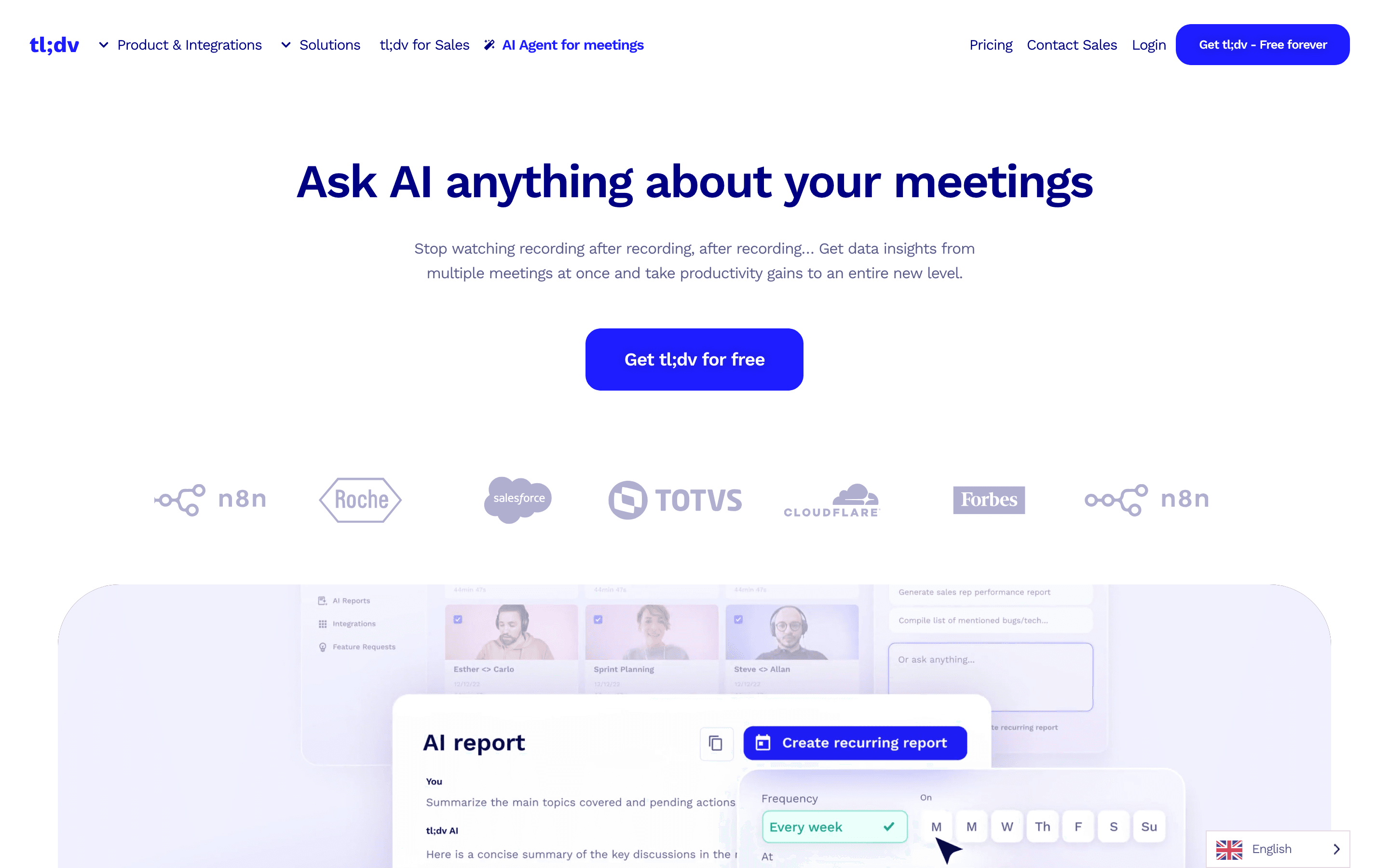
It started as a simple notetaker but has moved toward being a sales tool. The Business plan adds AI coaching that checks calls against a sales playbook (MEDDIC, BANT, SPIN), flags objections, and helps explain why deals were won or lost. The 2025 additions (multi-meeting search, an 'Ask tl;dv' chat layer, mobile apps) point the product at teams that want insight across dozens of calls, not just notes on one.
tl;dv screenshots
Who it's for
- ✓ Sales teams that want AI coaching and CRM logging built into the recorder, not bolted on
- ✓ Teams on a budget who are fine with a modest per-seat price if they commit to annual billing
Who should look elsewhere
- ✗ Teams that need to keep old recordings past 3 months on the free plan
- ✗ Anyone who wants unlimited AI summaries without paying, since the free plan caps out at 10 lifetime
Pros
- + Business plan bakes in sales coaching (playbook adherence, objection tracking) that most notetakers charge more for or don't offer
- + Unlimited integrations on Pro and up, including CRM sync via Zapier and 5,000+ tools through native, Zapier, n8n, and API
- + Annual billing cuts the per-seat price by roughly 40%, so committing early is worth it if you're staying
Cons
- – Free plan auto-deletes recordings after 3 months and caps AI summaries at 10 for the account's lifetime, so it works as a trial more than a real free tier
- – Monthly pricing is close to double the annual rate ($29 vs $18 for Pro, $98 vs $59 for Business), which punishes anyone not ready to commit for a year
- – Some users report support going quiet on account access and billing problems, including a reported lockout tied to a February 2026 domain migration
tl;dv pricing
What you pay for
You pay per seat, per month, and the price roughly doubles if you pay monthly instead of annually. Pro covers unlimited AI notes and integrations for internal teams. Business adds CRM sync and sales coaching and costs about 3x Pro. tl;dv discloses exact prices for Pro and Business but keeps Enterprise on a custom quote.
At about $18/month to start, it sits at the higher end of AI Meeting Notetakers pricing.
| Plan | Price | Highlights |
|---|---|---|
| Free | Free | Unlimited recordings, but auto-deleted after 3 months · 10 AI summaries for the life of the account, then just the first 10 minutes of later calls · Basic Slack, email, and calendar integrations · No CRM sync or team folders |
| Pro | $18/seat/mo | $29/seat/month if you pay monthly, $18 if you pay annually · Unlimited AI notes, tags, and recording downloads · Unlimited integrations including CRM via Zapier · Team folders and org-wide search |
| Business | $59/seat/mo | $98/seat/month if you pay monthly, $59 if you pay annually · Native Salesforce and HubSpot sync · AI sales coaching against playbooks like MEDDIC and BANT · Objection-handling and win/loss analysis across calls |
| Enterprise | Custom | Private AI hosting · Dedicated customer success manager · SSO, SCIM, and priority support with SLAs |
Pro and Business prices shown are the per-seat monthly rate when billed annually; tl;dv is running a 40% annual discount that brings Pro from $29 to $18/seat/month and Business from $98 to $59/seat/month. tl;dv's own pricing page (tldv.io/app/pricing) is a JavaScript app that does not expose prices to a plain fetch, so these figures are cross-checked against two independent third-party pricing breakdowns (Claap and Prospeo) that both cite the same numbers as current in mid-2026. No free trial on paid plans; you use the Free plan instead.
Pricing verified July 7, 2026 · source
How tl;dv's pricing compares
tl;dv next to its closest alternatives on entry price, billing, and whether pricing is public.
| Tool | Starting price | Billing | Free option | Pricing disclosed |
|---|---|---|---|---|
| tl;dv | $18/seat/mo | per-seat | Yes | Partly public |
| Granola | $14/seat/mo | per-seat | Yes | Public |
| Fathom | $20/seat/mo | per-seat | Yes | Partly public |
| Fireflies | $10/seat/mo | per-seat | Yes | Public |
| Otter | $16.99/seat/mo | per-seat | Yes | Partly public |
| Circleback | $25/seat/mo | per-seat | Trial (7 days) | Partly public |
| Grain | $15/seat/mo | per-seat | Yes | Partly public |
Is tl;dv still actively developed?
Last significant update: December 2025. tl;dv's 2025 wrap-up covers the year's real shipped features: multi-meeting intelligence that finds patterns across many calls instead of one at a time, an 'Ask tl;dv' Q&A layer over your meeting library, iOS and Android apps for capturing in-person conversations, redesigned org-level admin controls, SSO and SCIM provisioning, and SOC 2 compliance work.
Top tl;dv alternatives
Further reading
- AI Meeting Notetakers Pricing Compared: 8 Tools, Real Numbers - Entry list prices for Circleback, Fathom, Fireflies, Grain, Granola, Otter, Read AI and tl;dv, checked 2026-07-07, plus what actually drives your bill.
tl;dv FAQ
Is tl;dv free?+
There's a free plan, but recordings are auto-deleted after 3 months and you only get 10 AI summaries for the life of the account. After that, later calls only get AI notes on the first 10 minutes.
How much does tl;dv cost per seat?+
Pro is $18/seat/month billed annually ($29 if billed monthly). Business is $59/seat/month billed annually ($98 if billed monthly). Enterprise is custom-quoted.
Does tl;dv integrate with my CRM?+
Yes. Business plans get native Salesforce and HubSpot sync. Pro plans can reach CRMs through Zapier instead of a native connection.