Granola Review
AI notepad that turns your own meeting notes into clean, shareable summaries
Is this your product? Claim this page · Request a change
Looking for a Granola alternative? See our ranked comparison.→What is Granola?
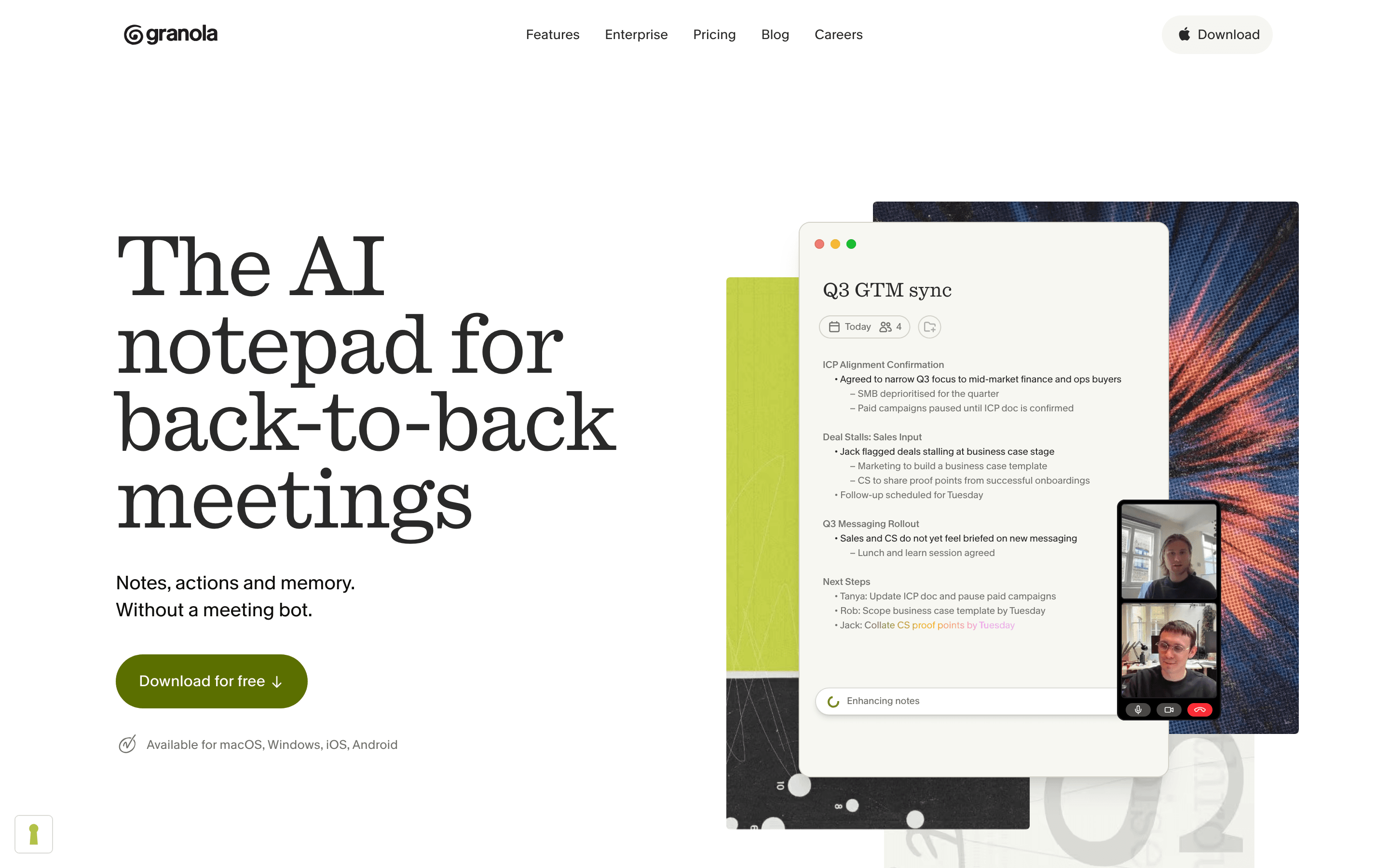
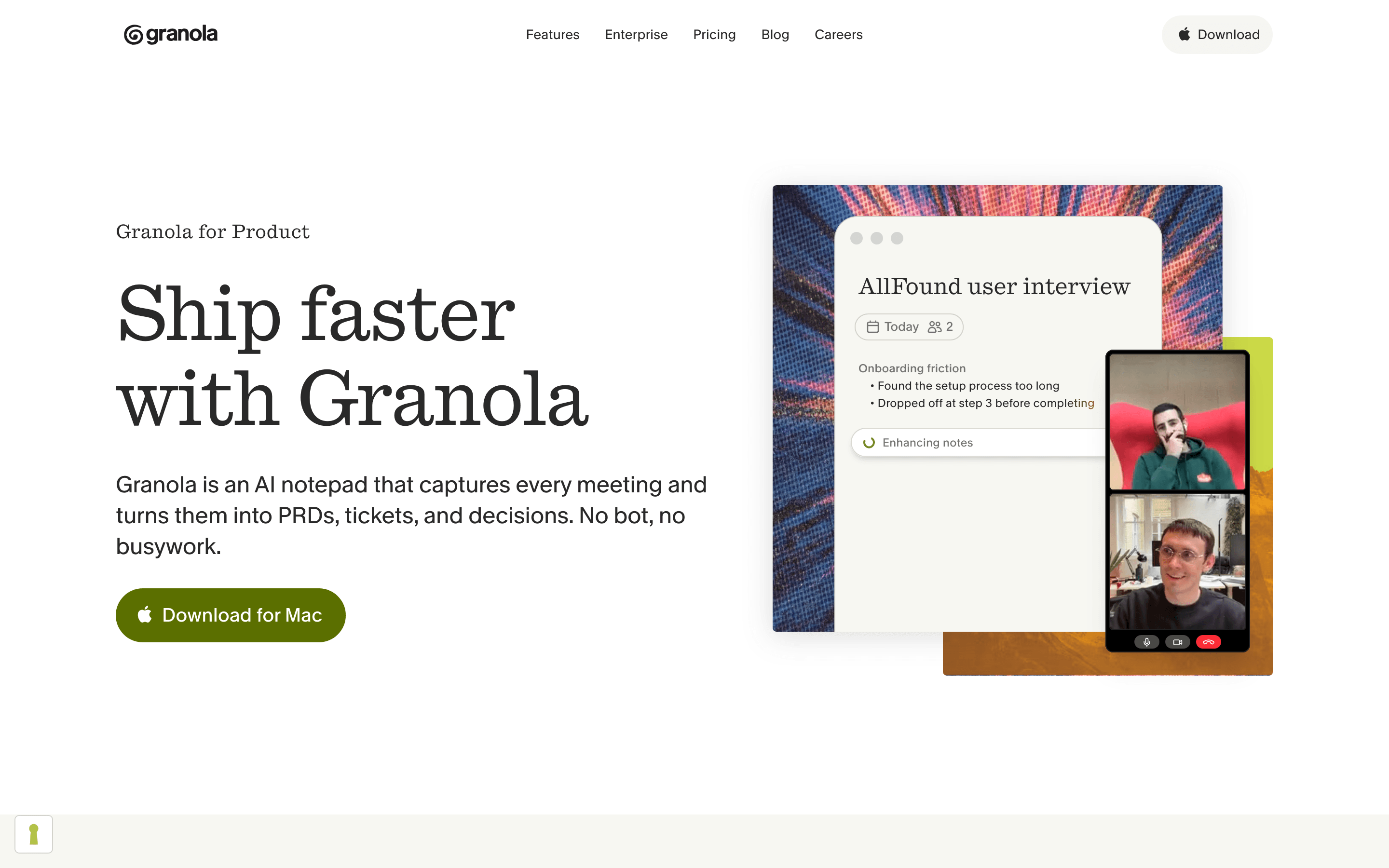
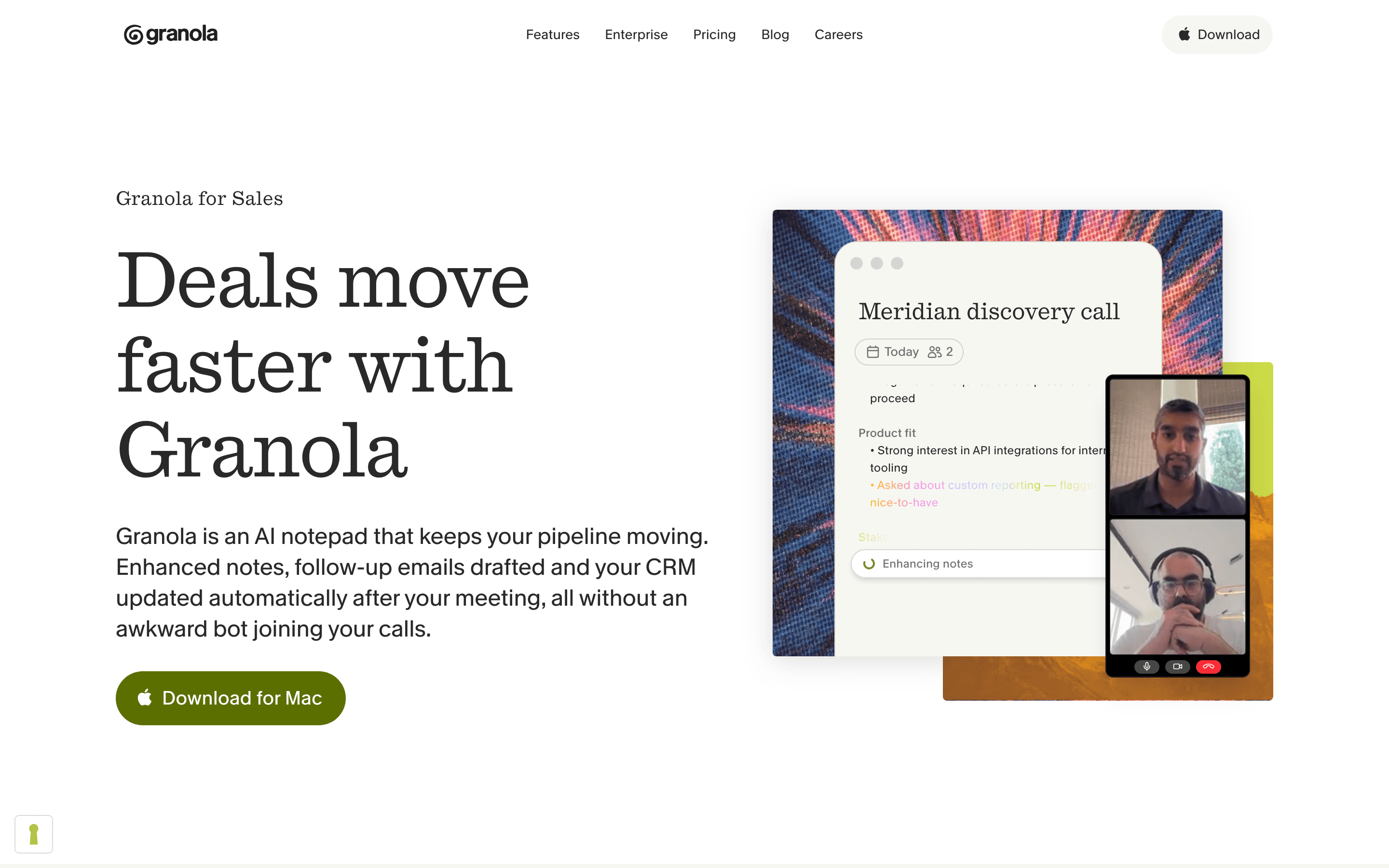
Granola is a notepad app that sits on top of your meetings. You type your own rough notes as usual, whether that's on a call or in person, and Granola quietly transcribes the audio in the background and rewrites your notes into a clean, structured summary once the meeting ends. It doesn't join as a bot on the call the way most notetakers do.
The pitch is that your notes end up looking like something you wrote yourself, not a wall of AI-generated bullet points. It works across Zoom, Google Meet, Teams, and in-person conversations via the mobile app, and pulls in calendar context so it knows what meeting you're in.
Since a $125M Series C in March 2026, Granola has been pushing past solo notetaking into a broader "company context" tool, with chat across all your past meetings and deeper integrations into CRMs and project tools.
Granola screenshots
Who it's for
- ✓ Founders and reps who already type notes during calls and want them cleaned up automatically
- ✓ Teams on Mac and Windows desktop who want notes that read like a person wrote them, not a transcript dump
Who should look elsewhere
- ✗ Teams that want a bot to join calls automatically with zero manual note-taking
- ✗ Anyone who needs full call recordings and playback to double-check what was actually said
Pros
- + Notes read like a human wrote them instead of a raw AI transcript
- + Works on in-person conversations too, through the Android and iOS apps
- + Business tier at $14/seat is cheaper than Fathom and tl;dv for the same integrations
- + Syncs notes across desktop and mobile automatically
Cons
- – No audio or video playback, so you can't verify a transcription error after the fact
- – Free plan's meeting history cap isn't clearly stated by Granola, and reviewers report different numbers
- – Speaker attribution gets shaky once more than four people are on a call
- – By default your calls train Granola's AI model unless you're on Enterprise
Granola pricing
What you pay for
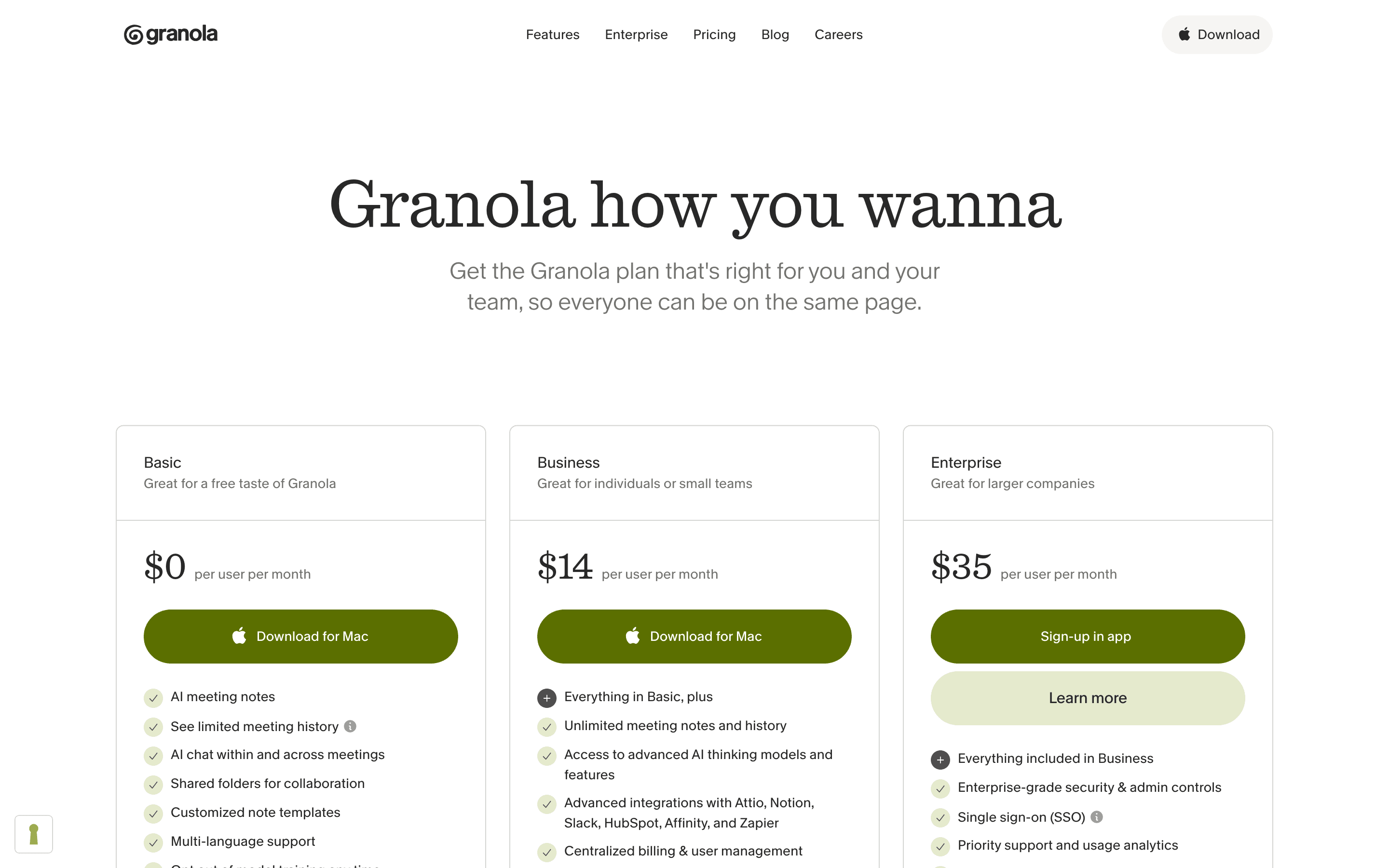
Granola charges per seat, per month, with no annual discount published. The free plan gets you real AI notes but chops off your older meeting history after a while. Business at $14/seat unlocks unlimited history and the integrations most teams actually need (Notion, Slack, HubSpot), and Enterprise at $35/seat adds SSO and support for security teams. Pricing is public and simple, not quote-only.
At about $14/month to start, it is one of the cheaper options in AI Meeting Notetakers.
| Plan | Price | Highlights |
|---|---|---|
| Basic | Free | AI meeting notes · Limited meeting history · AI chat within and across meetings · Shared folders · Custom templates · Multi-language support · Can opt out of model training |
| Business | $14/seat/mo | Everything in Basic · Unlimited meeting notes and history · More advanced AI models · Integrations: Attio, Notion, Slack, HubSpot, Affinity, Zapier · Centralized billing · MCP integration and API access |
| Enterprise | $35/seat/mo | Everything in Business · SSO and admin controls · Priority support · Usage analytics · Org-wide auto-deletion · Team-wide opt-out of model training |
All three prices come straight from the pricing page and are listed as monthly, per user. There's no annual discount shown anywhere on the page. The free Basic plan caps how far back your meeting history goes; reviewers report figures anywhere from 14 to 30 days, and Granola's own site just says "limited" without a number, so treat any specific cap as unconfirmed.
Pricing verified July 7, 2026 · source
How Granola's pricing compares
Granola next to its closest alternatives on entry price, billing, and whether pricing is public.
| Tool | Starting price | Billing | Free option | Pricing disclosed |
|---|---|---|---|---|
| Granola | $14/seat/mo | per-seat | Yes | Public |
| Fathom | $20/seat/mo | per-seat | Yes | Partly public |
| Fireflies | $10/seat/mo | per-seat | Yes | Public |
| Otter | $16.99/seat/mo | per-seat | Yes | Partly public |
| Circleback | $25/seat/mo | per-seat | Trial (7 days) | Partly public |
| Grain | $15/seat/mo | per-seat | Yes | Partly public |
| Read AI | $15/seat/mo | per-seat | Yes | Public |
Is Granola still actively developed?
Last significant update: July 2026. Launched a Granola app for Android, so notes taken on your phone during in-person meetings now sync with the desktop app.
Top Granola alternatives
Further reading
- AI Meeting Notetakers Pricing Compared: 8 Tools, Real Numbers - Entry list prices for Circleback, Fathom, Fireflies, Grain, Granola, Otter, Read AI and tl;dv, checked 2026-07-07, plus what actually drives your bill.
Granola FAQ
Is Granola free?+
Yes, the Basic plan is free and includes AI meeting notes and cross-meeting chat, but your older meeting history gets cut off after a while.
How much does Granola cost for a team?+
Business is $14 per seat per month with unlimited history and integrations like Notion and HubSpot. Enterprise is $35 per seat per month and adds SSO and priority support.
Does Granola record and join my calls like Zoom's bot notetakers?+
No. Granola doesn't join as a visible bot. It transcribes in the background while you type your own notes, then rewrites them into a summary.
Does Granola train its AI on my meetings?+
By default, yes, unless you opt out. Basic and Business users can opt out per person; Enterprise lets an admin opt out the whole team.