Top Joblogic Alternatives in 2026
Here for Joblogic itself? See the full Joblogic profile, pricing & reviews →
Suggest a change- If you run a larger, multi-crew operation with 10 or more techs and want technician-level reporting, dispatch, and payroll in one system, choose ServiceTitan. it's built for higher-volume operations and gives owners dispatch, payroll, and job-profitability reporting depth that Joblogic's Standard plan doesn't reach, though you'll need a sales call and an implementation budget to get there. It's also a US-first product with no confirmed GBP billing or UK support, so confirm both before you switch.
- If you want the newest field-tech mobile app and route-based scheduling, not just quoting and invoicing, choose Housecall Pro. the 2026 mobile app rebuild and route-based scheduling are a real day-to-day upgrade for techs in the field, and pricing is posted on the site so you can see the cost before you talk to anyone. Pricing is USD-only with no confirmed GBP billing or UK support, so check that with the vendor first.
- If you're a small-to-mid team of 1 to 15 people that wants transparent per-seat pricing and a QuickBooks sync, choose Jobber. it publishes exact team-size pricing bands and a 14-day trial with full feature access, so you can see your real monthly cost before you commit to switching.
- If you're a solo operator or very small crew who wants to try job management software for free before spending anything, choose ServiceM8. it's the only alternative here with a genuine free plan, and every paid plan includes unlimited users, so adding staff doesn't raise your subscription directly.
- If you already run Premium or Enterprise Joblogic for PPM contracts, compliance tracking, stock management, and a customer portal, choose stay on Joblogic. none of these alternatives match that specific combination of UK-focused compliance and PPM contract features at a comparably accessible starting price, so the switching cost likely outweighs the benefit.
Joblogic covers the full job lifecycle for UK trades: scheduling, quoting, invoicing, PPM contracts, and compliance tracking. Most Standard-plan buyers get in at a published price, but the moment you need Premium or Enterprise features like a customer portal, stock management, or deeper compliance tracking, the price goes quote-only and you're often steered toward a 24- or 36-month contract.
That's usually what pushes owners and ops managers to look around. Reviewers also flag a feature that sounds standard, automated email reminders, sitting behind a paid Marketplace add-on that wasn't disclosed at sign-up, plus a mobile app that lags on weak signal and custom reporting thin enough that some teams export to Excel just to get the numbers they need. The alternatives below all do the same core job as Joblogic: getting a crew scheduled, a quote out, and an invoice paid, just with different pricing models and different ceilings on how big you can grow. Two of the four, ServiceTitan and Housecall Pro, are US-first products: every price and source we found for them is in USD from US pricing pages and US review sites, with no confirmed GBP billing, VAT-compliant invoicing, or UK support hours. If you're a UK buyer, confirm all three directly with the vendor before you evaluate either one.
Joblogic alternatives compared
| Tool | Best for | Starting price | Free option | Last update |
|---|---|---|---|---|
| ServiceTitanBest for large, multi-crew operations | Multi-crew HVAC, plumbing, electrical, or roofing companies with 10+ techs that need one system for dispatch, invoicing, payroll, and reporting | Custom / quote | No | May 2026 |
| Housecall ProBest for simple booking and invoicing | Solo operators and small crews who want scheduling, invoicing, and payments in one app without a lot of setup | $59/user/mo | Trial (14 days, no credit card required, full MAX plan features) | May 2026 |
| JobberBest transparent switch for small-to-mid teams | A solo operator or small crew (1-5 people) that wants quoting, scheduling, and invoicing in one place without a big setup lift | $29/seat/mo | Trial (14 days, full access to the Grow plan, no credit card required) | — |
| ServiceM8Best free alternative | Small trade businesses (1-10 staff) that want simple job scheduling, quoting, and invoicing without paying per seat | $29/mo | Yes | April 2026 |
Why teams switch from Joblogic
Features presented as standard turn out to be paid add-ons
A reviewer said automated email reminders, something that sounds like a standard feature, were actually behind an extra-cost Marketplace add-on that wasn't disclosed during onboarding or sales, and the company refused a refund.
Switching to Joblogic to save money backfired for at least one buyer
A reviewer who moved to Joblogic from another provider specifically to cut costs said it ended up costing more once issues came up.
Long contract terms
Many customers are put on 24- or 36-month contracts. Joblogic says it can arrange 12 months if that suits the business better, but you have to ask for it.
Custom reporting doesn't go far enough
A reviewer said Joblogic's built-in reporting is limited enough that they export data to Excel to get the numbers they actually need to run the business.
The best Joblogic alternatives, ranked
ServiceTitan is the closest match to Joblogic's ambition of running the whole job lifecycle in one system: dispatch, call booking, quoting, invoicing, payroll, and reporting. Where Joblogic publishes a price for its entry Standard plan, ServiceTitan won't quote anything without a sales call, and third-party reports put base plans somewhere between $245 and $500 per technician a month, plus a separate implementation fee that can run from $5,000 to $50,000 or more. That makes it a real option mainly for operations already running 10 or more techs who want technician-level reporting and are prepared to negotiate. Marketing, fleet tracking, and phone intelligence all cost extra as separate Pro modules, and renewal price jumps of 15-20% are common, so budget for the relationship to get pricier over time, not cheaper. Every price and integration we could verify (Angi, Google Local Services Ads, CallRail) is US-only, with nothing on ServiceTitan's site confirming GBP billing, VAT-compliant invoicing, or UK support hours, so a UK buyer should get that confirmed before going further.
Pros
- + Covers the full job lifecycle in one place: booking, dispatch, quoting, invoicing, payroll, and reporting
- + Deep reporting lets owners see technician-level performance, close rates, and job profitability
- + Mobile app gives techs pricebook, job history, and payment collection on-site
Cons
- – No published pricing. You have to talk to sales to get a number, and third-party reports put base plans anywhere from about $245 to $500 per technician per month
- – Implementation fees are separate and reported to range from about $5,000 to $50,000 or more depending on company size, with onboarding reported to take months

Housecall Pro covers the same core job as Joblogic: scheduling, quoting, invoicing, online booking, and payments, with published tiered pricing starting at $59 a month for one user. It's a more approachable switch than ServiceTitan since you can see numbers before you talk to anyone. The catch is that features most shops actually need, like QuickBooks sync, GPS tracking, and flat-rate pricing, sit on the Essentials plan and up, not Basic, so your real starting point is closer to $149 a month. The 2026 mobile app rebuild and route-based scheduling are genuine improvements for techs in the field. Watch for card processing fees and BBB complaints describing charges continuing after cancellation, so confirm your billing has actually stopped when you leave a plan. Pricing here is quoted only in USD and sourced from US pricing pages and a US complaint board, with no mention of GBP billing or UK support, so a UK buyer should confirm both directly before treating it as a switch target.
Pros
- + Covers scheduling, invoicing, online booking, and payments in one app without needing separate tools
- + QuickBooks Online sync with control over when jobs and invoices sync
- + 14-day free trial gives full access to MAX plan features, no credit card needed
Cons
- – Core features like GPS tracking, flat-rate pricing, and QuickBooks sync are locked behind Essentials or MAX, not Basic
- – Extra users past the plan limit cost $35/month each on MAX, which adds up fast for growing crews
Jobber is built for the same job as Joblogic's Standard plan: quoting, scheduling, invoicing, and getting paid, with a published per-seat price starting at $29 a month. Unlike Joblogic, pricing bands by team size rather than a flat per-seat add-on, so a 10-person crew on the Grow plan runs $299 a month, not the $149 solo sticker price. Two-way texting and full job costing are locked out of the cheapest Core plan, so you'll need Grow (not just Connect) to match Joblogic Standard's built-in job costing and get two-way texting. Joblogic's own automated reminders aren't free either. They're a paid Marketplace add-on. The 14-day trial gives full access to Grow, a good way to test before committing. Multiple reviewers flag declining support quality and a strict no-refund policy, so read the terms closely before you sign.
Pros
- + Covers the full job lifecycle (quote, schedule, invoice, get paid) in one app, so you're not stitching tools together
- + Client-facing online booking and a basic website builder are included even on the cheapest plan
- + QuickBooks sync and automated payment reminders cut down on manual bookkeeping once you're on Connect or higher
Cons
- – Team pricing climbs quickly past the advertised starting price: it's banded by team size (1, 2-5, 6-10, 11-15 users) rather than a flat per-seat add-on, and one 8-year user reported a 10-person account running about $10,000/year
- – Two-way texting, job costing, and automation are locked out of the cheapest Core plan
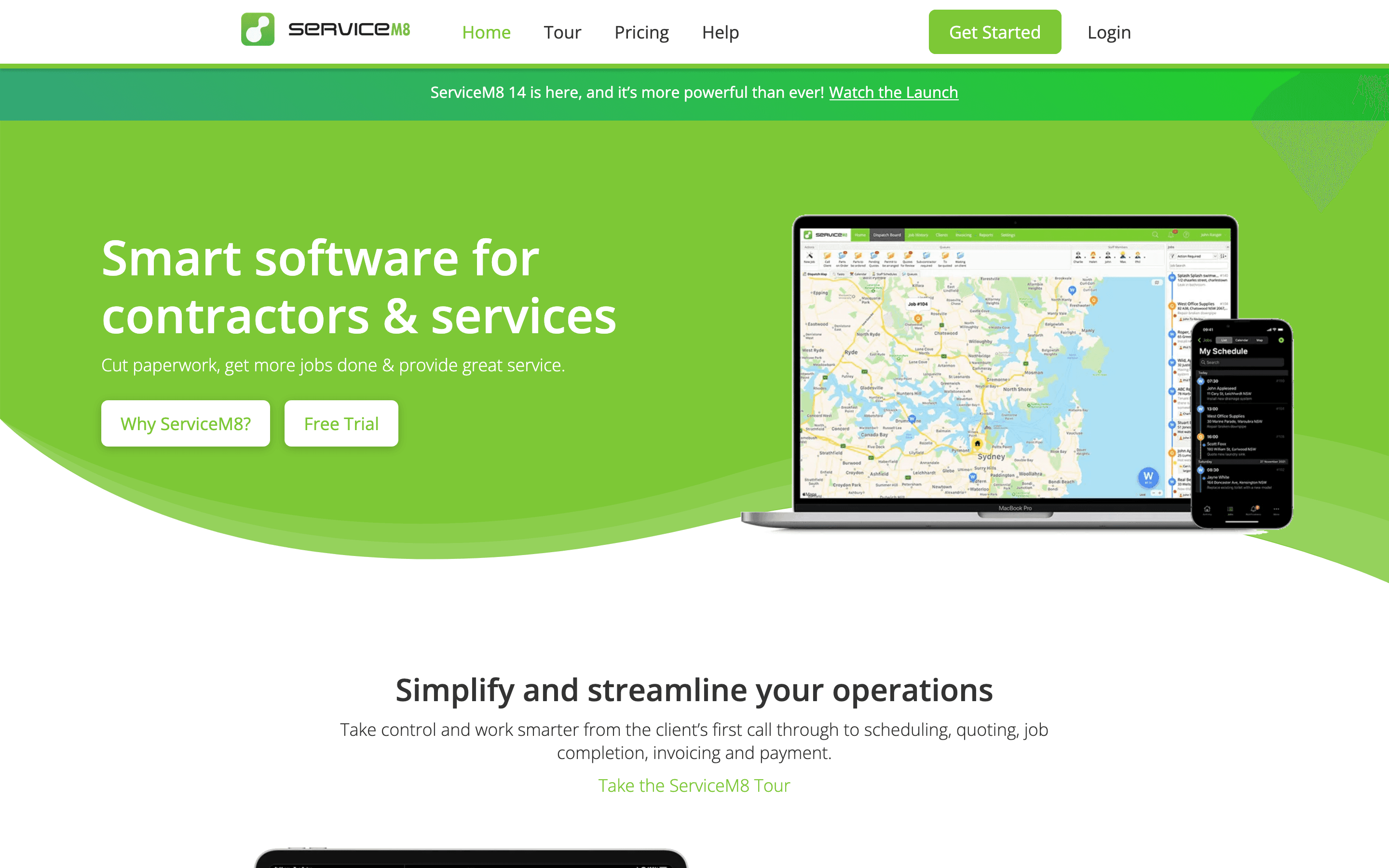
ServiceM8 fits the same job as Joblogic for smaller trade crews: scheduling, quoting, invoicing, and job tracking from a phone. The pricing model is the real difference. ServiceM8 charges by job volume with unlimited users on every paid plan, including a genuine free tier capped at 30 jobs a month, so a growing crew doesn't pay more per head the way it would on Joblogic. That makes it a strong pick for a small team testing whether to leave Joblogic at all before committing money. It doesn't match Joblogic's PPM contracts or compliance tracking for bigger operations, and support is chat and email only, with no phone line. Heavy recurring-service businesses should note each recurring visit burns a new job credit, unlike a single long-running job.
Pros
- + Unlimited users on every paid plan, so adding staff doesn't raise the price directly
- + Free plan lets a solo operator run real jobs before paying anything
- + No long-term contract; you can upgrade or downgrade plans anytime
Cons
- – Job volume, not seats, decides your bill, so a busy month can push you into a pricier tier even with the same headcount
- – A job only costs one credit no matter how long it stays open, but a recurring job gets a new job number, and a new credit, every time it repeats, so heavy recurring-service businesses burn through their allowance faster than one-off job businesses with similar workload
Should your product be on this field service management list?
If you build a tool that belongs next to the ones above, submit it. A human reviews every submission. Approved products get their own page with pricing and screenshots, plus a place in the comparisons where they fit. It is free. You sign in with your work email so you can follow the decision, and there is no password to create.
Joblogic alternatives: FAQ
What is the best alternative to Joblogic?+
It depends on team size and budget. ServiceTitan is the closest match for larger, multi-crew operations that want dispatch, payroll, and deep reporting in one platform. Housecall Pro and Jobber both cover the same core scheduling, quoting, and invoicing job with published pricing, and ServiceM8 is the best fit for a small crew that wants to test job management software for free first. ServiceTitan and Housecall Pro are US-first products with no confirmed GBP billing or UK support, so UK buyers should verify both before evaluating them.
Is there a free alternative to Joblogic?+
ServiceM8 has a genuine free plan for 1 user and up to 30 jobs a month. Joblogic itself has no free tier, only a free trial on its Standard plan.
Which Joblogic alternative has the most transparent pricing?+
Jobber, Housecall Pro, and ServiceM8 all publish their tier prices on their websites. ServiceTitan does not publish prices at all and requires a sales call, similar to how Joblogic's own Premium and Enterprise tiers are quote-only.
Do any Joblogic alternatives handle PPM contracts and compliance tracking the same way?+
Not exactly. ServiceTitan comes closest for larger operations with its reporting and payroll depth, but none of these four alternatives replicate Joblogic's specific combination of PPM contract management, compliance tracking, and a customer portal at a similarly accessible starting price. Teams that lean heavily on those features should weigh the switching cost carefully.
Joblogic alternatives: pricing compared
Entry price, billing model, and whether pricing is public. 4 of 5 publish pricing you can check without talking to sales.
| Tool | Starting price | Billing | Free option | Pricing disclosed |
|---|---|---|---|---|
| Joblogic | GBP 45/seat/mo | per-seat | Trial (Available on the Standard plan, no card required (length not stated)) | Partly public |
| ServiceTitan | Custom / quote | quote-only | No | Not disclosed |
| Housecall Pro | $59/user/mo | tiered | Trial (14 days, no credit card required, full MAX plan features) | Public |
| Jobber | $29/seat/mo | per-seat | Trial (14 days, full access to the Grow plan, no credit card required) | Partly public |
| ServiceM8 | $29/mo | usage-based | Yes | Public |
How we made these picks. We compare tools on public pricing, features, and hands-on assessment, then verify every price against the vendor's own page. We never accept payment for rankings. Read the full methodology. Spotted an error? Report it.