Top Microsoft Outlook Alternatives in 2026
Here for Microsoft Outlook itself? See the full Microsoft Outlook profile, pricing & reviews →
Suggest a change- If you want the closest thing to Outlook's own free-inbox-plus-paid-suite model, just from Google, choose Gmail. Google Workspace bundles Docs, Drive, and Meet the same way Microsoft 365 bundles Word, Excel, and Teams, and its spam filtering is hard to beat since most of the internet already runs on Gmail.
- If you're a small business leaving mainly because of the July 2026 Microsoft 365 price increase, choose Zoho Mail. Workplace Standard costs $3 per user a month billed annually, less than half Outlook's new Business Basic rate, and still bundles a comparable office suite.
- If your real complaint about Outlook is Microsoft's data handling, not the price, choose Proton Mail. it's built by a Swiss company outside US and EU data-sharing agreements and its free plan is usable indefinitely, not a time-limited trial.
- If you want the strongest encryption available, including on subject lines, choose Tuta. it encrypts subject lines and applies post-quantum cryptography by default on every plan, which Proton Mail does not do.
- If you want plain, ad-free email on your own domain without any office suite attached, choose Fastmail. it skips the Docs, Drive, and Meet or Word, Excel, and Teams bundle entirely and stays independent, employee-owned, and ad-free.
- If the actual problem is an inbox drowning in cold email and newsletters, not price or privacy, choose HEY. its screener blocks unfamiliar senders before they ever reach your inbox, something none of the other alternatives here do.
- If your team is already fully invested in Word, Excel, Teams, and SharePoint and uses Copilot daily, choose stay on Microsoft Outlook. no alternative here bundles a comparable Office suite as tightly, and switching means giving up Teams and Copilot integration you're already paying for.
Outlook isn't really one product. It's a free 15GB webmail inbox if you want it for nothing, or a seat on Microsoft 365 if you want a business address plus Word, Excel, PowerPoint, and Teams. Microsoft raised most Business and Enterprise prices on July 1, 2026, the sharpest jump since 2022, and New Outlook for Windows has drawn scrutiny for routing third-party account passwords through Microsoft's own servers. Both are common reasons people start looking elsewhere.
The right alternative depends on why you're actually leaving. Teams that just want a cheaper version of the same bundled-suite idea land on Gmail or Zoho Mail. People who care more about privacy than price look at Proton Mail or Tuta. Anyone who wants to pay for plain, ad-free email without a suite attached looks at Fastmail. And if the real problem is an inbox buried in cold email and newsletters rather than price or privacy, HEY solves a different job entirely.
Microsoft Outlook alternatives compared
| Tool | Best for | Starting price | Free option | Last update |
|---|---|---|---|---|
| GmailBest free alternative | People who just want a free, reliable personal inbox with strong spam filtering | $7/seat/mo | Yes | July 2026 |
| Proton MailBest for privacy | Privacy-focused individuals who want encrypted email without configuring anything themselves | EUR 3.99/seat/mo | Yes | June 2026 |
| Zoho MailBest value for teams | Small businesses and solo founders who want a custom-domain inbox for close to nothing | $1/seat/mo | Yes | May 2026 |
| Fastmail | Privacy-focused individuals who want to pay for email instead of being the product | $3/seat/mo | Trial (30 days, no credit card required) | April 2026 |
| Tuta | Privacy-focused individuals who want encrypted email, calendar, and contacts without paying much | EUR 3/mo | Yes | July 2026 |
| HEYBest for inbox overload | People who get buried in cold email, newsletters, and marketing mail and want a hard gate before any of it reaches them | $99/yr | Trial (30 days on HEY for You, no credit card required) | January 2026 |
Why teams switch from Microsoft Outlook
Microsoft's steepest Microsoft 365 price hike since 2022
Microsoft raised Business Basic 16.7% to $7/user/month and Business Standard 12% to $14/user/month effective July 1, 2026.
Privacy and data-handling concerns with New Outlook and Microsoft 365
New Outlook for Windows has been reported to send the username and password for any third-party account you add to it through Microsoft's servers, and German data protection authorities have said Microsoft 365 doesn't meet GDPR requirements for schools and public bodies.
The best Microsoft Outlook alternatives, ranked
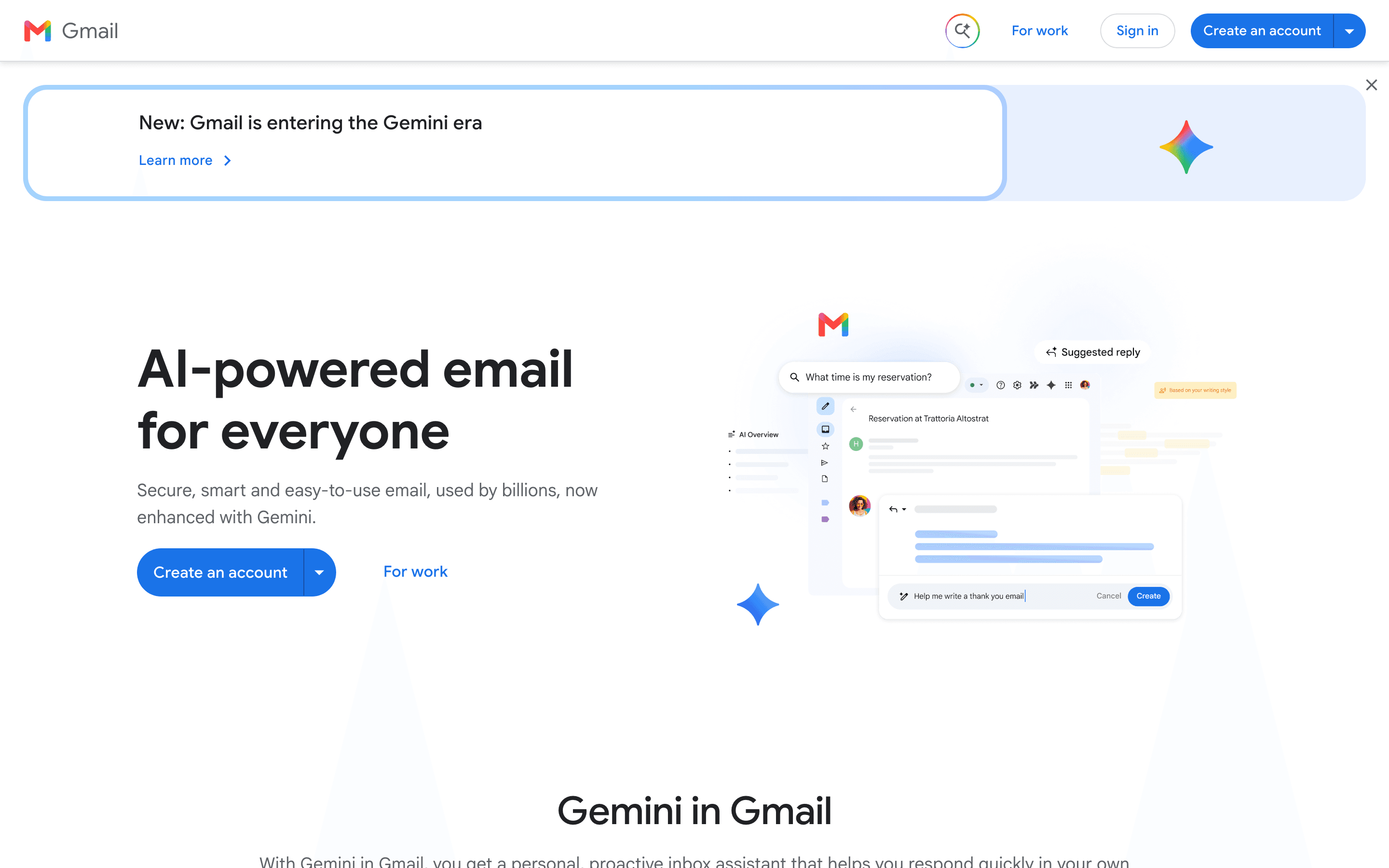
Gmail is the safest first alternative to consider because it mirrors Outlook's own model: a free personal inbox plus a paid business bundle, Google Workspace, that adds a full office suite. Business Starter runs $7 per seat a month billed annually, the same entry price as Outlook's Business Basic with Teams, but pairs it with 30GB of pooled storage and Gemini AI drafting built into every paid tier, not locked behind Outlook's priciest tier, Business Standard with Copilot at $23.50/seat, more than 3x what Business Basic costs. Gmail's spam filtering is hard to beat since most of the internet's inboxes already run on it, so deliverability rarely becomes an issue after a migration. The catch is the same one Outlook has: you can't buy Gmail alone for a business, you're paying for Docs, Drive, and Meet whether you use them or not, and monthly billing without a one-year commitment costs about 20% more on every tier.
Pros
- + Free personal tier is genuinely free forever, not a time-limited trial
- + Spam filtering and deliverability are best-in-class since most of the internet's inboxes are Gmail
- + Business plans bundle Drive, Docs, Meet, and Calendar, so one subscription covers most of what a small company needs
Cons
- – You cannot buy a standalone business email account. Google Workspace pricing forces you into the full productivity suite even if you only want mail
- – The free personal tier does not include Gemini's AI writing tools inside Gmail itself, only the separate Gemini chat app

Proton Mail is the switch to make if what's actually bothering you about Outlook is privacy, not price. It's built by a Swiss company outside US and EU data-sharing agreements, and its free plan, 1GB storage, one address, 150 messages a day, is usable indefinitely rather than a time-limited trial, similar to Outlook.com's free tier but with end-to-end encryption on message bodies. Mail Plus, the cheapest paid tier at 3.99 euros a month billed annually, adds a custom domain and more storage but keeps the same capped VPN and password manager as the free plan. You need Proton Unlimited at 9.99 euros a month to unlock the full VPN, Pass, and Scribe bundle. Subject lines and metadata like sender and timestamp stay unencrypted, a limit of the encryption standard itself, and free-tier users report slow support.
Pros
- + Free plan is usable indefinitely, not a time-limited trial
- + Unlimited and the household plans above it bundle full VPN, Drive storage, Pass password manager, and calendar for one price
- + Open-source apps and a Swiss legal jurisdiction outside US and EU data-sharing agreements
Cons
- – Subject lines and message metadata (sender, recipient, timestamps) are not encrypted
- – Monthly billing costs noticeably more than annual billing on every paid tier
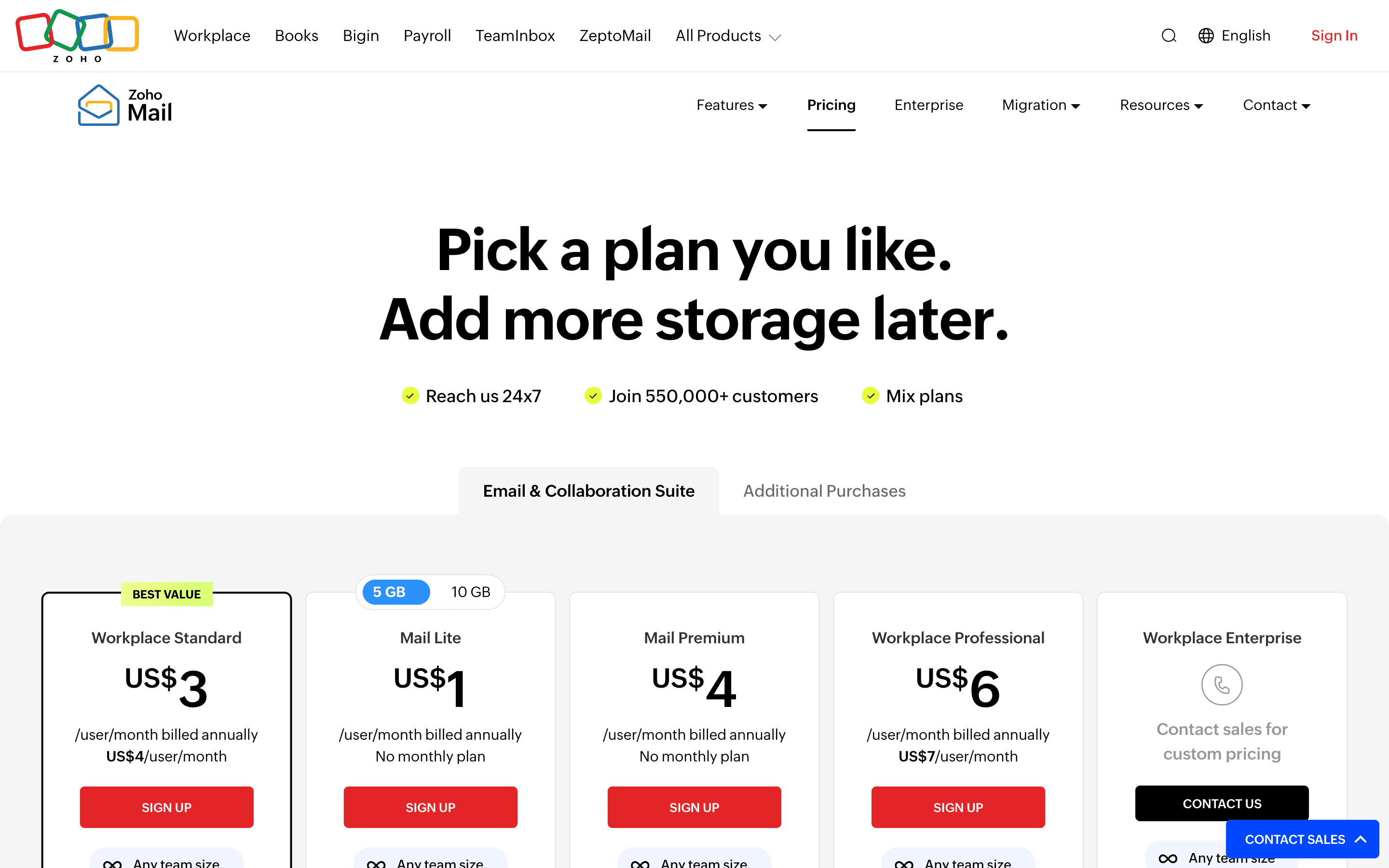
Zoho Mail is the pick for teams leaving Outlook mainly because of the July 2026 price hike. Workplace Standard costs $3 per user a month billed annually, less than half Outlook's new $7 Business Basic rate, and still bundles WorkDrive, Writer, Sheet, Show, Cliq, and Meeting, Zoho's answer to OneDrive, Word, Excel, PowerPoint, and Teams. A free plan covers up to 5 users on a real custom domain, though it's web-only with no IMAP, POP, or ActiveSync until you upgrade to a paid tier. The tradeoff for the low price is support: response times and ticket handling are a recurring complaint, especially during setup, which matters more when you're migrating an entire company's mailboxes at once rather than testing it solo.
Pros
- + Cheapest named-tier pricing of any major business email provider, starting at $1/user/month
- + Free plan supports a real custom domain for up to 5 users
- + Workplace plans bundle a full office suite (docs, drive, chat, meetings) at the same per-user price as mail-only competitors
Cons
- – Free plan no longer includes IMAP, POP, or ActiveSync, so it's web-only unless you pay
- – Mail Lite and Mail Premium only bill annually, no monthly option if you want to try before committing
Fastmail
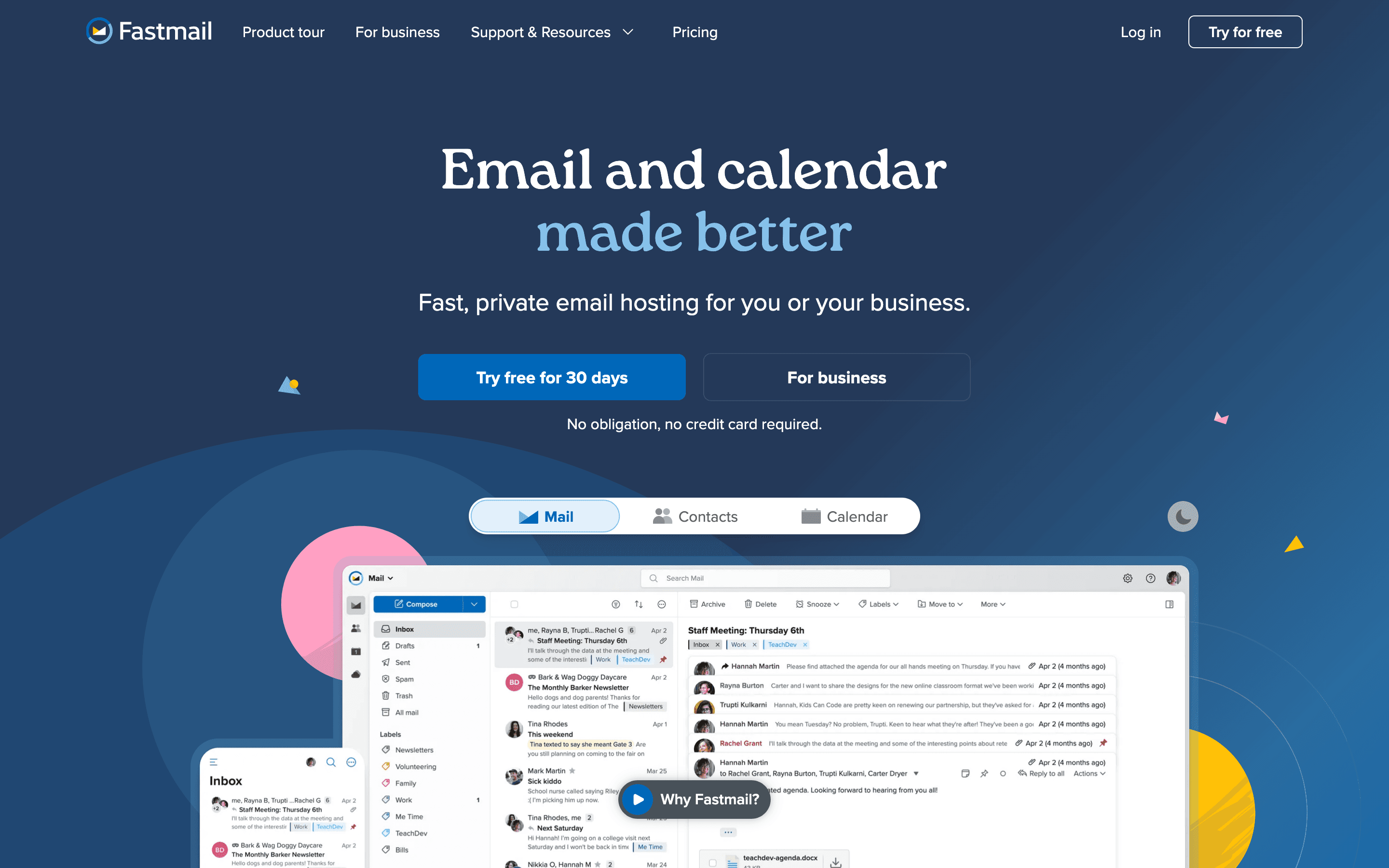
Fastmail suits teams that want to stop paying for Outlook's Office bundle entirely rather than swap it for a cheaper one. There's no docs, no chat, no video calls, just fast webmail, calendar, and contacts on your own domain, starting at $3 per seat a month billed annually for Business Basic, though that entry tier skips IMAP/CalDAV access so most teams will actually want Standard at $5. Fastmail has been independent and employee-owned since a 2013 staff buyout from Opera Software, funds itself entirely through subscriptions rather than ads, and recently shipped an MCP server so AI assistants can read and act on mail with scoped permissions. It has no free tier at all, only a 30-day trial, which makes it a harder sell to anyone used to Outlook.com's ad-supported free inbox.
Pros
- + No ads, no free tier funded by scanning your mail
- + Independent and employee-owned since a 2013 staff buyout from Opera Software, running continuously since 1999
- + Fast, capable webmail and mobile apps built on JMAP, the open protocol Fastmail itself designed
Cons
- – No free plan at all, unlike Gmail, Outlook, or Proton Mail's limited free tier
- – Storage on the cheapest business tier (6 GB per user) is thin next to Google Workspace or Microsoft 365
Tuta
Tuta goes further on encryption than anything else on this list: it encrypts subject lines too, not just message bodies, and applies post-quantum cryptography by default on every plan, including free. The cheapest paid tier, Revolutionary, unlocks a custom domain, unlimited calendars, and 20GB of storage for 3 euros a month billed annually, cheaper than Proton Mail's equivalent tier. Business plans run 6 to 12 euros per seat a month. The real cost is compatibility: Tuta doesn't support IMAP, so you can't connect it to Outlook, Apple Mail, or any third-party client, and new signups go through a manual anti-abuse review that Tuta says takes up to 48 hours, though at least one reviewer waited 5 days. That makes it a strong pick for privacy but a slower one to actually get set up on.
Pros
- + End-to-end encrypts subject lines too, not just message bodies, which most competitors don't do
- + Post-quantum encryption is standard on every plan, including free
- + Cheapest paid tier (Revolutionary) unlocks a custom domain, unlimited calendars, and 20 GB for €3/month billed annually
Cons
- – No inline image embedding and image previews show a warning frame that some users find intrusive
- – Monthly billing costs noticeably more than annual billing on every plan (for example Revolutionary is €3.60/month monthly vs €3/month annual)
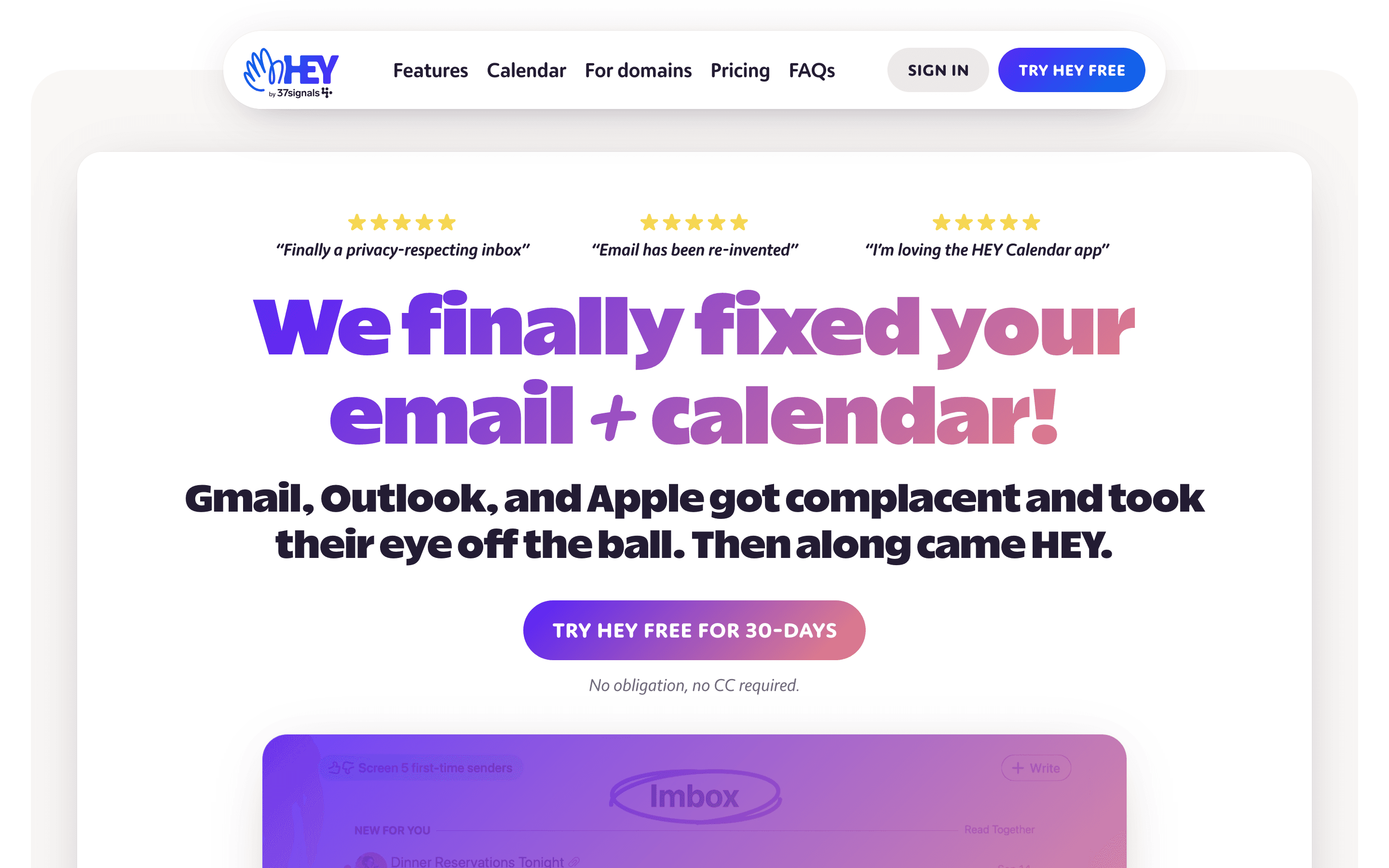
HEY solves a different problem than the rest of this list: not price or privacy, but an inbox drowning in cold email and newsletters. Every new sender lands in a screener you approve or block before their mail ever reaches you, and approved mail sorts automatically into Imbox, The Feed, and Paper Trail. It costs a flat $99 a year for individuals or $12 per seat a month for a custom company domain through HEY for Domains, with no seat math and no free tier at all. There are no folders or labels, so anyone with an existing filing system built in Outlook has to relearn HEY's model from scratch, and it doesn't support IMAP or POP, so you can't check it from Apple Mail or any other third-party client.
Pros
- + The screener genuinely stops unwanted senders before they hit your inbox, not after
- + Imbox, Feed, and Paper Trail auto-sorting cuts down on manual filing
- + Calendar, blog (HEY World), and email all live in one account with one login
Cons
- – No free tier. You pay $99/year even for a single personal address once the trial ends
- – Short @hey.com addresses cost far more ($349/year for 3 characters, $999/year for 2 characters)
Should your product be on this email providers list?
If you build a tool that belongs next to the ones above, submit it. A human reviews every submission. Approved products get their own page with pricing and screenshots, plus a place in the comparisons where they fit. It is free. You sign in with your work email so you can follow the decision, and there is no password to create.
Microsoft Outlook alternatives: FAQ
What is the best free alternative to Outlook?+
Gmail's personal tier is free forever with 15GB of shared storage, the closest match to Outlook.com's free plan. Zoho Mail also has a free plan for up to 5 users on a custom domain, though it's web-only with no IMAP or POP access.
What's the cheapest business alternative to Outlook?+
Zoho Mail's Mail Lite plan starts at $1 per user a month billed annually for plain email, and its Workplace Standard bundle, which adds an office suite comparable to Microsoft 365, runs $3 per user a month, well under Outlook's new $7 Business Basic rate.
Which Outlook alternative is best for privacy?+
Proton Mail and Tuta both offer end-to-end encryption and sit outside US data-sharing agreements. Tuta goes further by also encrypting subject lines and applying post-quantum cryptography by default, but it doesn't support IMAP, so you lose the ability to connect it to a third-party mail client.
Can I move my existing Outlook mail to a different provider?+
It depends on the provider. Proton Mail's Easy Switch tool documented import of mail, contacts, and calendar data from Gmail, not specifically from Outlook. Tuta's migration tool explicitly supports both Gmail and Outlook, and has a One-Click Migration option in closed beta as of July 2026. Tuta and HEY don't support IMAP, which makes moving mail in and out of them harder than with Gmail, Zoho Mail, or Fastmail.
Microsoft Outlook alternatives: pricing compared
Entry price, billing model, and whether pricing is public. 7 of 7 publish pricing you can check without talking to sales.
| Tool | Starting price | Billing | Free option | Pricing disclosed |
|---|---|---|---|---|
| Microsoft Outlook | $5.4/seat/mo | tiered | Yes | Public |
| Gmail | $7/seat/mo | freemium (personal) / per-seat (Google Workspace for business) | Yes | Partly public |
| Proton Mail | EUR 3.99/seat/mo | tiered | Yes | Public |
| Zoho Mail | $1/seat/mo | per-seat | Yes | Partly public |
| Fastmail | $3/seat/mo | per-seat | Trial (30 days, no credit card required) | Public |
| Tuta | EUR 3/mo | tiered | Yes | Public |
| HEY | $99/yr | flat | Trial (30 days on HEY for You, no credit card required) | Public |
How we made these picks. We compare tools on public pricing, features, and hands-on assessment, then verify every price against the vendor's own page. We never accept payment for rankings. Read the full methodology. Spotted an error? Report it.