SurveyMonkey Review
Online survey builder with a huge template library and add-on market research tools
Is this your product? Claim this page · Request a change
Looking for a SurveyMonkey alternative? See our ranked comparison.→What is SurveyMonkey?
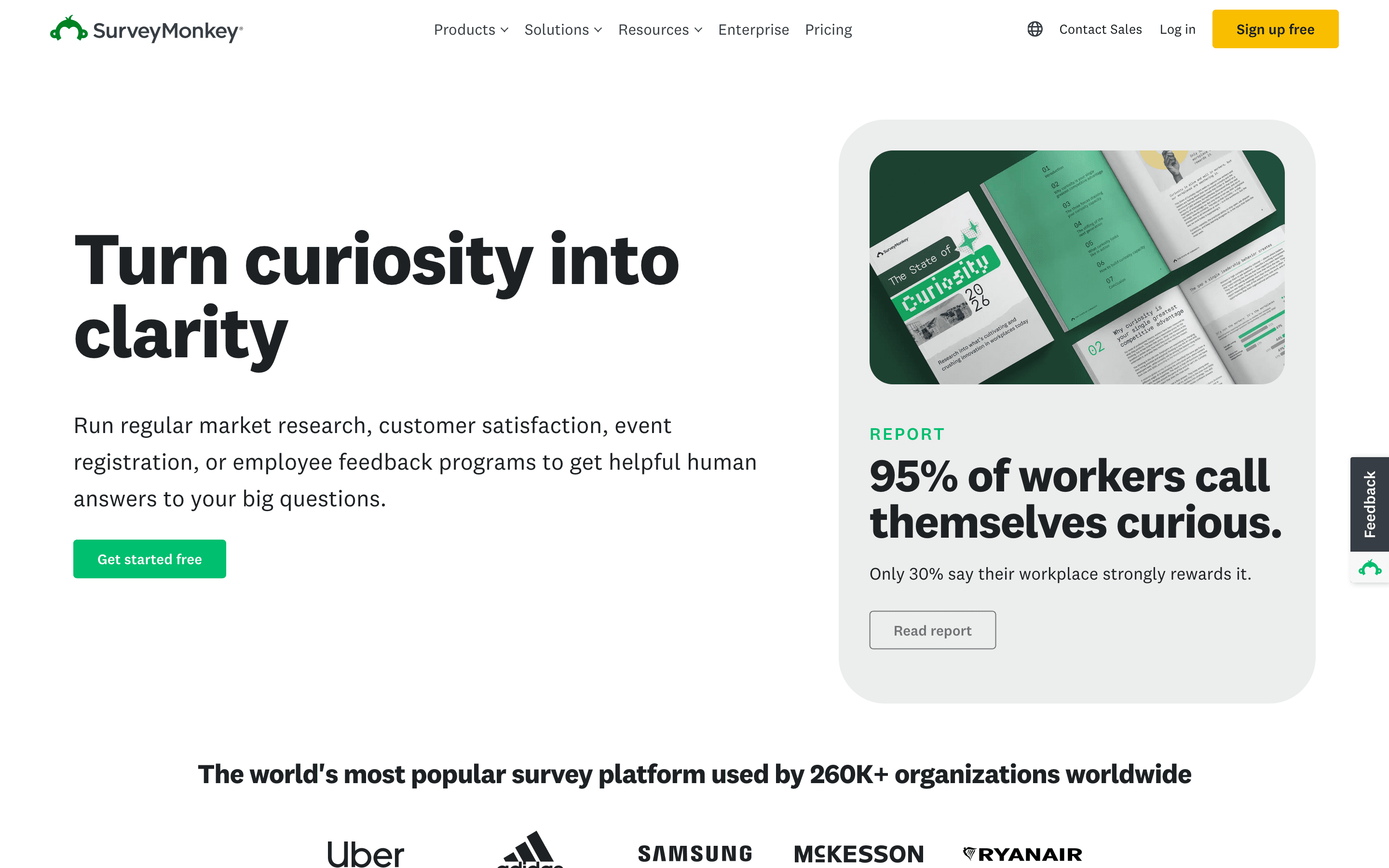
SurveyMonkey is a web-based survey builder. You write questions from a large template library or from scratch, send the survey by link or email, and read results in built-in charts or export them. It covers the basics well: multiple choice, ranking, matrix, and open-text questions, skip logic, and simple branding.
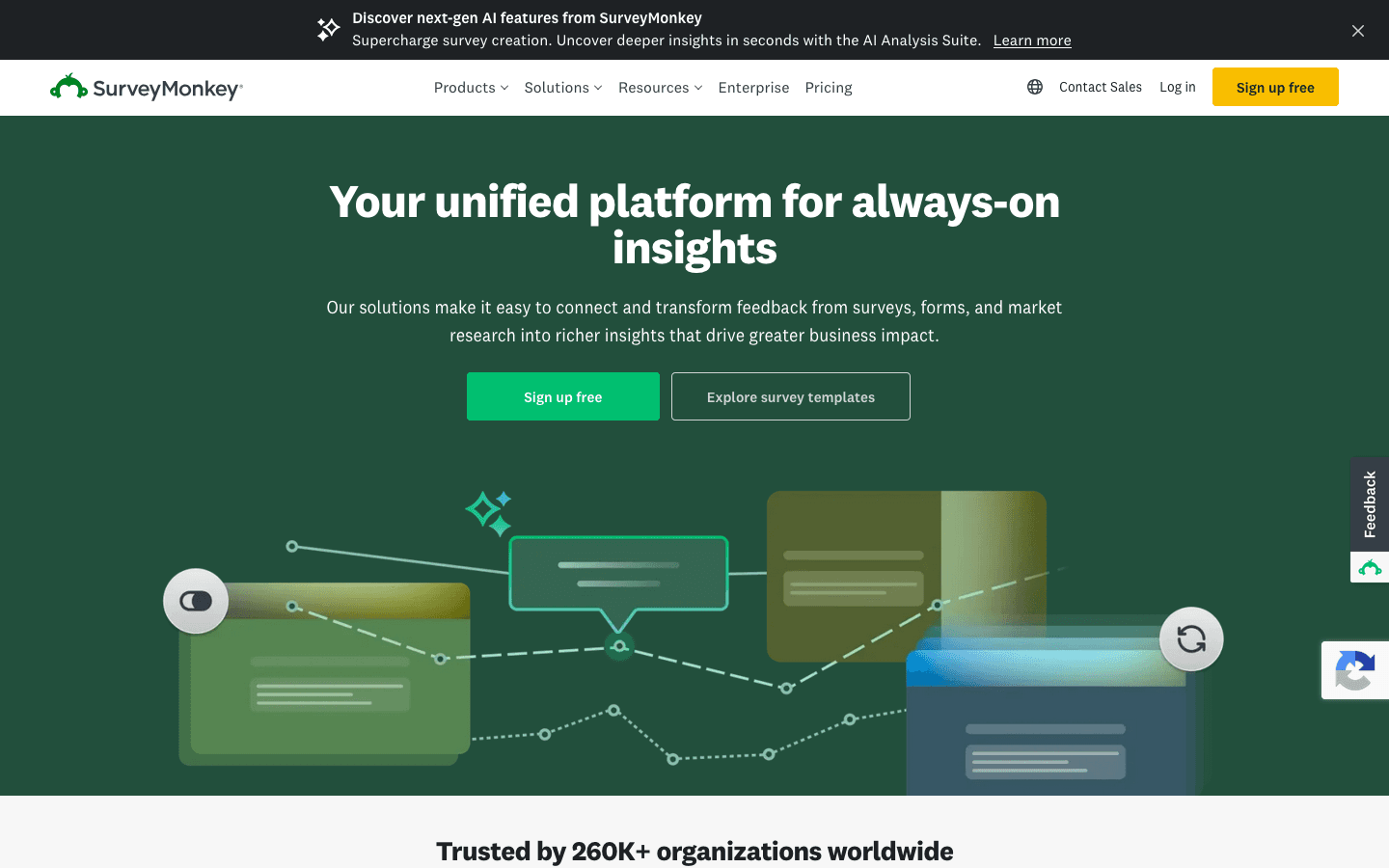
Beyond survey building, SurveyMonkey also sells market research add-ons (its LaunchPad product handles things like MaxDiff and Van Westendorp pricing studies) and AI features that summarize open-ended answers and score sentiment. The free plan is useful for building a survey but caps how many responses you can actually see, which is the main lever pushing people onto a paid seat.
SurveyMonkey screenshots
Who it's for
- ✓ Teams that already know they need SurveyMonkey's brand recognition and large template library
- ✓ Market research teams that want built-in methods like MaxDiff or Van Westendorp pricing without a separate tool
- ✓ Companies with 3+ people who will actually use dedicated seats
Who should look elsewhere
- ✗ Solo users or small teams who just want to see their free survey responses without paying
- ✗ Teams with unpredictable or high response volume, since overage fees stack up fast
- ✗ Buyers who want simple, flat pricing without a seat minimum
Pros
- + Deep library of templates and question types built from years of survey research
- + AI-powered analysis of open-ended answers, including sentiment across 57 languages
- + 200+ integrations and solid CRM/BI connections at the Enterprise tier
- + Recognizable brand that respondents already trust when they get a survey link
Cons
- – Free plan only shows 25 responses per survey even if you collect more, a common source of surprise charges
- – Team plans have a 3-seat minimum, so the real entry cost is higher than the per-seat price implies
- – Extra responses beyond your plan's yearly cap cost $0.15 each, which adds up on high-traffic surveys
- – Phone support is limited to the top Premier tier
SurveyMonkey pricing
What you pay for
You pay per seat, per month, with a 3-seat minimum on Team plans, plus overage fees once you pass your plan's yearly response cap. The free Basic plan lets you build unlimited surveys but only shows you the first 25 responses per survey, which is the main thing that pushes people to upgrade. Team and Enterprise pricing is disclosed on the public pricing page; only Enterprise itself requires a sales call.
At about $30/month to start, it sits mid-pack on price in Forms & Surveys.
| Plan | Price | Highlights |
|---|---|---|
| Basic (free) | Free | Unlimited surveys and questions · Only 25 responses per survey visible, even if you collect more · Core question types and templates |
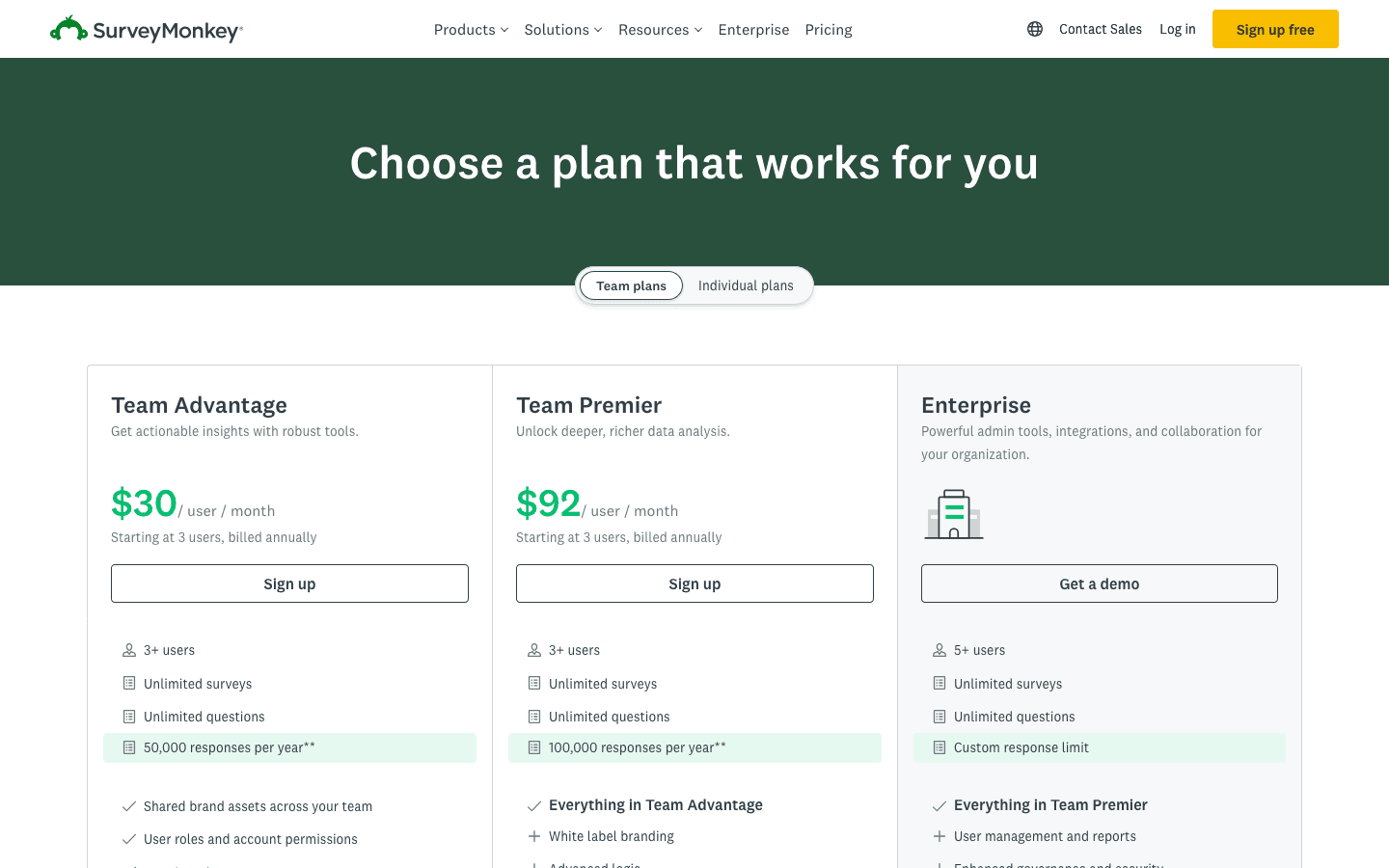
| Team Advantage | $30/seat/mo | 3-user minimum · 50,000 responses a year · Unlimited surveys and questions · Custom logic, payment collection, AI-powered analysis · 200+ integrations |
| Team Premier | $92/seat/mo | 3-user minimum · 100,000 responses a year · White-label branding, crosstabs, multilingual surveys · Phone support · Advanced skip logic and A/B testing |
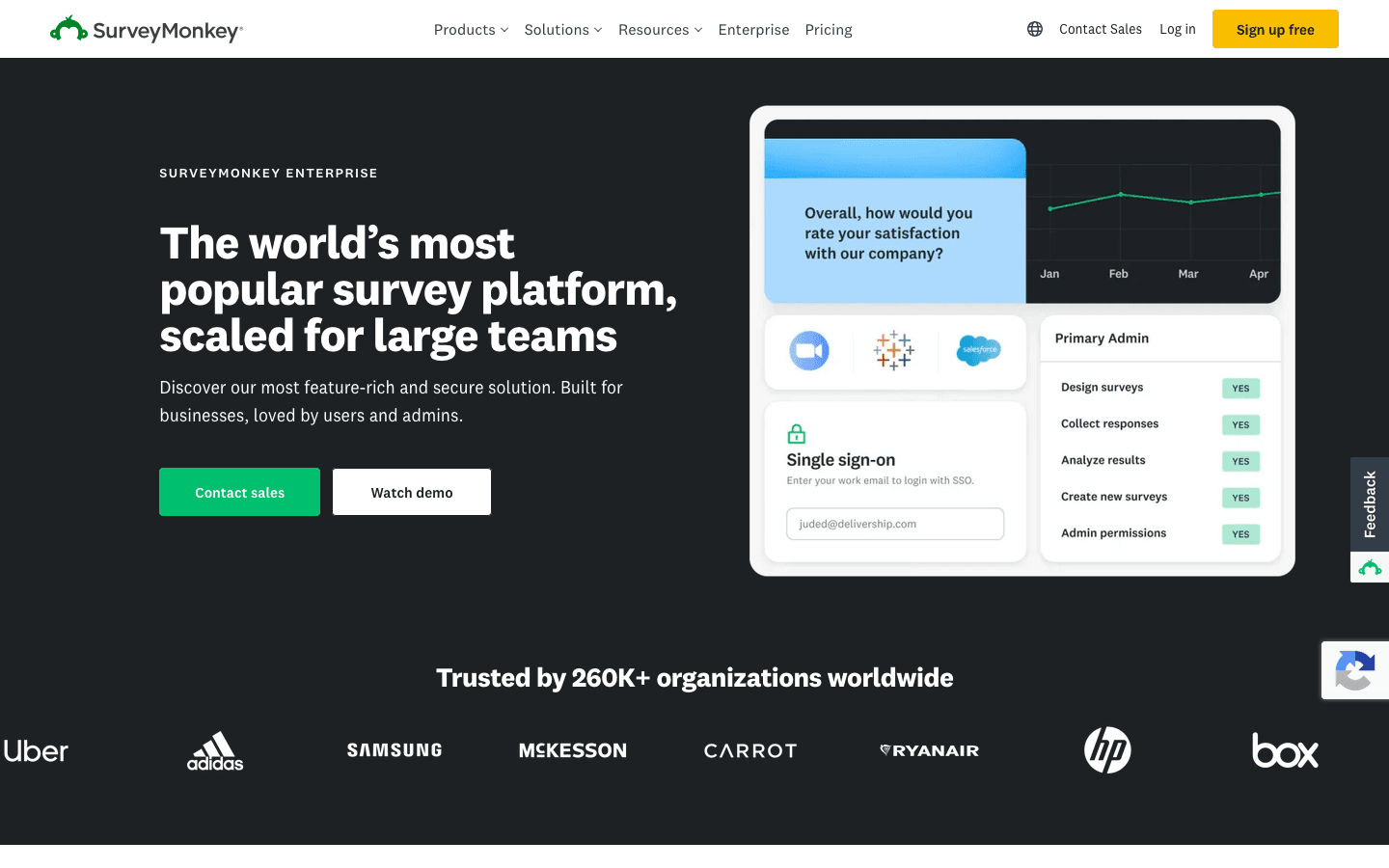
| Enterprise | Custom | 5-user minimum · SSO, custom roles, BI/CRM integrations · Data residency options (US, Canada, EU) · Premium onboarding, dedicated support |
Team plan prices are per user per month, billed annually, with a 3-seat minimum (so Team Advantage starts around $90/month total, not $30). Responses beyond the plan's yearly cap are billed at $0.15 each. The individual (non-team) plans exist too but SurveyMonkey pushes most buyers toward Team plans, and it did not surface individual pricing on the same page. Enterprise is quote-only, gated behind a demo request.
Pricing verified July 7, 2026 · source
How SurveyMonkey's pricing compares
SurveyMonkey next to its closest alternatives on entry price, billing, and whether pricing is public.
| Tool | Starting price | Billing | Free option | Pricing disclosed |
|---|---|---|---|---|
| SurveyMonkey | $30/seat/mo | per-seat | Yes | Partly public |
| Typeform | $39/seat/mo | per-seat | Yes | Partly public |
| Tally | $29/seat/mo | per-seat | Yes | Public |
| Jotform | $34/seat/mo | tiered | Yes | Partly public |
| Fillout | $15/mo | tiered | Yes | Partly public |
| Formstack | $83/seat/mo | per-seat | Trial (14 days on the Forms plan, no credit card required) | Partly public |
Is SurveyMonkey still actively developed?
Last significant update: February 2026. Rolled out automatic summarization of open-ended feedback themes, upgraded the AI analysis assistant to process raw text directly, and turned on sentiment analysis and response-quality checks by default across all surveys. (Sentiment analysis had already expanded to all 57 supported languages in a December 2025 release.)
Top SurveyMonkey alternatives
SurveyMonkey FAQ
Is SurveyMonkey actually free?+
There's a free Basic plan, but it only lets you view 25 responses per survey even if more people answer. To see every response you need a paid seat.
How much does SurveyMonkey cost for a team?+
Team Advantage starts at $30 per user per month billed annually, with a 3-user minimum, so the smallest team plan runs about $90 a month. Team Premier is $92 per user per month with the same minimum.
What happens if I go over my response limit?+
SurveyMonkey bills $0.15 for each response over your plan's yearly cap (50,000 on Team Advantage, 100,000 on Team Premier), and this gets charged automatically.
Is Enterprise pricing published anywhere?+
No. Enterprise requires a demo call with sales and has its own 5-user minimum, plus features like SSO and data residency options not in the Team plans.