Top Canva Alternatives in 2026
Here for Canva itself? See the full Canva profile, pricing & reviews →
Suggest a change- If you want to turn a written outline into a decent presentation deck as fast and cheap as possible, choose Gamma. Gamma's Plus plan starts at $9 per seat per month billed annually, the cheapest paid tier among these alternatives, and it drafts a full deck from a prompt in a couple of minutes.
- If you send decks to prospects or investors and want to know when they open them, choose Pitch. Pitch's link-level view analytics show which slides someone lingered on, and sharing is built specifically for decks that leave your team: trackable links and pitch rooms for prospects or investors. That tracking needs Pitch's Team plan or higher, at $19 per seat per month billed annually. Gamma's Pro plan is only $1 cheaper per seat and also lists detailed analytics, but Gamma doesn't describe that as link-by-link tracking for external viewers the way Pitch does. Beautiful.ai's viewer and slide analytics cost more than double, on its $40-per-seat Team plan.
- If you want every slide to look consistently designed without anyone on the team doing layout work, choose Beautiful.ai. Its Smart Slide layouts auto-align text, images, and charts every time content changes, which none of the other alternatives do automatically.
- If you need a real free plan for a small team before paying anything, choose Pitch. Pitch's Free plan supports up to 5 workspace members and unlimited presentations, while Gamma's free credits are a one-time 400 and Beautiful.ai has no free plan at all.
- If your team already builds social posts, one-pagers, and ads in Canva's shared brand kit and only occasionally needs a deck, choose stay on Canva. None of these three tools handle marketing design beyond presentations, so moving decks elsewhere would split your brand assets across two separate tools for a job Canva already covers well enough.
This page covers Canva alternatives for one job: building and presenting decks. If you design social posts, ads, or one-pagers and want a broader Canva substitute, this is not that list. The three tools below are built for presentations only.
Canva is built to cover everything a small team designs: decks, social posts, one-pagers, all from one brand kit and template library. That breadth is exactly why teams that build presentations every week eventually look elsewhere. Canva was never built specifically for presenting, and its per-seat Business pricing changed sharply in 2024.
The three alternatives below are dedicated to one job: turning an outline or prompt into a deck fast, then presenting or sharing it. None of them replace Canva's social and marketing design tools, so most teams here are adding a second tool for decks specifically, not dropping Canva.
Canva alternatives compared
| Tool | Best for | Starting price | Free option | Last update |
|---|---|---|---|---|
| PitchBest free alternative | Founders and small teams who build and revise decks together and need real-time co-editing | $13/seat/mo | Yes | June 2026 |
| GammaBest value / cheapest paid plan | Founders and consultants who need a deck fast from a rough outline and don't want to fight with slide layout | $9/seat/mo | Yes | June 2026 |
| Beautiful.aiBest for consistent design without a designer | Founders and sellers who build decks weekly and want a clean result fast without touching design | $12/seat/mo | Trial (14 days on Pro or Team (credit card required, auto-charges if you don't cancel)) | April 2026 |
Why teams switch from Canva
Canva's 2024 shift from a flat Teams plan to per-seat Business pricing could push a 5-person team's bill from about $120 a year to around $600 a year, based on the reported $10 per seat per month rate (about $360 in the first year for existing customers who got the temporary 40% discount), a jump that triggered cancellations before Canva partially reversed it for existing customers.
Canva's AI features are metered by credits per plan, so teams that lean on Magic Studio tools to speed up decks can burn through the Free or Pro allotment fast.
Canva isn't built specifically for presenting: it has no live audience interaction, deck view analytics, or presenter-specific tools that dedicated deck apps include.
The best Canva alternatives, ranked
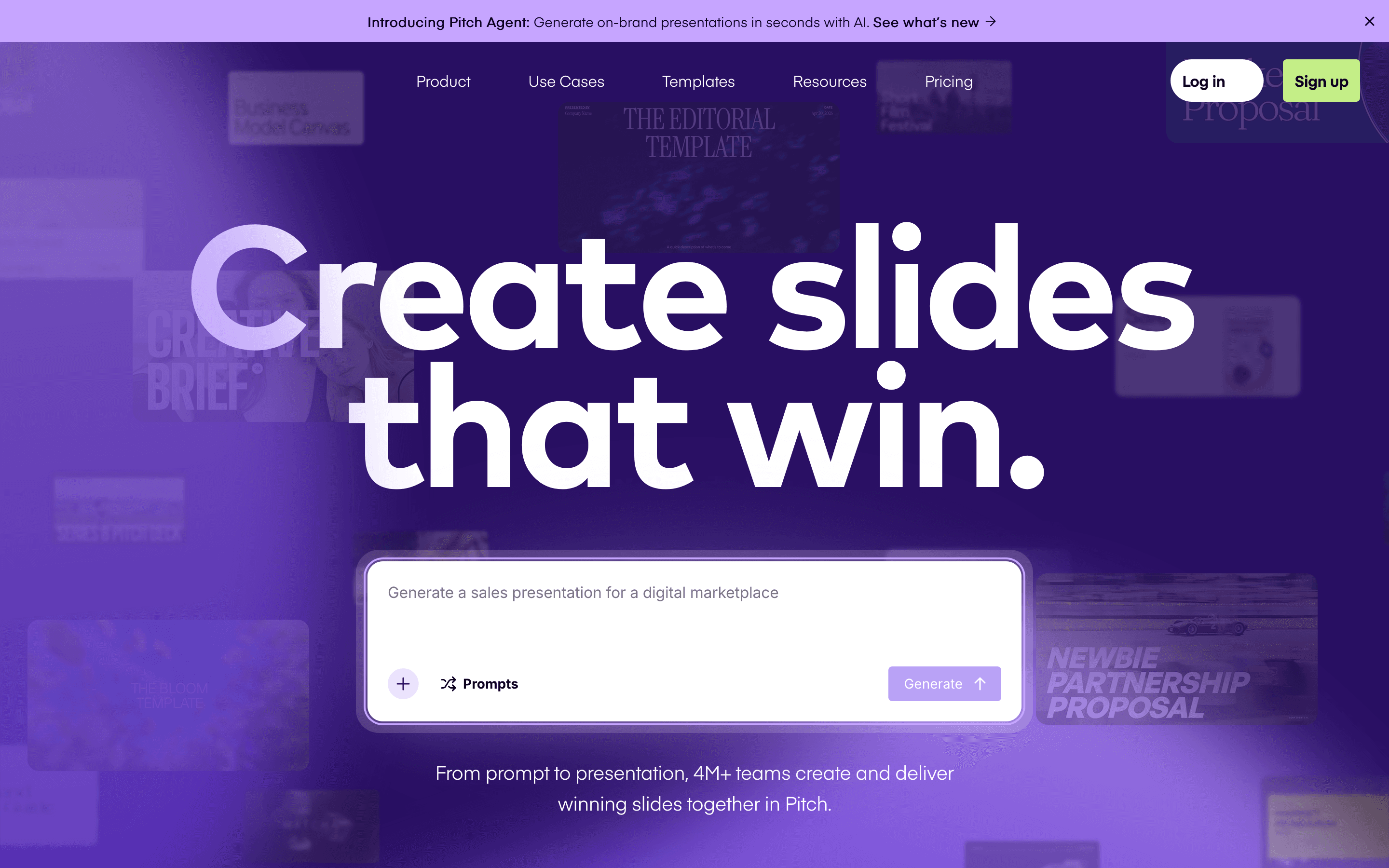
Pitch is the closest match to Canva for teams that build decks together, not solo. Multiple people edit the same deck at once, comment inline, and pull from shared brand templates, matching Canva's team-first approach but built for presentations specifically. Its free plan is generous for a small team: up to 5 workspace members and unlimited presentations, though exports are PDF-only and carry Pitch's branding until you pay. For founders and sellers sending decks to prospects or investors, link-level view analytics show exactly when someone opens a deck and which slides they spend time on, a feature Canva does not have. That tracking requires Pitch's Team plan or higher, at $19 per seat per month billed annually. It is not part of Free or Plus. AI credits meter the generation features, and Team and Business plans price per seat, so a deck-heavy team of 20 or more adds up fast. Design tools like fonts, alignment, and diagramming lag behind Canva's breadth, but for building and tracking decks as a team, Pitch does more than Canva does on its own.
Pros
- + Real-time multiplayer editing feels closer to Google Docs than to PowerPoint
- + Link analytics show exactly when a prospect or investor opens your deck and which slides they lingered on
- + Free plan supports up to 5 people and unlimited presentations, not just a single trial deck
Cons
- – Free-plan exports are PDF only and carry Pitch's branding; removing the watermark or exporting to PowerPoint needs a paid seat
- – AI credits are metered and a heavy user burns through the free one-time allotment fast
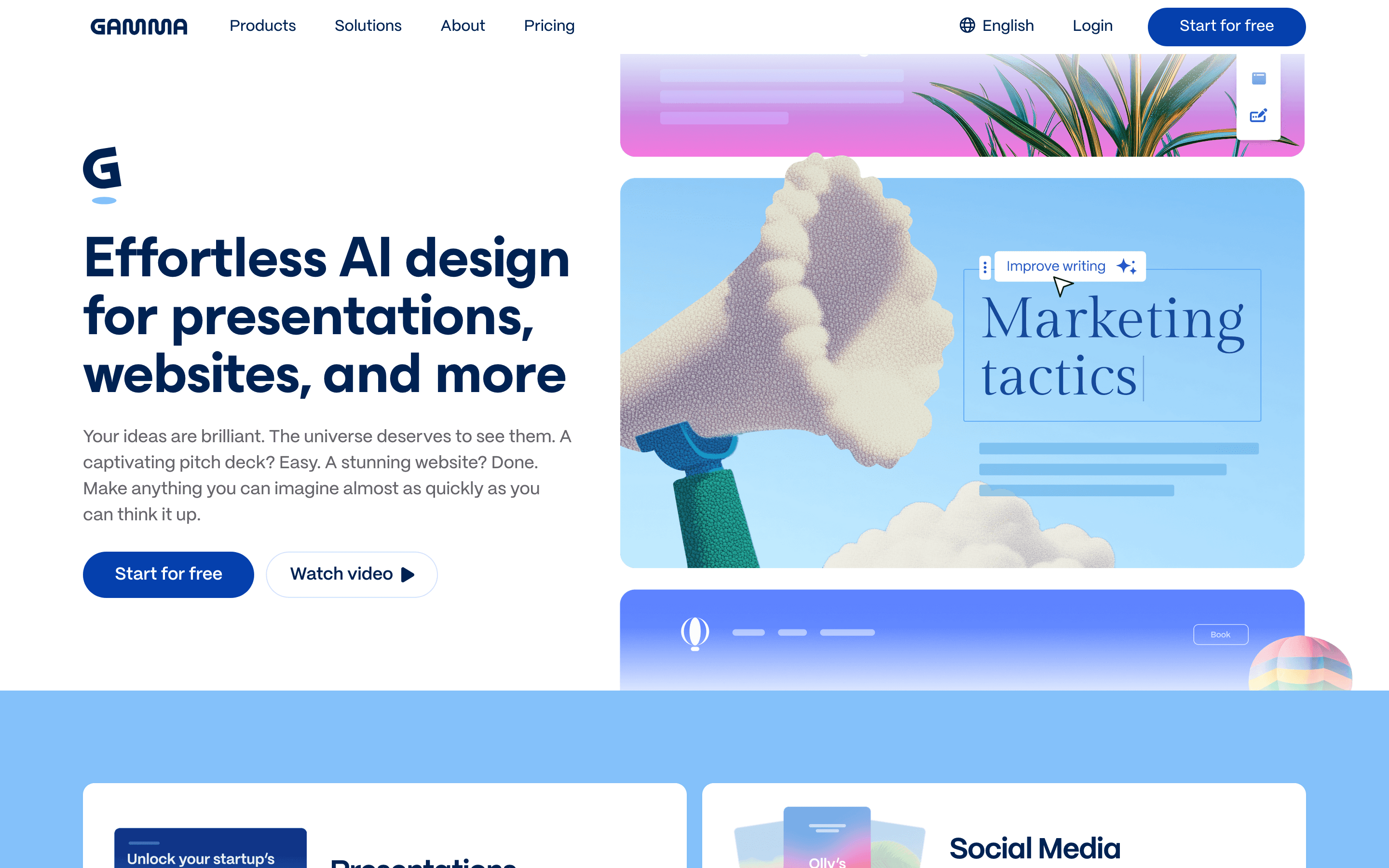
Gamma is the fastest, cheapest way to turn a rough outline into a presentable deck. Paste in your notes or write a prompt, and it lays out cards with text, images, and charts in a couple of minutes, no slide-by-slide building required. Plus starts at $9 per seat per month billed annually, the lowest entry price of the three alternatives here, and removes the Gamma watermark while adding 1,000 monthly credits. Pro, at $18 per seat per month, adds custom branding, an API, and detailed analytics, just $1 under Pitch's Team plan, but Gamma doesn't spell out whether that analytics tracks individual link opens the way Pitch's does for decks sent to prospects or investors, so it's not a like-for-like swap for that job. The catch is the credit system: free-plan credits never refresh, and paid-plan rollover caps at 2x your monthly allotment before it disappears. More seriously, Gamma holds a 1.7 out of 5 rating on Trustpilot, with repeated complaints about a strict no-refund policy and slow, automated-feeling support when people try to cancel. For a founder who needs a quick deck now and then, Gamma is the cheapest way in. For a team depending on it weekly, the support and refund record is worth weighing first.
Pros
- + Goes from a prompt or pasted outline to a full deck in a couple of minutes
- + Plus at $9/seat/month (annual) removes branding and unlocks 1,000 monthly credits, cheaper entry than most rivals
- + Exports to PDF, PPTX, PNG, and Google Slides, plus publishing as a shareable web link
Cons
- – Credits are confusing: free-plan credits never refresh, and paid-plan rollover caps at 2x your monthly allotment before it disappears
- – Trustpilot reviews (1.7/5) repeatedly describe a strict no-refund policy and slow, bot-like support when people try to cancel or get money back
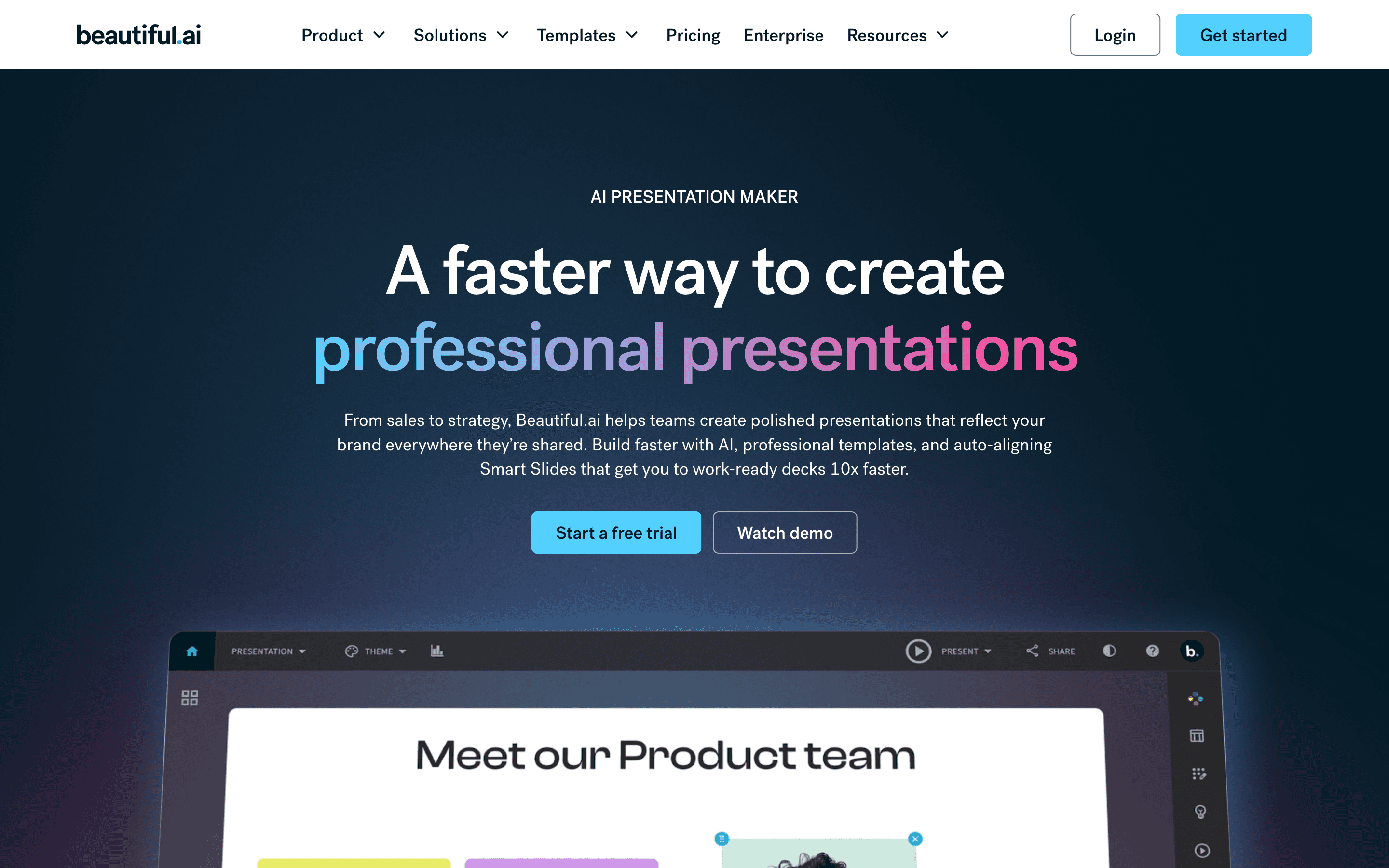
Beautiful.ai's edge is that it builds the slide for you as you type. Pick a Smart Slide layout and it auto-aligns text, images, and charts, then keeps re-aligning them every time you add or remove content, so decks look designed even from someone with no design background. In 2026 it added a prompt-based draft mode too, similar to Gamma and Pitch. The gap from Canva is price and the free plan: there is not one. The 14-day trial needs a credit card and auto-charges the full annual price if you forget to cancel, and Trustpilot and Capterra reviewers describe billing and support problems around exactly that. Pro is $12 per seat per month annually for one person, but Team jumps to $40 per seat to add real-time collaboration, a shared library, and viewer analytics, a steeper collaboration cost than Pitch charges. Pick it for the cleanest automatic design, not for the cheapest way to get a team a working deck.
Pros
- + Smart Slides keep layouts aligned automatically, so decks look consistent even from non-designers
- + Prompt-to-deck workflow gets you a rough draft in minutes
- + Team plan gives real-time co-editing, a shared asset library, and slide analytics
Cons
- – No free plan, and the 14-day trial needs a credit card and auto-charges the full annual price if you forget to cancel
- – Price jumps hard from Pro ($12/seat) to Team ($40/seat) just to get collaboration and shared libraries
Should your product be on this presentation software list?
If you build a tool that belongs next to the ones above, submit it. A human reviews every submission. Approved products get their own page with pricing and screenshots, plus a place in the comparisons where they fit. It is free. You sign in with your work email so you can follow the decision, and there is no password to create.
Canva alternatives: FAQ
What's the best free alternative to Canva for building presentations?+
Pitch has the most usable free plan for decks: up to 5 workspace members and unlimited presentations, though exports are PDF-only and carry Pitch's branding until you upgrade.
What's the cheapest paid alternative to Canva for decks?+
Gamma's Plus plan starts at $9 per seat per month billed annually, the lowest paid entry price of the three, though free-plan credits never refresh and paid plans carry a strict no-refund policy after the first few days.
Which alternative is best for sending decks to investors or clients?+
Pitch, because its link-level view analytics show exactly when someone opens a shared deck and which slides they spend time on, and its sharing tools are built specifically for decks going outside your team. That needs Pitch's Team plan or higher, at $19 per seat per month billed annually; it's not included on Free or Plus. Gamma's Pro plan is only $1 cheaper per seat and also lists detailed analytics, but Gamma doesn't describe that as per-link tracking for external viewers. Beautiful.ai has viewer and slide analytics too, but only on its Team plan at $40 per seat per month, more than double Pitch's price for a similar feature.
Is Tome still a Canva alternative?+
No. Tome shut down its presentation product on April 30, 2025, and tome.app no longer has a working signup, login, or pricing page, so it is not a live alternative today.
Canva alternatives: pricing compared
Entry price, billing model, and whether pricing is public. 4 of 4 publish pricing you can check without talking to sales.
| Tool | Starting price | Billing | Free option | Pricing disclosed |
|---|---|---|---|---|
| Canva | $144/seat/yr | per-seat | Yes | Partly public |
| Pitch | $13/seat/mo | per-seat | Yes | Partly public |
| Gamma | $9/seat/mo | per-seat | Yes | Public |
| Beautiful.ai | $12/seat/mo | per-seat | Trial (14 days on Pro or Team (credit card required, auto-charges if you don't cancel)) | Partly public |
How we made these picks. We compare tools on public pricing, features, and hands-on assessment, then verify every price against the vendor's own page. We never accept payment for rankings. Read the full methodology. Spotted an error? Report it.