Top Tome Alternatives in 2026
Here for Tome itself? See the full Tome profile, pricing & reviews →
Suggest a change- If you want Tome's prompt-to-deck speed at the lowest entry price, choose Gamma. Gamma turns a prompt or pasted outline into a formatted deck in a couple of minutes, and its Plus plan starts at $9 a seat a month billed annually, the cheapest paid entry point among these four tools.
- If you send decks to prospects or investors and need to know if they're actually reading them, choose Pitch. Pitch's shareable links show exactly when someone opens your deck and which slides they spend time on, but only once you're on Pitch's Team plan at $19 a seat a month billed annually (the $13 Plus plan only gets basic, non-tracking links). Beautiful.ai offers similar tracking too, but only on its $40-a-seat Team plan, so Pitch is still the cheaper way to get it.
- If you build decks weekly and want every slide to stay aligned without touching layout yourself, choose Beautiful.ai. Beautiful.ai's Smart Slides re-align text, images, and charts automatically every time you add or remove content, so the deck stays consistent even if you never open an alignment tool.
- If decks are just one of several things you design each week, alongside social posts and one-pagers, choose Canva. Canva pulls decks, social graphics, and one-pagers from the same Brand Kit and template library, so everything you make matches without switching tools.
- If you're still hoping Tome will come back or that your unexported decks will be recovered, choose stop waiting on Tome. Tome shut down its presentation product for good on April 30, 2025, deleted any deck that wasn't exported by then, and its founders moved on to build an unrelated sales CRM, so there is no version of Tome to return to.
Tome shut down its presentation product on April 30, 2025. There's no login, no pricing page, and no way to get back a deck you didn't export before the cutoff. If you built decks in Tome every week for outreach, pitches, or investor updates, you need a working replacement now, not a wait-and-see plan.
The four tools below all do the core job Tome did: turn a prompt or rough outline into a deck fast. Gamma is closest to Tome's speed and entry price. Pitch adds real-time co-editing and analytics on who opened your deck and for how long. Beautiful.ai auto-formats every slide as you build it. Canva trades some deck-specific polish for one tool that also covers the rest of your design work.
Tome alternatives compared
| Tool | Best for | Starting price | Free option | Last update |
|---|---|---|---|---|
| GammaBest replacement for Tome's speed | Founders and consultants who need a deck fast from a rough outline and don't want to fight with slide layout | $9/seat/mo | Yes | June 2026 |
| PitchBest for sales and fundraising decks | Founders and small teams who build and revise decks together and need real-time co-editing | $13/seat/mo | Yes | June 2026 |
| Beautiful.aiBest for zero-effort formatting | Founders and sellers who build decks weekly and want a clean result fast without touching design | $12/seat/mo | Trial (14 days on Pro or Team (credit card required, auto-charges if you don't cancel)) | April 2026 |
| CanvaBest if decks aren't the only thing you design | Founders and small teams who need decks, one-pagers, and social posts from the same templates and brand kit | $144/seat/yr | Yes | June 2026 |
Why teams switch from Tome
Tome shut down its presentation product outright on April 30, 2025 and deleted any deck a user had not exported, forcing every team on it to switch with no migration path.
Tome's own team said the free product hit around 20 million users but stayed under $4 million in annual revenue, meaning most users would not pay, which is why the company pulled the product instead of continuing to invest in it.
The best Tome alternatives, ranked
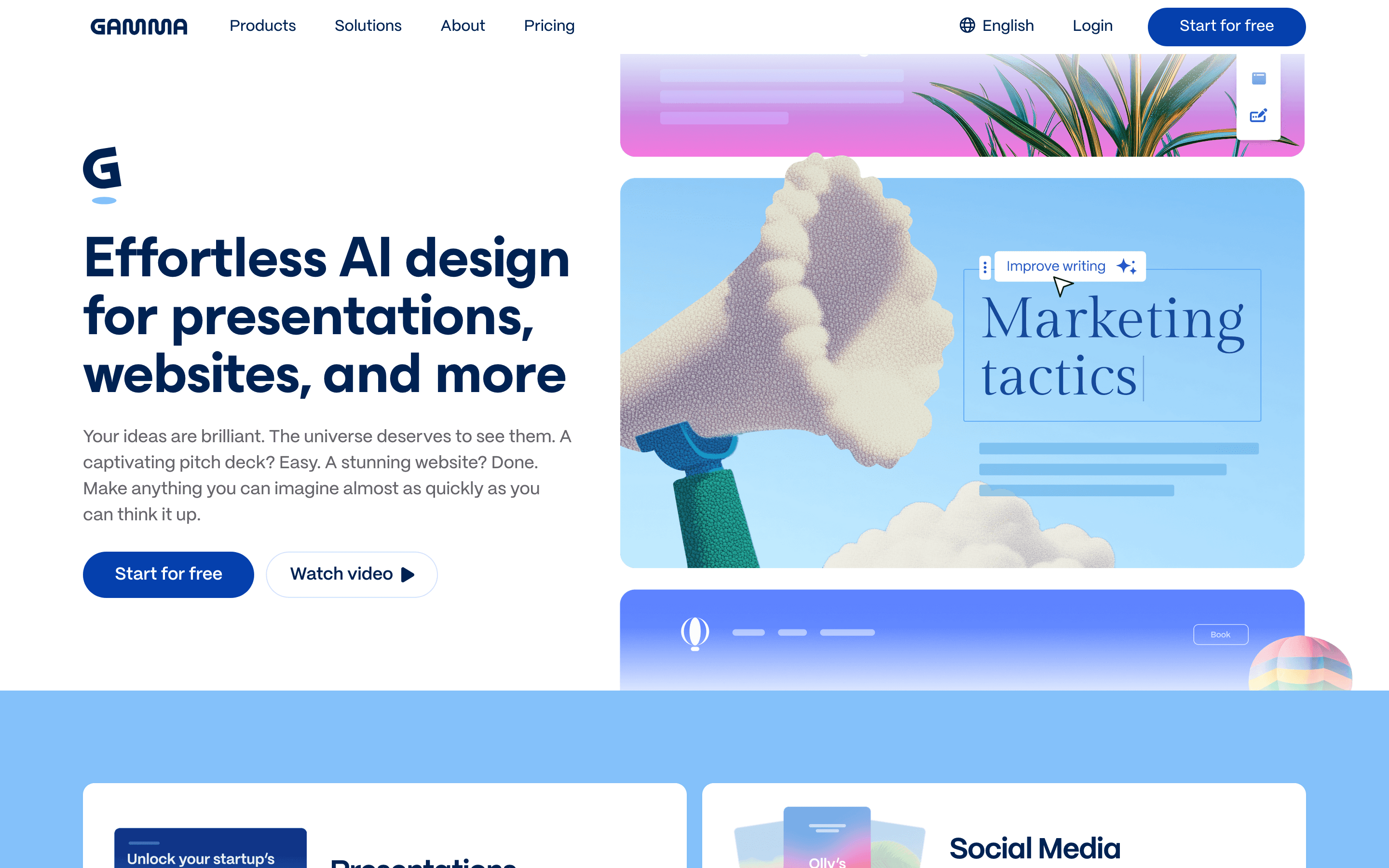
Gamma is the closest thing to what Tome used to do: type a prompt or paste an outline and get a formatted deck back in a couple of minutes, then edit from there. For a founder or seller who builds a new deck every week, that speed is the main draw, and Plus at $9 a seat a month billed annually is the cheapest paid entry point among the tools here. The catch is credits. Free-plan credits never refresh, and even on paid plans your monthly credit pool caps rollover at 2x before it disappears, so a heavy month of AI edits can leave you stuck mid-deck. Trustpilot reviews also flag a strict no-refund policy and slow support when people try to cancel. If you want Tome's prompt-to-deck speed without the shutdown risk, start here.
Pros
- + Goes from a prompt or pasted outline to a full deck in a couple of minutes
- + Plus at $9/seat/month (annual) removes branding and unlocks 1,000 monthly credits, cheaper entry than most rivals
- + Exports to PDF, PPTX, PNG, and Google Slides, plus publishing as a shareable web link
Cons
- – Credits are confusing: free-plan credits never refresh, and paid-plan rollover caps at 2x your monthly allotment before it disappears
- – Trustpilot reviews (1.7/5) repeatedly describe a strict no-refund policy and slow, bot-like support when people try to cancel or get money back
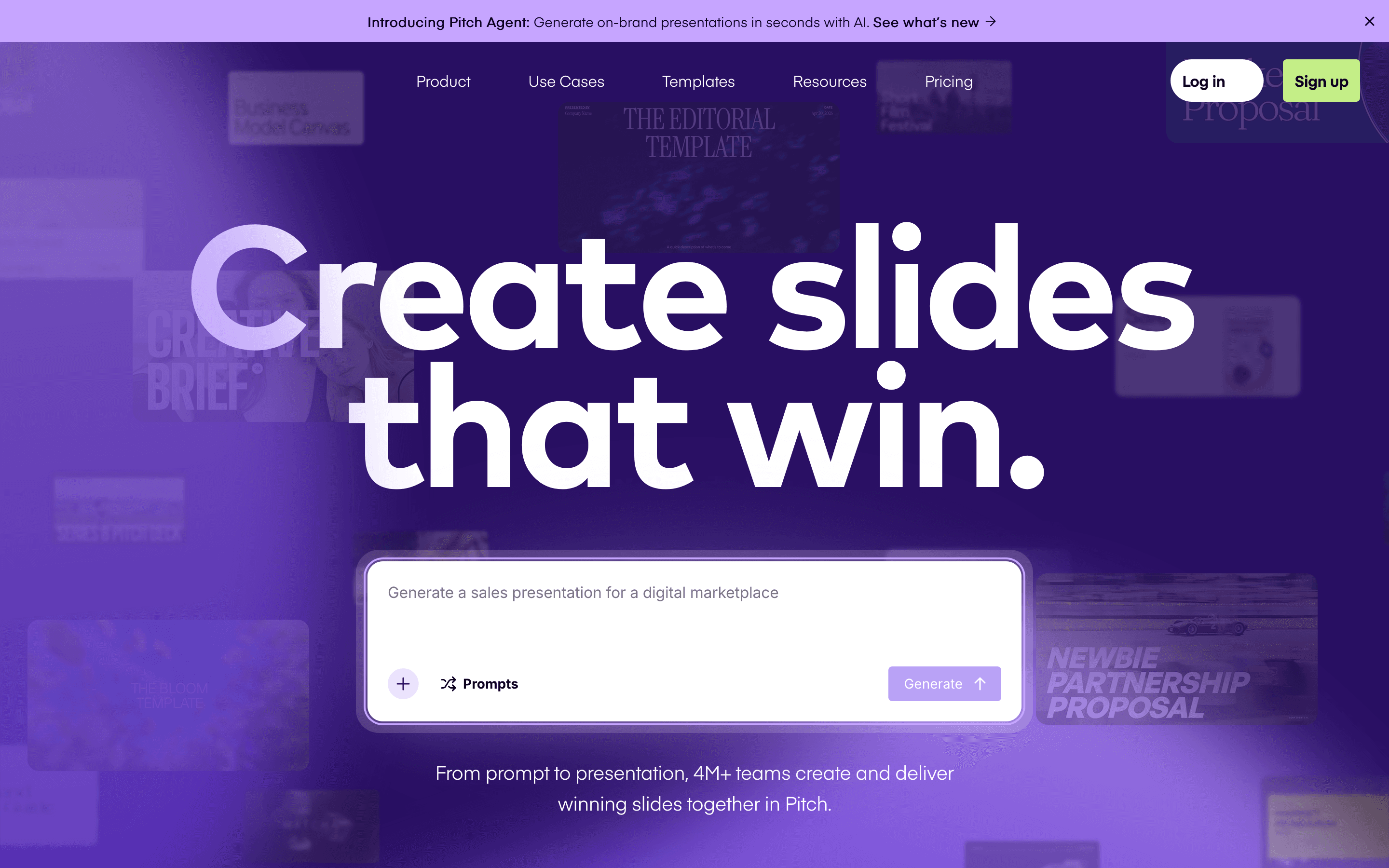
Pitch is built for decks that leave your desk: real-time co-editing so a founder and a seller can build the same deck at once, plus link analytics that show exactly when a prospect or investor opened it and which slides they lingered on. That matters if you send decks weekly to buyers and want to know whether anyone reads past slide three. The free plan supports up to 5 people and unlimited decks, but exports are PDF only and carry Pitch branding until you pay, and the one-time 100 AI credits run out fast if you lean on AI drafting. Paid seats start at $13 a month billed annually for the Plus plan, but that tier only gets basic sharing links with no tracking; the open and slide-view analytics only unlock on the Team plan at $19 a seat a month billed annually. It's a strong pick for sales and fundraising decks, less so if you just want one deck occasionally with no tracking.
Pros
- + Real-time multiplayer editing feels closer to Google Docs than to PowerPoint
- + Link analytics show exactly when a prospect or investor opens your deck and which slides they lingered on
- + Free plan supports up to 5 people and unlimited presentations, not just a single trial deck
Cons
- – Free-plan exports are PDF only and carry Pitch's branding; removing the watermark or exporting to PowerPoint needs a paid seat
- – AI credits are metered and a heavy user burns through the free one-time allotment fast
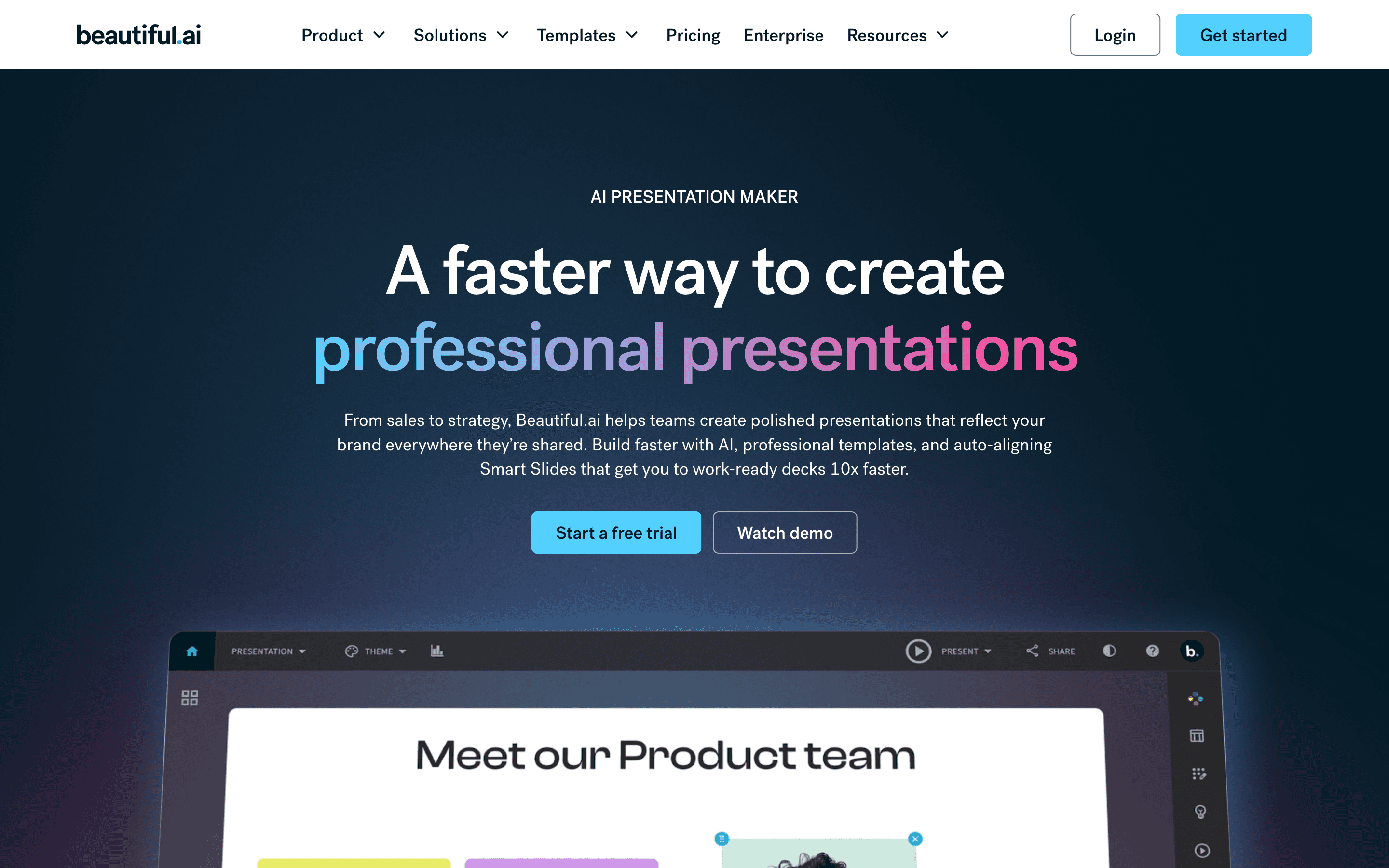
Beautiful.ai auto-formats every slide as you build it. Pick a Smart Slide layout and it keeps re-aligning text, images, and charts every time you add or remove content, so decks look consistent even if you never touch alignment tools yourself. In 2026 it added a prompt-to-deck workflow too, so you can start from an outline instead of a blank Smart Slide. The tradeoff is price and access: there's no free plan, only a 14-day trial that needs a card and auto-charges the full annual rate if you forget to cancel, and the jump from Pro at $12 a seat to Team at $40 a seat just to get collaboration and shared libraries is steep. Good for someone who wants a designed look with zero design effort and doesn't mind paying from day one.
Pros
- + Smart Slides keep layouts aligned automatically, so decks look consistent even from non-designers
- + Prompt-to-deck workflow gets you a rough draft in minutes
- + Team plan gives real-time co-editing, a shared asset library, and slide analytics
Cons
- – No free plan, and the 14-day trial needs a credit card and auto-charges the full annual price if you forget to cancel
- – Price jumps hard from Pro ($12/seat) to Team ($40/seat) just to get collaboration and shared libraries
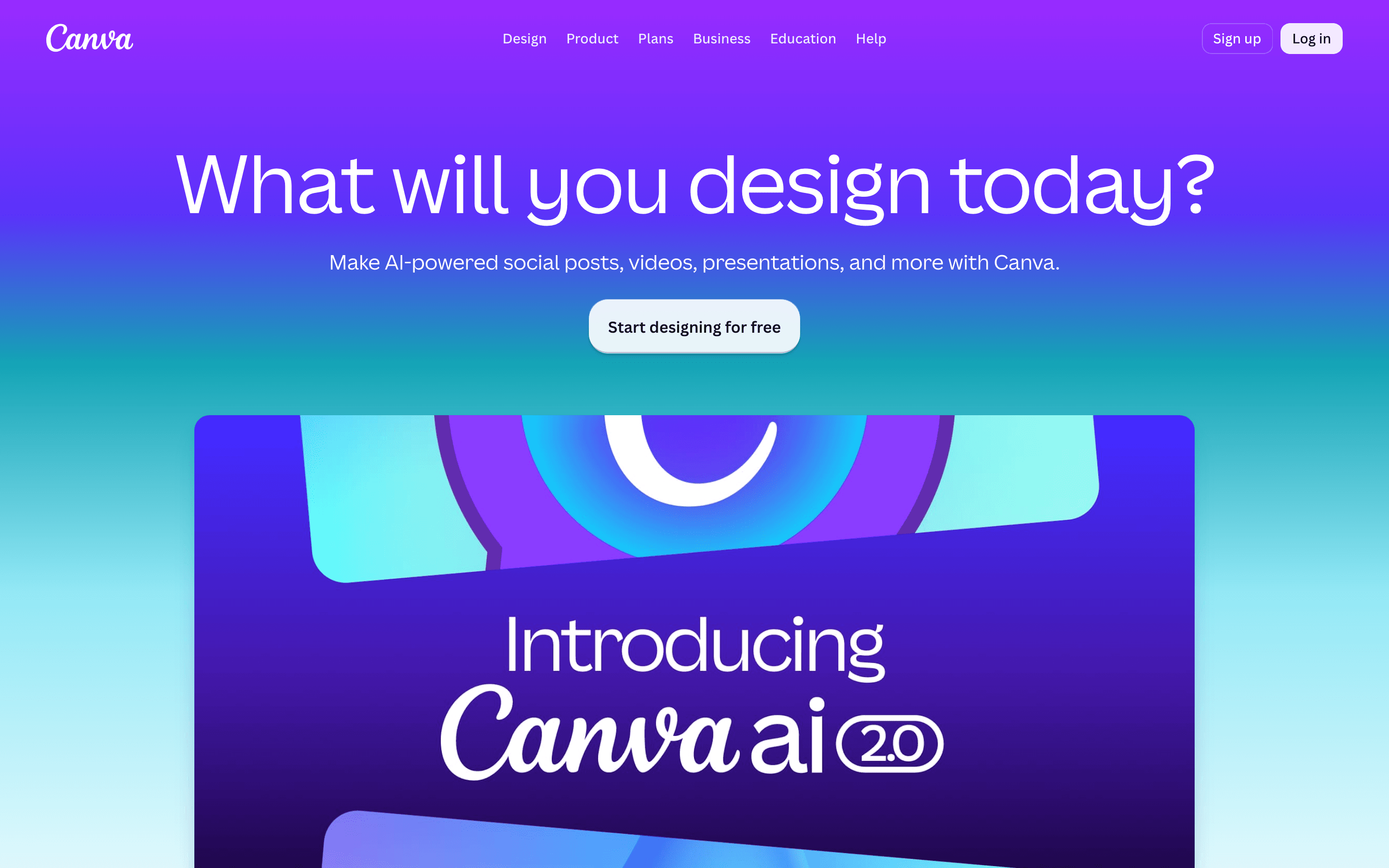
Canva isn't a dedicated deck tool the way Gamma or Pitch are, and that's the point for some buyers. It's a template-driven design tool that happens to do decks well alongside social posts, one-pagers, and brand assets, all pulled from the same Brand Kit. A founder making a deck one week and a LinkedIn graphic the next gets more mileage here than from a single-purpose presentation app. The free plan is genuinely usable, not a trial wall, with over a million templates. What you don't get is presenter-specific tooling: no live audience interaction, no deck-open analytics, and Business pricing at $250 a seat a year now scales per seat after Canva's 2024 pricing change burned some small teams. Pick Canva if decks are one of several things you design, not the only thing.
Pros
- + One brand kit and template library covers decks, social, and print, so a deck matches everything else you make
- + Free plan is genuinely usable, not just a trial wall, with over a million templates and assets
- + Fast for non-designers: pick a template, swap text and images, done
Cons
- – Business plan jumped from the old Teams price and now bills per seat, so cost scales fast as headcount grows
- – AI features are metered by credits per plan, so heavy AI use on Free or Pro runs out quickly
Should your product be on this presentation software list?
If you build a tool that belongs next to the ones above, submit it. A human reviews every submission. Approved products get their own page with pricing and screenshots, plus a place in the comparisons where they fit. It is free. You sign in with your work email so you can follow the decision, and there is no password to create.
Tome alternatives: FAQ
What happened to Tome?+
Tome shut down its presentation product, Tome Slides, on April 30, 2025. The website has no working app, login, or pricing page anymore, and the founders moved on to build Lightfield, an unrelated AI CRM.
Can I get my old Tome decks back?+
Only if you exported them before the April 30, 2025 cutoff. Anything left in the app after that date was deleted with no recovery option.
What's the best free alternative to Tome?+
Pitch's free plan supports unlimited presentations, capped mainly by a one-time 100 AI credit allotment for drafting. Gamma's free plan is usable but capped harder: a one-time 400-credit allotment that's gone after roughly 10 AI-generated decks (40 credits each) and never refreshes, so it's not unlimited deck creation, just unlimited viewing and export of decks you've already made. Canva's free plan is also genuinely usable for decks, just less AI-native.
Which Tome alternative is best for a founder who makes decks every week?+
Gamma matches Tome's prompt-to-deck speed most closely at the lowest paid entry price. If you also need to track when investors or prospects open the deck, Pitch is the better fit.
Tome alternatives: pricing compared
Entry price, billing model, and whether pricing is public. 4 of 5 publish pricing you can check without talking to sales.
| Tool | Starting price | Billing | Free option | Pricing disclosed |
|---|---|---|---|---|
| Tome | Custom / quote | discontinued | No | Not disclosed |
| Gamma | $9/seat/mo | per-seat | Yes | Public |
| Pitch | $13/seat/mo | per-seat | Yes | Partly public |
| Beautiful.ai | $12/seat/mo | per-seat | Trial (14 days on Pro or Team (credit card required, auto-charges if you don't cancel)) | Partly public |
| Canva | $144/seat/yr | per-seat | Yes | Partly public |
How we made these picks. We compare tools on public pricing, features, and hands-on assessment, then verify every price against the vendor's own page. We never accept payment for rankings. Read the full methodology. Spotted an error? Report it.