Top Gamma Alternatives in 2026
Here for Gamma itself? See the full Gamma profile, pricing & reviews →
Suggest a change- If your decks go to prospects or investors and you want to know when they open it and which slides they read, choose Pitch. Pitch's link analytics can require an email before someone views your deck, so you know exactly which prospect or investor opened it and how long they spent on each slide. Gamma's Pro plan tracks view time per slide too, but most viewers show up as 'Anonymous Viewer' unless they're logged into a Gamma account.
- If you build decks solo every week and want a clean, auto-aligned look without ever touching layout, choose Beautiful.ai. Smart Slides re-align every element automatically as you add or remove content, so a deck built solo still looks designed without the credit-metering rules Gamma runs on.
- If you already build your social posts and one-pagers in the same tool and want your deck to match, choose Canva. one brand kit and template library covers decks, social, and print in the same place, so switching off Gamma also cuts a whole extra tool out of your stack.
- If you want the fastest prompt-to-deck speed and the cheapest paid entry price, and you're careful to track your credits and cancel on time, choose stay on Gamma. Plus starts at $9/seat/month billed annually, the cheapest branding-free entry among the AI-generation tools here, and Gamma's speed at turning a rough outline into a full deck is still the benchmark the others were built to match.
Gamma is the fastest way most people have found to turn a rough outline into a full deck, and Plus at $9/seat/month is the cheapest branding-free entry point among the AI-generation tools in this category. But the credit system trips people up: free-plan credits never refresh, and paid-plan rollover caps at 2x your monthly allotment before it disappears. Trustpilot reviewers also describe a strict no-refund policy and support that feels automated when something goes wrong, which is why teams start shopping around even after they've paid for a seat.
If you make decks every week for prospects, investors, or your own team, the right alternative depends on what you actually need: someone to track when a prospect opens your deck, a tool that auto-formats layout so you never touch alignment, or a genuinely free plan you can stay on without a credit card.
Gamma alternatives compared
| Tool | Best for | Starting price | Free option | Last update |
|---|---|---|---|---|
| PitchBest for tracking prospect engagement | Founders and small teams who build and revise decks together and need real-time co-editing | $13/seat/mo | Yes | June 2026 |
| Beautiful.aiBest for weekly solo deck building | Founders and sellers who build decks weekly and want a clean result fast without touching design | $12/seat/mo | Trial (14 days on Pro or Team (credit card required, auto-charges if you don't cancel)) | April 2026 |
| CanvaBest free alternative | Founders and small teams who need decks, one-pagers, and social posts from the same templates and brand kit | $144/seat/yr | Yes | June 2026 |
Why teams switch from Gamma
No refund path once you're past a short window
Trustpilot reviewers describe getting locked into annual plans with no refund path, including one person charged a year later for a subscription they'd stopped using and got only a form-letter no-refund response.
Support feels automated when something breaks
Reviewers say support feels automated and unhelpful when something goes wrong, with one describing lost data and days spent repeating themselves to what seemed like AI bots instead of getting a fix.
Credits are confusing and free credits never refresh
Free-plan credits never refresh after the initial 400, and paid-plan rollover caps at 2x your monthly allotment before the surplus disappears, so heavy users hit a wall even on a paid seat.
The best Gamma alternatives, ranked
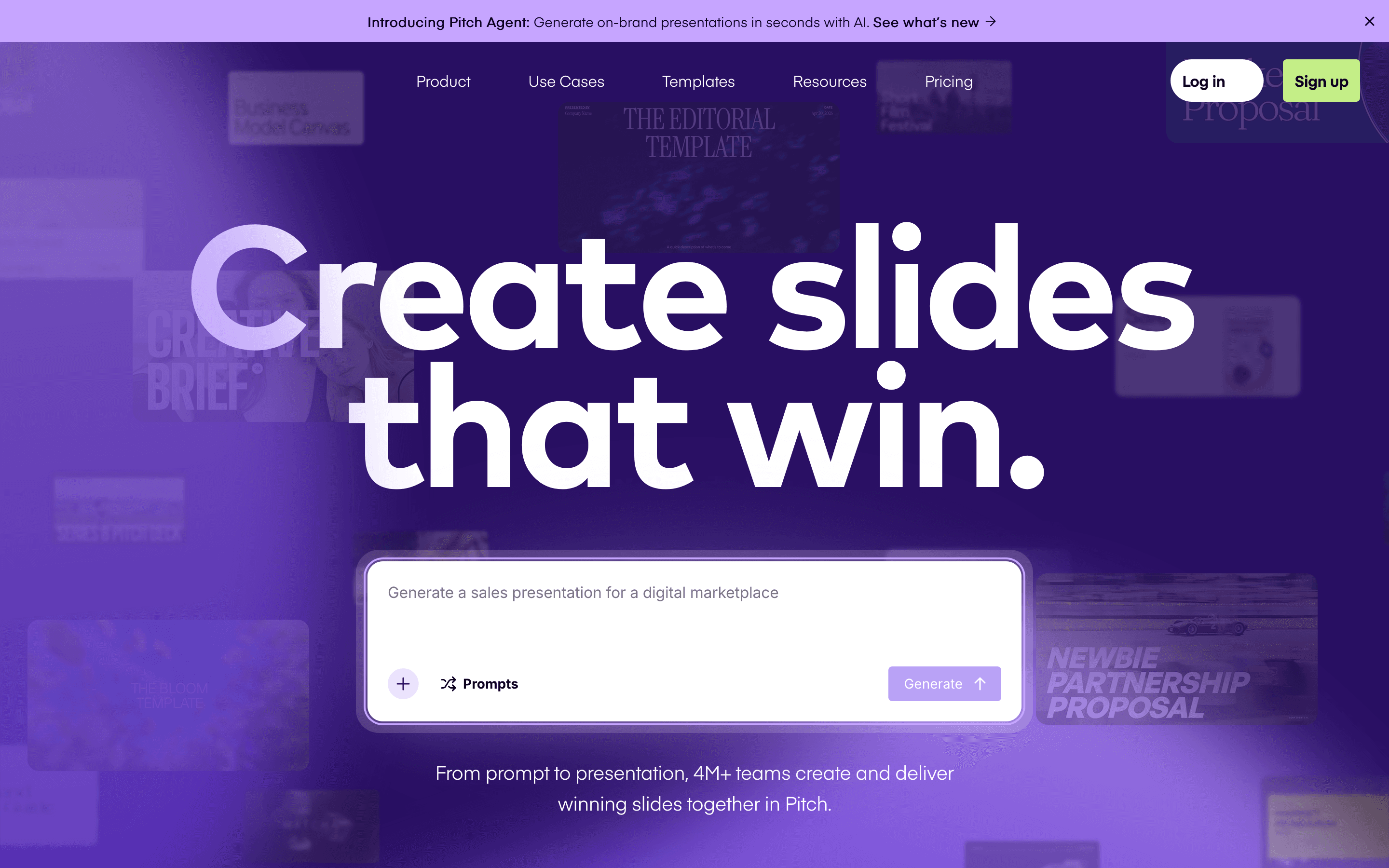
Pitch is the closest match to Gamma if your deck work is a team sport rather than a solo grind. It treats prompt-to-deck as one feature among several and builds around real-time multiplayer editing, so two people can be on the same slide at once, closer to Google Docs than PowerPoint. For sellers and fundraisers, the standout is link analytics with an optional email gate. Require an email to view the deck and you know exactly which prospect or investor opened it and which slides they lingered on. Gamma's Pro plan also tracks slide-level view time and unique viewer counts, but it can't tell you who's behind those views unless they're logged into a Gamma account, so most show up as 'Anonymous Viewer.' The free plan supports 5 people and unlimited decks, more generous than Gamma's one-time 400 credits, but AI generation is still metered, just 100 credits, one time, on Free. Paid seats start at $13/seat/month billed annually, a few dollars above Gamma's Plus tier, and the design tools trail dedicated design software: thin alignment tools and no built-in diagramming.
Pros
- + Real-time multiplayer editing feels closer to Google Docs than to PowerPoint
- + Link analytics show exactly when a prospect or investor opens your deck and which slides they lingered on
- + Free plan supports up to 5 people and unlimited presentations, not just a single trial deck
Cons
- – Free-plan exports are PDF only and carry Pitch's branding; removing the watermark or exporting to PowerPoint needs a paid seat
- – AI credits are metered and a heavy user burns through the free one-time allotment fast
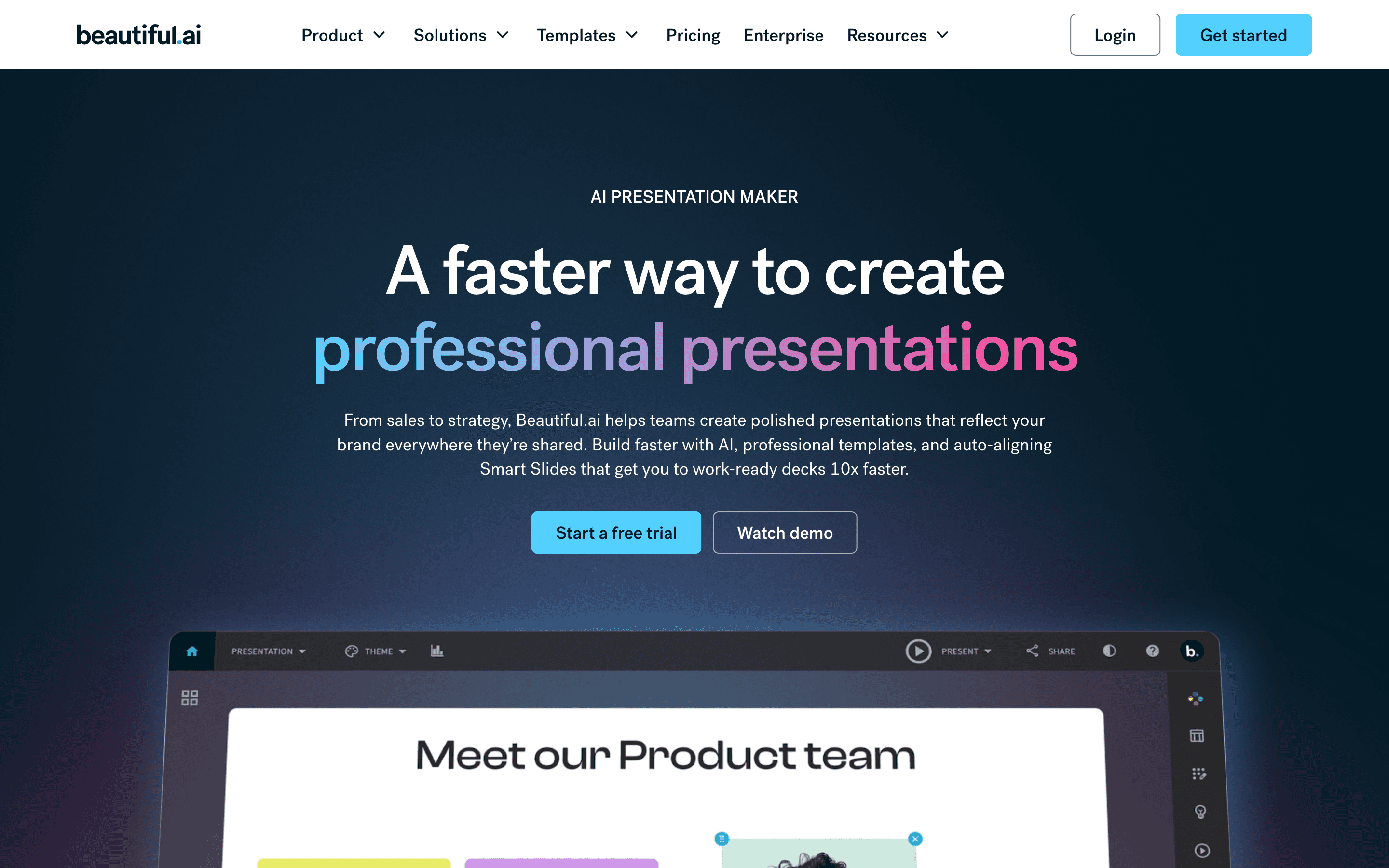
Beautiful.ai targets exactly the reader Gamma also chases: people who make decks every week and don't want to fight layout. Its Smart Slide layouts auto-align text, images, and charts as you edit, so a deck stays consistent even without a design background, and a 2026 update added a prompt-to-deck workflow close to Gamma's own. The catch is money and trust up front. There's no free plan at all, only a 14-day trial that needs a credit card and auto-charges the full annual price if you forget to cancel, a billing pattern Trustpilot and Capterra reviewers call out the same way they call out Gamma's no-refund policy. Pro starts at $12/seat/month billed annually, a few dollars above Gamma's Plus, and the price jumps hard to $40/seat for Team collaboration and a shared asset library.
Pros
- + Smart Slides keep layouts aligned automatically, so decks look consistent even from non-designers
- + Prompt-to-deck workflow gets you a rough draft in minutes
- + Team plan gives real-time co-editing, a shared asset library, and slide analytics
Cons
- – No free plan, and the 14-day trial needs a credit card and auto-charges the full annual price if you forget to cancel
- – Price jumps hard from Pro ($12/seat) to Team ($40/seat) just to get collaboration and shared libraries
Canva is the budget move if you want a deck tool with no watermark anxiety and no credit meter to babysit. The free plan is a real product, not a trial wall: over a million templates, a brand kit, and 5GB of storage, with no time limit and no card required, unlike Gamma's one-time 400 credits or Beautiful.ai's card-gated trial. What you give up is presentation-specific polish. Canva's Magic Studio AI tools generate and edit content, but the tool wasn't built to turn a prompt into a full deck the way Gamma was, and it has no presenter analytics or live-audience features. Business runs $250/seat/year, a bit more than Gamma's Team tier at $240/seat/year but a little over half of Gamma's Business tier at $480/seat/year, and per-seat billing stung customers hard enough in 2024 to trigger public backlash before Canva partly reversed it for existing customers.
Pros
- + One brand kit and template library covers decks, social, and print, so a deck matches everything else you make
- + Free plan is genuinely usable, not just a trial wall, with over a million templates and assets
- + Fast for non-designers: pick a template, swap text and images, done
Cons
- – Business plan jumped from the old Teams price and now bills per seat, so cost scales fast as headcount grows
- – AI features are metered by credits per plan, so heavy AI use on Free or Pro runs out quickly
Should your product be on this presentation software list?
If you build a tool that belongs next to the ones above, submit it. A human reviews every submission. Approved products get their own page with pricing and screenshots, plus a place in the comparisons where they fit. It is free. You sign in with your work email so you can follow the decision, and there is no password to create.
Gamma alternatives: FAQ
What's the best Gamma alternative for founders and sellers who make decks weekly?+
It depends on whether you build alone or with a team. For solo, weekly deck building without touching layout, Beautiful.ai's Smart Slides are the closest match. For teams that also need to know when a prospect or investor opens the deck, Pitch's link analytics are the better fit.
Is there a free Gamma alternative?+
Canva's free plan is genuinely usable with no time limit, unlike Gamma's one-time 400 credits. Pitch also has a free plan for up to 5 people and unlimited presentations, but its AI credits are a one-time 100.
Should I use Tome instead of Gamma?+
No. Tome shut down its presentation product on April 30, 2025, and tome.app now returns a dead page with no way to sign up or pay. Anyone comparing Tome to Gamma should pick from Gamma, Pitch, Beautiful.ai, or Canva instead.
Why do teams leave Gamma?+
The most common complaints are a strict no-refund policy that locks people into annual plans, support that reviewers describe as automated and slow, and a credit system where free-plan credits never refresh.
Does Gamma show who viewed my deck?+
On the Pro plan, yes: Gamma shows time spent per card, percentage of views per card, and unique viewers over the last 30 days. But it can only name viewers who are logged into a Gamma account, so most external viewers, like a prospect or investor you sent a link to, show up as 'Anonymous Viewer.' Pitch's link analytics close that gap with an optional email gate that requires a viewer to enter their email before they see the deck.
Gamma alternatives: pricing compared
Entry price, billing model, and whether pricing is public. 4 of 4 publish pricing you can check without talking to sales.
| Tool | Starting price | Billing | Free option | Pricing disclosed |
|---|---|---|---|---|
| Gamma | $9/seat/mo | per-seat | Yes | Public |
| Pitch | $13/seat/mo | per-seat | Yes | Partly public |
| Beautiful.ai | $12/seat/mo | per-seat | Trial (14 days on Pro or Team (credit card required, auto-charges if you don't cancel)) | Partly public |
| Canva | $144/seat/yr | per-seat | Yes | Partly public |
How we made these picks. We compare tools on public pricing, features, and hands-on assessment, then verify every price against the vendor's own page. We never accept payment for rankings. Read the full methodology. Spotted an error? Report it.