SuperTokens Review
Open-source login and user management you can self-host or run as a managed service
Is this your product? Claim this page · Request a change
Looking for a SuperTokens alternative? See our ranked comparison.→What is SuperTokens?
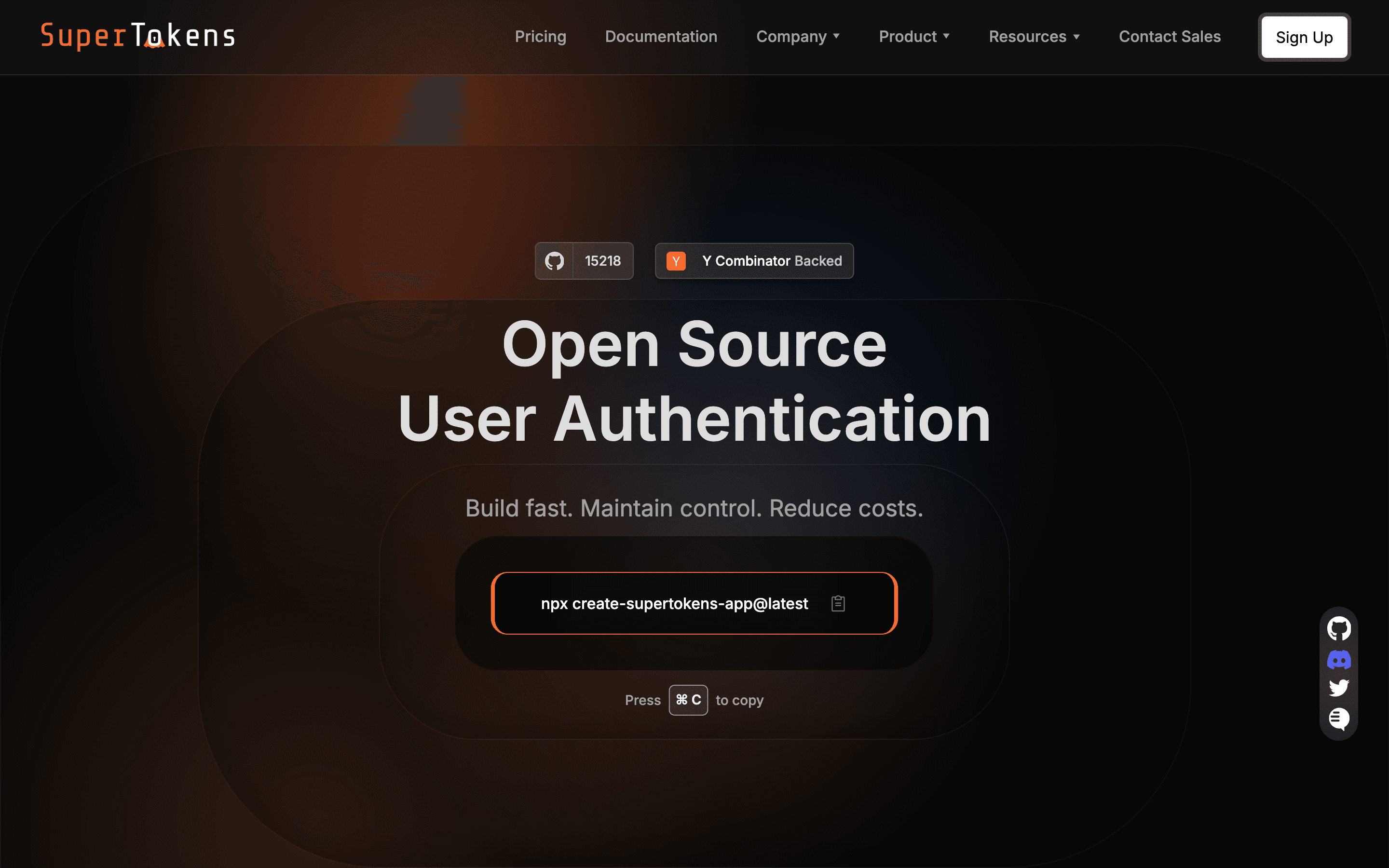
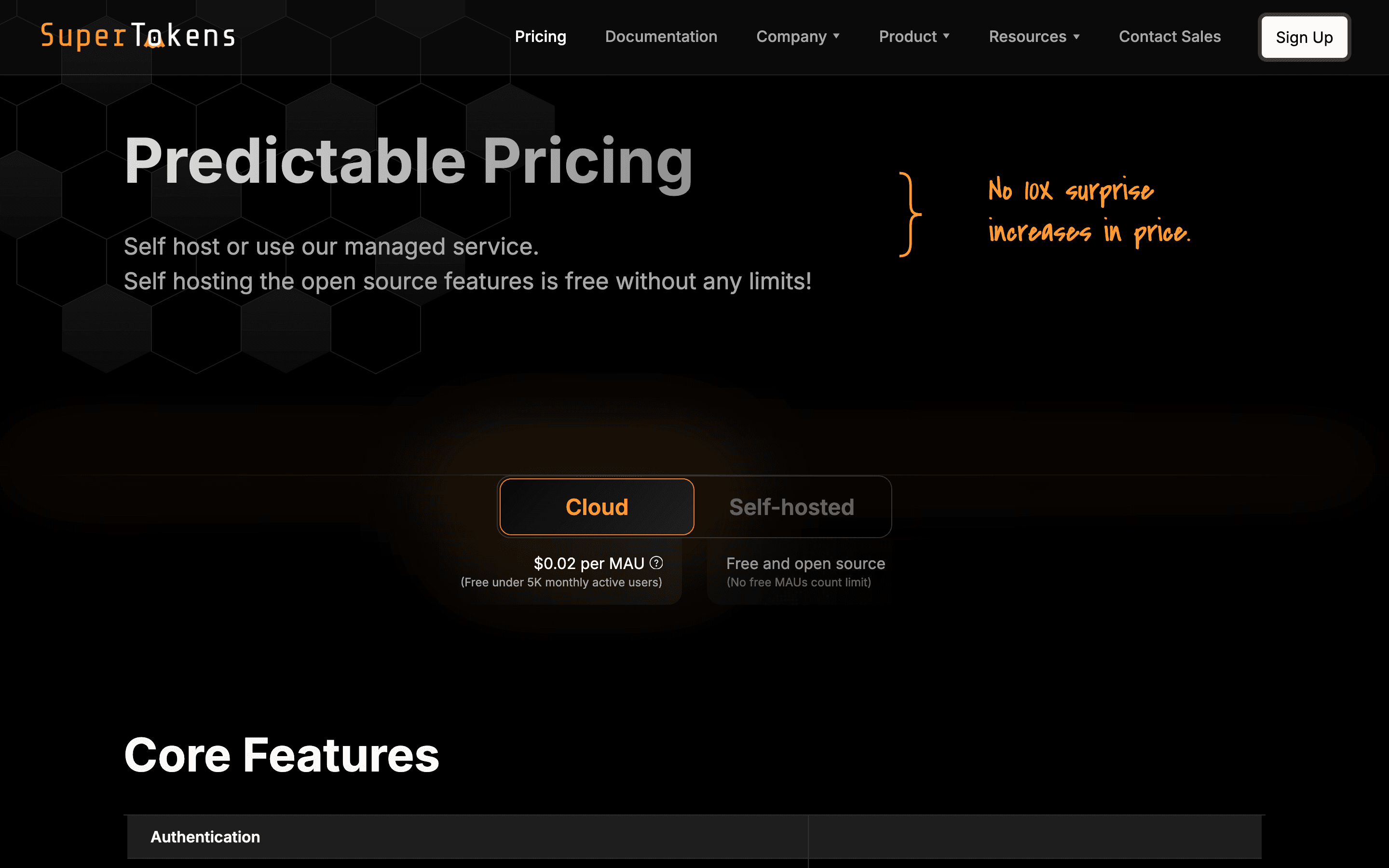
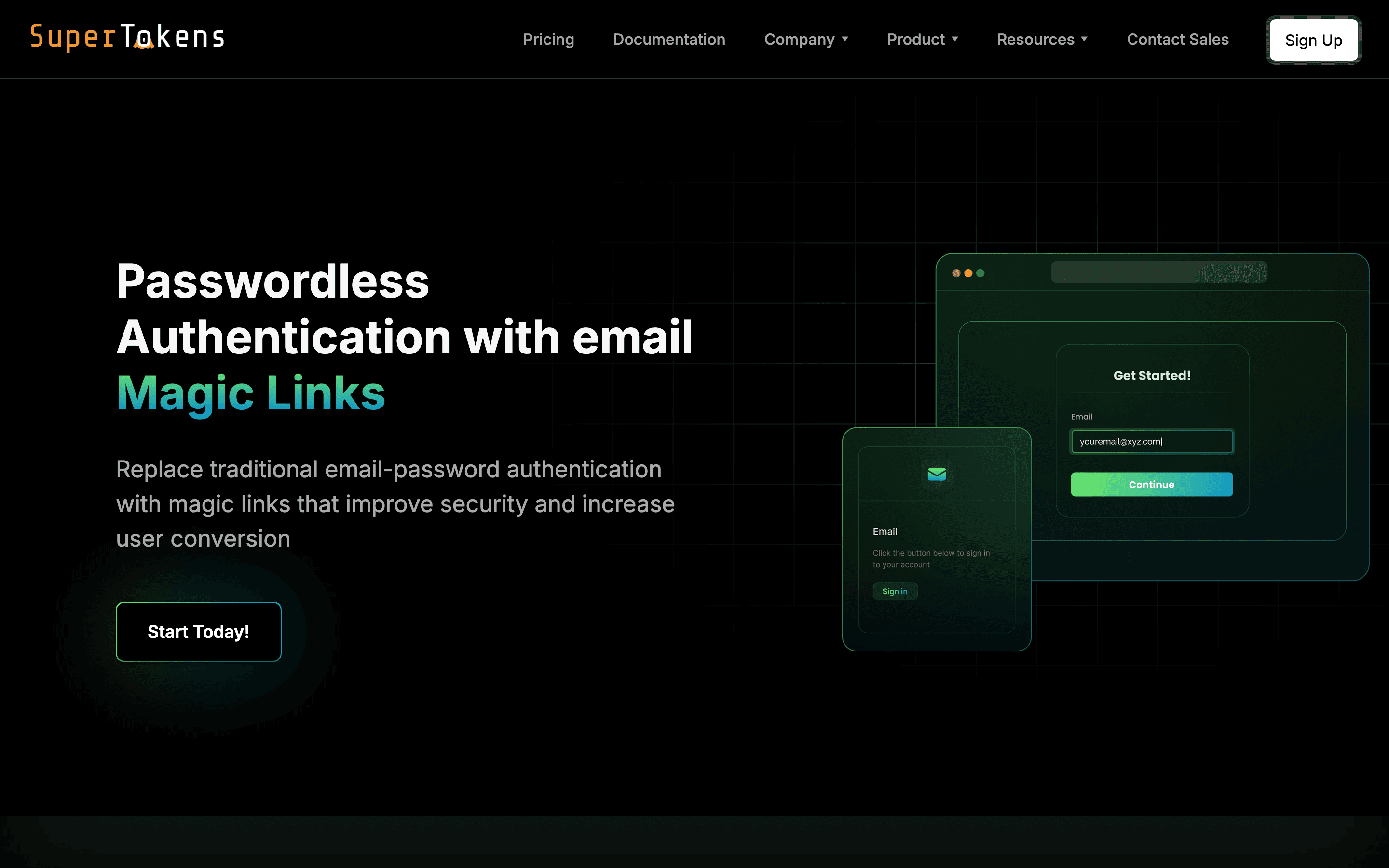
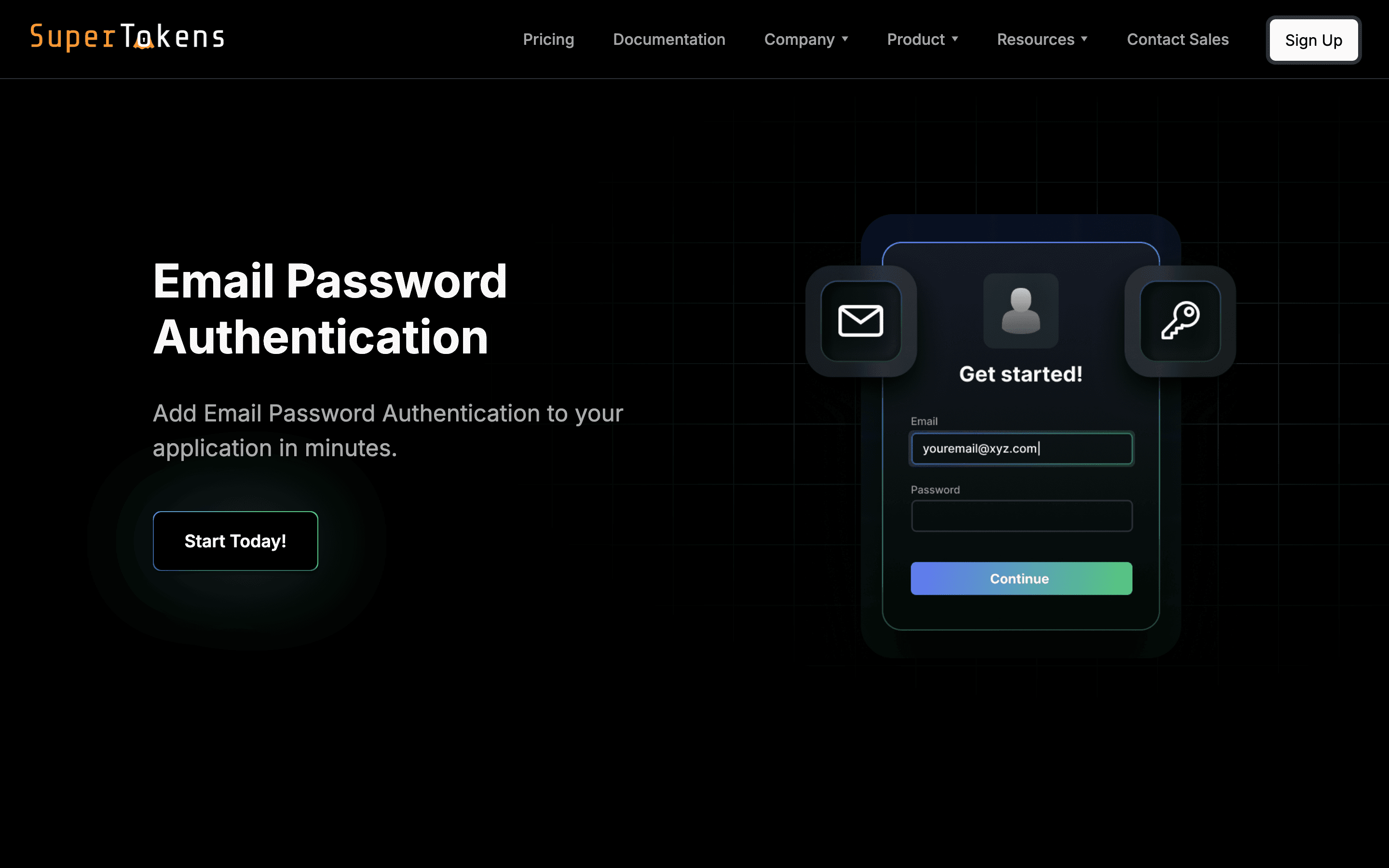
SuperTokens is an open-source auth system: email/password, passwordless, social login, SSO, and multi-tenancy, plus the session management and user management dashboard around it. You either self-host the core (Docker container plus your own database) for free with no user cap, or point your app at SuperTokens' managed cloud, which is free up to 5,000 monthly active users.
The backend SDKs (Node, Python, Go) are generally well liked. The docs are organized around a concept called "recipes" (pre-built flows for each login method), which some developers find adds a layer of indirection you have to learn before things click.
Features beyond basic login, like MFA, account linking, and multi-tenancy, are separate paid add-ons billed per MAU, whether you're self-hosting or on the managed cloud. So self-hosting avoids the core per-MAU fee but not the add-on fees if you need them.
SuperTokens screenshots
Who it's for
- ✓ Teams that want to self-host auth and keep user data on their own infrastructure
- ✓ Startups that want free core auth up to 5,000 MAU without running their own servers
- ✓ Teams comfortable reading source code and willing to work through the recipe-based docs
Who should look elsewhere
- ✗ Teams that want a single flat price with every feature (MFA, multi-tenancy) included, not billed as separate add-ons
- ✗ Teams that want a polished pre-built UI kit as good as Clerk's out of the box
Pros
- + Core auth is genuinely free to self-host with no MAU limit, not just a trial
- + Node.js SDK is solid and most functions can be overridden for custom flows
- + Managed cloud free tier (5,000 MAU) is generous for early-stage products
- + You can start self-hosted and move to managed cloud, or back, without switching auth systems
Cons
- – MFA, account linking, and extra dashboard users are billed separately per MAU with a $100/month minimum each, so real cost adds up fast once you need more than basic login
- – Docs are built around a "recipes" abstraction that developers on Hacker News describe as confusing to search and navigate
- – React SDK has been called weaker than the backend SDKs by developers who've used it
- – Enterprise features (multi-tenancy pricing, SLAs) are quote-only, so you can't see the real cost until you talk to sales
SuperTokens pricing
You pay for what you consume rather than a per-seat fee, so cost scales with usage.
| Plan | Price | Highlights |
|---|---|---|
| Self-hosted (core) | Free | Open source, no MAU limit · You run and manage the servers · Pay only if you turn on paid add-ons |
| Managed cloud (core) | Free | Free up to 5,000 MAU · $0.02 per MAU after that |
| Add-ons (self-hosted or cloud) | Custom | Multi-factor auth: $0.01/MAU, $100/month minimum · Account linking: $0.005/MAU, $100/month minimum · Extra dashboard users: $20/user/month (first 3 free) · Multi-tenancy, M2M auth, attack protection, and SLAs: contact sales |
Core authentication is free either way: self-host it with no MAU cap, or run SuperTokens' managed cloud free up to 5,000 MAU and pay $0.02/MAU above that. The real cost driver is the add-ons (MFA, account linking, extra dashboard seats), which are billed per MAU with a $100/month minimum once you turn any of them on. Enterprise features like multi-tenancy, M2M auth, and SLAs are quote-only, so startingPrice is left null here. Volume discounts exist above 10,000 MAU or 5+ organizations, but the discounted rate isn't published.
Pricing verified July 22, 2026 · source
How SuperTokens's pricing compares
SuperTokens next to its closest alternatives on entry price, billing, and whether pricing is public.
| Tool | Starting price | Billing | Free option | Pricing disclosed |
|---|---|---|---|---|
| SuperTokens | Free tier + custom | usage-based | Yes | Not disclosed |
| Auth0 | $35/user/mo | tiered | Yes | Partly public |
| Clerk | $25/mo | tiered | Yes | Partly public |
| WorkOS | Free | usage-based | Yes | Partly public |
| Stytch | Free | usage-based | Yes | Partly public |
| Frontegg | Free tier + custom | usage-based | Yes | Not disclosed |
Is SuperTokens still actively developed?
Last significant update: May 2026. Added Evergreen Hosting: managed instances now auto-upgrade to the latest stable release with zero downtime, using gradual rollouts and instant rollback. You can still opt out or pin a version if you need manual control for compliance.
Top SuperTokens alternatives
SuperTokens FAQ
Is SuperTokens free?+
The core login system is free either way: self-host it with no user limit, or use the managed cloud free up to 5,000 monthly active users. Add-ons like MFA and account linking cost extra per MAU on top of that, with a $100/month minimum once enabled.
Do I have to pay per MAU if I self-host?+
Not for the core auth. Self-hosting the core is free with no MAU cap. You only pay per-MAU fees if you turn on paid add-ons like MFA or account linking, and those use the same rates whether you self-host or use the managed cloud.
How much does multi-tenancy cost?+
SuperTokens doesn't publish a price for multi-tenancy. You have to contact sales to get a quote.