Top Appwrite Alternatives in 2026
Here for Appwrite itself? See the full Appwrite profile, pricing & reviews →
Suggest a change- If you want a relational data model instead of Appwrite's documents but still want the option to self-host, choose Supabase. it gives you real hosted Postgres you can connect to with any SQL client or ORM, and it's open source and self-hostable the same way Appwrite is.
- If you're building a mobile-first app on Android, iOS, or Flutter, choose Firebase. its native mobile tooling is more mature than any option here and Cloud Messaging push notifications stay free at any volume.
- If you want queries that update your frontend automatically without writing subscription code, choose Convex. its reactive TypeScript functions push data changes to the client on their own, which goes further than Appwrite's realtime subscriptions.
- If you run several small projects and want one bill instead of paying per project, choose Nhost. it bills at the organization level, so multiple projects share one pool of database, storage, and compute instead of each paying Appwrite's $25 per-project fee.
- If you want a free, single-binary backend for a solo project with no vendor cloud bill at all, choose PocketBase. it's one Go binary with a built-in database, auth, and storage that you run yourself, with no managed plan and no fee to opt into.
- If you rely on Appwrite's messaging, Sites hosting, or its 16 function runtimes under one publicly priced Cloud plan, choose stay on Appwrite. none of these alternatives bundle messaging, static and SSR hosting, and this many function runtimes together at one plainly published hosted price.
Appwrite bundles auth, a database, storage, and serverless functions into one open source backend that you can self-host for free or run on Appwrite Cloud starting at $25 a month per project. Developers reach for it when they want one SDK instead of stitching together separate auth, database, and storage vendors, with the option to move off the hosted plan and run it themselves later.
Teams still shop alternatives when Appwrite's document database doesn't fit a relational data model, when Pro's per-resource overage billing gets hard to predict, or when they need more mature mobile tooling, real-time reactivity, or a lighter self-hosted footprint than Appwrite covers. The five tools below all do the same core job, hosted or self-hosted auth, database, storage, and backend logic, just with different tradeoffs on data model, pricing shape, and how much of it you run yourself.
Appwrite alternatives compared
| Tool | Best for | Starting price | Free option | Last update |
|---|---|---|---|---|
| SupabaseBest SQL alternative | Developers who want real Postgres with auth and storage already wired up, not a proprietary data layer | $25/mo | Yes | July 2026 |
| FirebaseBest for mobile apps | Mobile-first apps (Android, iOS, Flutter) that want auth, a real-time database, and push notifications out of the box | Free tier + custom | Yes | July 2026 |
| NhostBest for billing across multiple projects | Developers who want a Postgres-backed GraphQL API with auth and storage already wired together | $25/mo | Yes | June 2026 |
| ConvexBest for real-time reactive apps | Developers who want a database, backend functions, and real-time updates working together out of the box without assembling separate services | $25/seat/mo | Yes | April 2026 |
| PocketBaseBest free self-hosted option | Solo developers and small teams who want a real database, auth, and file storage running in five minutes without setting up separate services | Free tier + custom | Yes | July 2026 |
Why teams switch from Appwrite
Pro's overage charges stack across every resource type
The $25/month Pro plan only covers a bundle of usage. Bandwidth, storage, executions, database reads/writes, active users, and realtime connections each carry their own separate overage rate, so a busy app can rack up several add-on charges in the same month.
The free plan caps you at 2 projects and pauses after a week of inactivity
Free Cloud projects share resources rather than getting dedicated infrastructure, and an inactive project auto-pauses after a week, which pushes any real usage onto the metered Pro plan.
Enterprise pricing is quote-only
SSO, custom org roles, activity logs, and SOC 2, HIPAA, and BAA compliance all sit behind Enterprise, and Appwrite doesn't publish that price, so teams that need those controls can't compare the cost upfront.
The document database doesn't fit teams that need relational data
Appwrite's primary data model is document-based, not SQL, so teams whose primary need is real relational queries and joins look elsewhere.
The best Appwrite alternatives, ranked
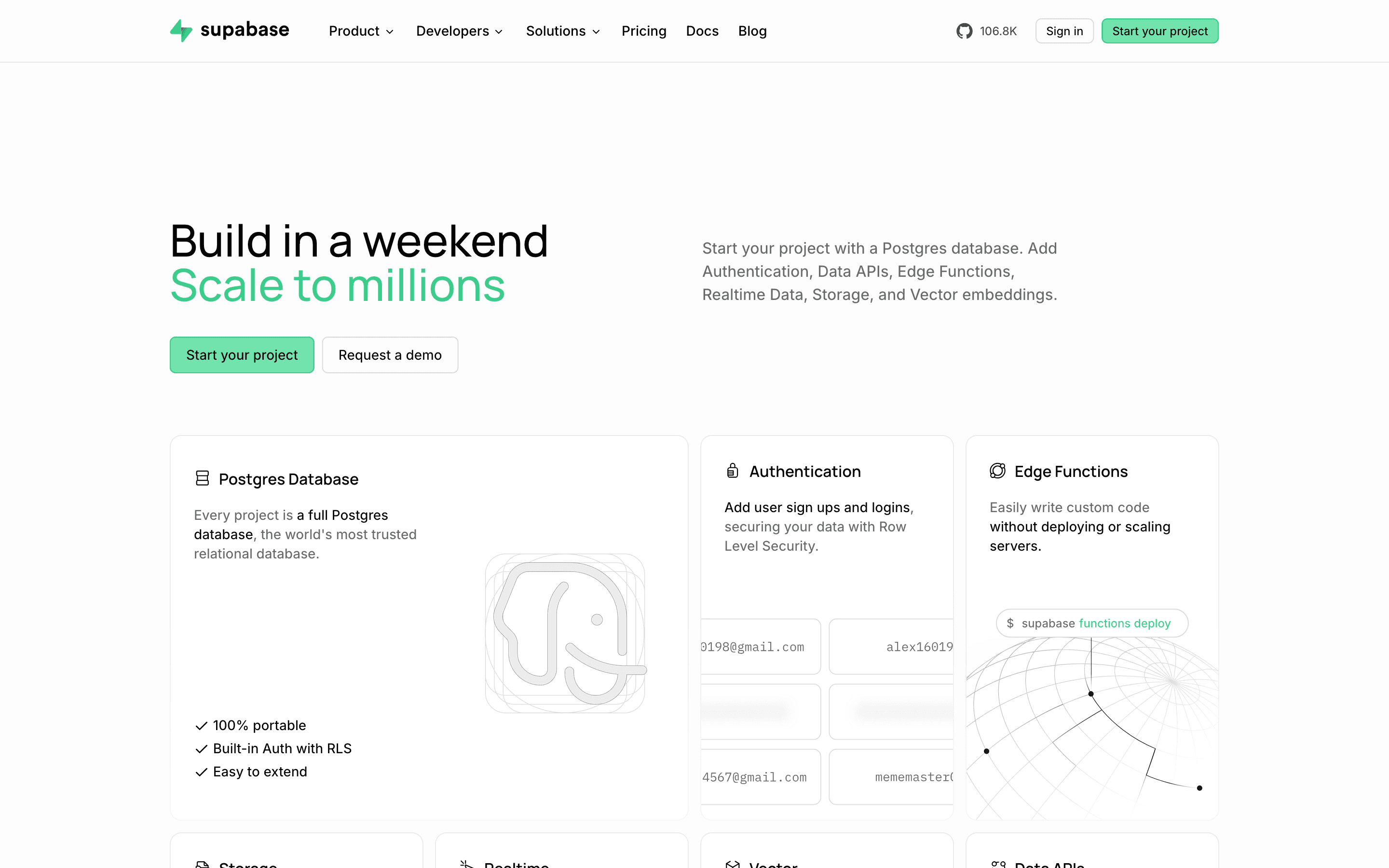
Supabase is the closest match to Appwrite's own model: open source, self-hostable or cloud-hosted, and priced the same shape, $25 a month per project on Pro plus metered overage on top. The real difference is the data model. Appwrite stores documents; Supabase gives you real hosted Postgres you can connect to with any SQL client or ORM, so existing SQL skills and migrations carry over instead of learning a document query style. Both free tiers cap out at a couple of projects that pause after a week without traffic, and both bill compute, storage, and bandwidth as separate line items past the included allowance. The tradeoff is that Supabase's Pro plan turns spend caps on by default, so a project pauses the moment you exceed included usage unless you opt into pay-as-you-grow billing in the dashboard, the same kind of surprise-pause risk Appwrite's own free tier carries.
Pros
- + Real Postgres underneath, so you can connect with any Postgres client or ORM and aren't locked into a proprietary query language
- + Generous free tier for a single small project, including 50,000 MAUs and 500 MB of database
- + Auth, storage, realtime, and edge functions all ship in one platform instead of four separate vendors
Cons
- – The bill has a lot of moving parts: a flat plan fee, per-project compute billed hourly, and separate overage rates for disk, egress, storage, and MAUs
- – Spend caps are on by default on Pro, so a project can get paused when you hit an included limit unless you proactively enable pay-as-you-grow

Firebase is the platform Appwrite was originally built to replace, and it's still the one most teams compare Appwrite against. It covers the same job, auth, a NoSQL database, storage, functions, and messaging, but ties you to Google Cloud with no self-hosted option at all. Pricing runs on Spark (free, fixed daily quotas) and Blaze (pay-as-you-go past those same quotas), with no flat monthly plan and no published starting price the way Appwrite's Pro tier has. Firestore's per-read and per-write billing means denormalized data and complex queries can multiply cost compared with a single SQL join, a different flavor of the same overage stacking Appwrite Pro users run into, just measured in reads and writes instead of bandwidth and executions. What Firebase offers that Appwrite doesn't is far more mature native tooling for Android, iOS, Flutter, and Unity, plus free push notifications at any volume.
Pros
- + Free Spark tier is real and usable for building and testing, not just a demo
- + Auth, database, storage, functions, hosting, and messaging all live in one console with one SDK
- + Deep, mature tooling for Android, iOS, Flutter, and Unity that most alternatives don't match
Cons
- – No flat-rate plan. Costs scale with reads, writes, storage, and bandwidth, so a bill can jump if usage spikes or a query pattern is inefficient
- – Firestore's per-read and per-write pricing means denormalizing data or fetching related records can multiply costs compared with a single SQL join
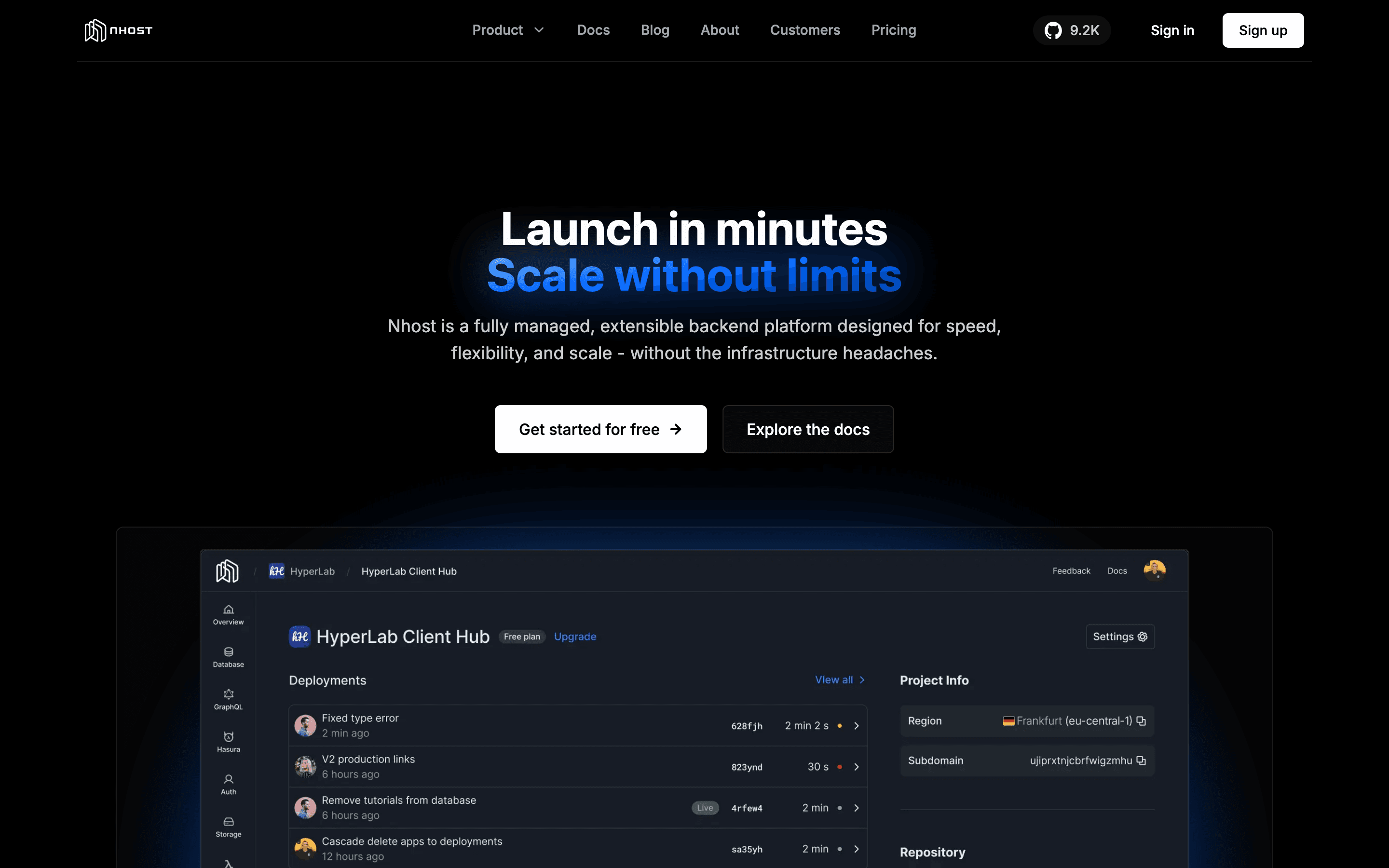
Nhost pairs managed Postgres with a Hasura-compatible GraphQL layer, plus auth, storage, and functions, billed per organization rather than per project the way Appwrite bills. That means several small projects can share one pool of database, storage, egress, and compute instead of paying $25 per project. The free Starter plan is limited to one project and pauses after a week of inactivity, the same kind of pause Appwrite's own free plan applies. Pro includes a $15 monthly compute credit that's easy to outgrow once real traffic hits, and unlike Appwrite's line-item overages, Nhost just bills the extra usage with no cap. The jump from Pro to Team is steep too, $599 a month for SOC 2 and support SLAs, a steep jump in absolute dollar terms. Nhost's newer Constellation GraphQL engine, meant to replace Hasura, shipped in alpha and still lacks features like event triggers.
Pros
- + One bill covers database, auth, storage, functions, and GraphQL instead of stitching together separate vendors
- + 7-day automated backups are included free starting on the Pro plan
- + Org-based billing lets you run multiple projects under one plan instead of paying per project
Cons
- – The free Starter plan is limited to one project and pauses after a week without activity
- – Pro's included compute credit ($15/month) is easy to exceed once you have real traffic, and overage is billed automatically with no cap
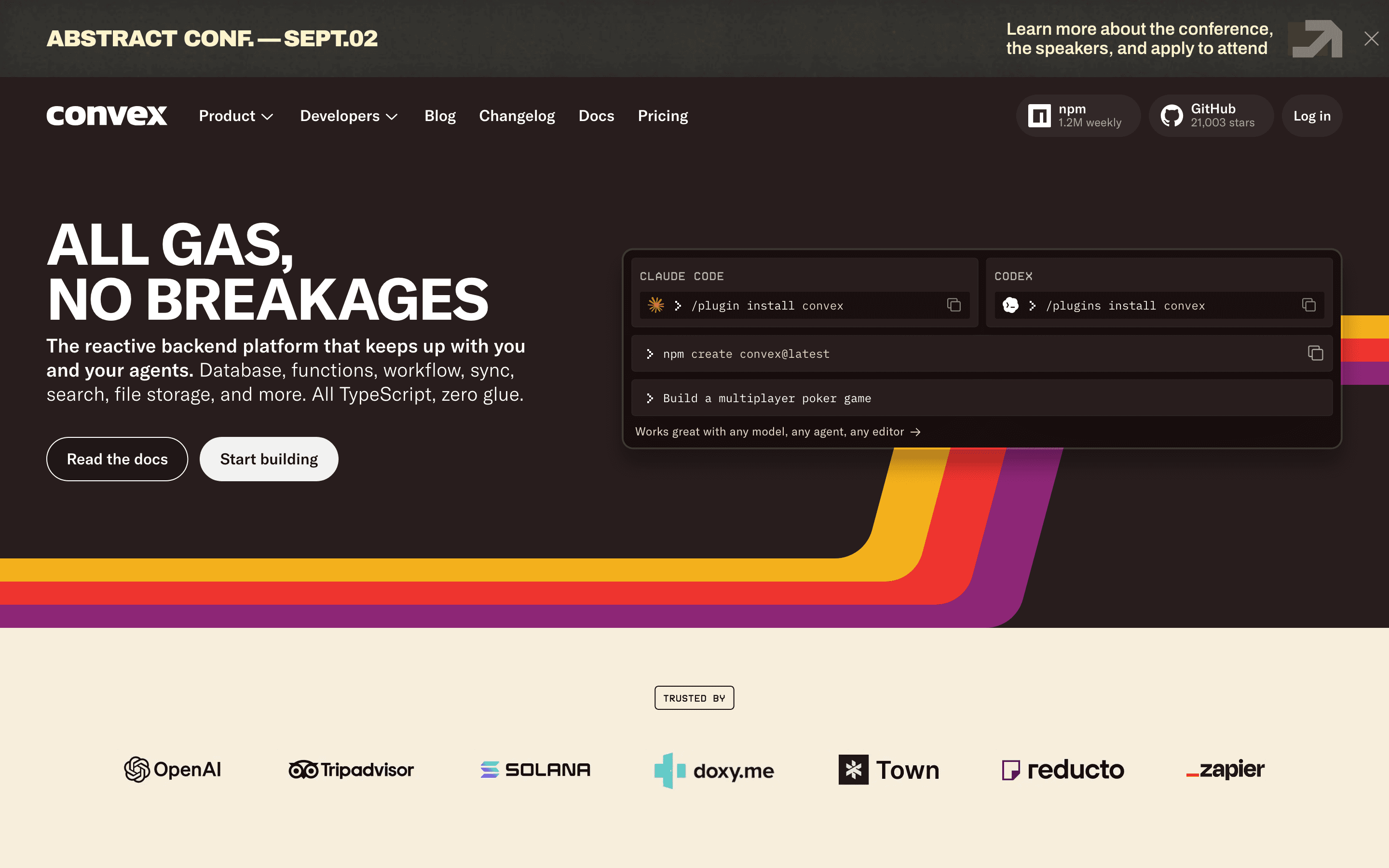
Convex trades Appwrite's document database and REST-style SDKs for TypeScript functions and reactive queries that update your frontend automatically, no manual subscriptions needed, which goes further than Appwrite's realtime subscriptions do. There's no self-hosted option, so teams that valued Appwrite's ability to run its own server give that up entirely. The free plan has no time limit and covers 1M function calls and 0.5GB of database storage, and Professional is $25 per developer per month, a per-seat model rather than Appwrite's per-project pricing. Past Professional, Business jumps to a $2,500 monthly minimum for up to 50 developers. Unlike Nhost's disclosed Team price, Appwrite's own Enterprise cost is never published, so the two jumps aren't directly comparable. Convex fits teams building a new TypeScript product from scratch more than teams bringing an existing SQL or document database, or that want the choice to self-host the way Appwrite offers.
Pros
- + Real-time reactive queries work automatically, no manual subscriptions or cache invalidation
- + Free tier is genuinely free with no time limit, useful for prototypes and side projects
- + Function calls, storage, and compute are all billed from one dashboard instead of stitching together separate vendor bills
Cons
- – Business plan pricing starts at a $2,500/month minimum, a large jump from the $25/seat Professional plan
- – Data egress and action compute are metered past small included quotas, so cost gets harder to predict as traffic grows
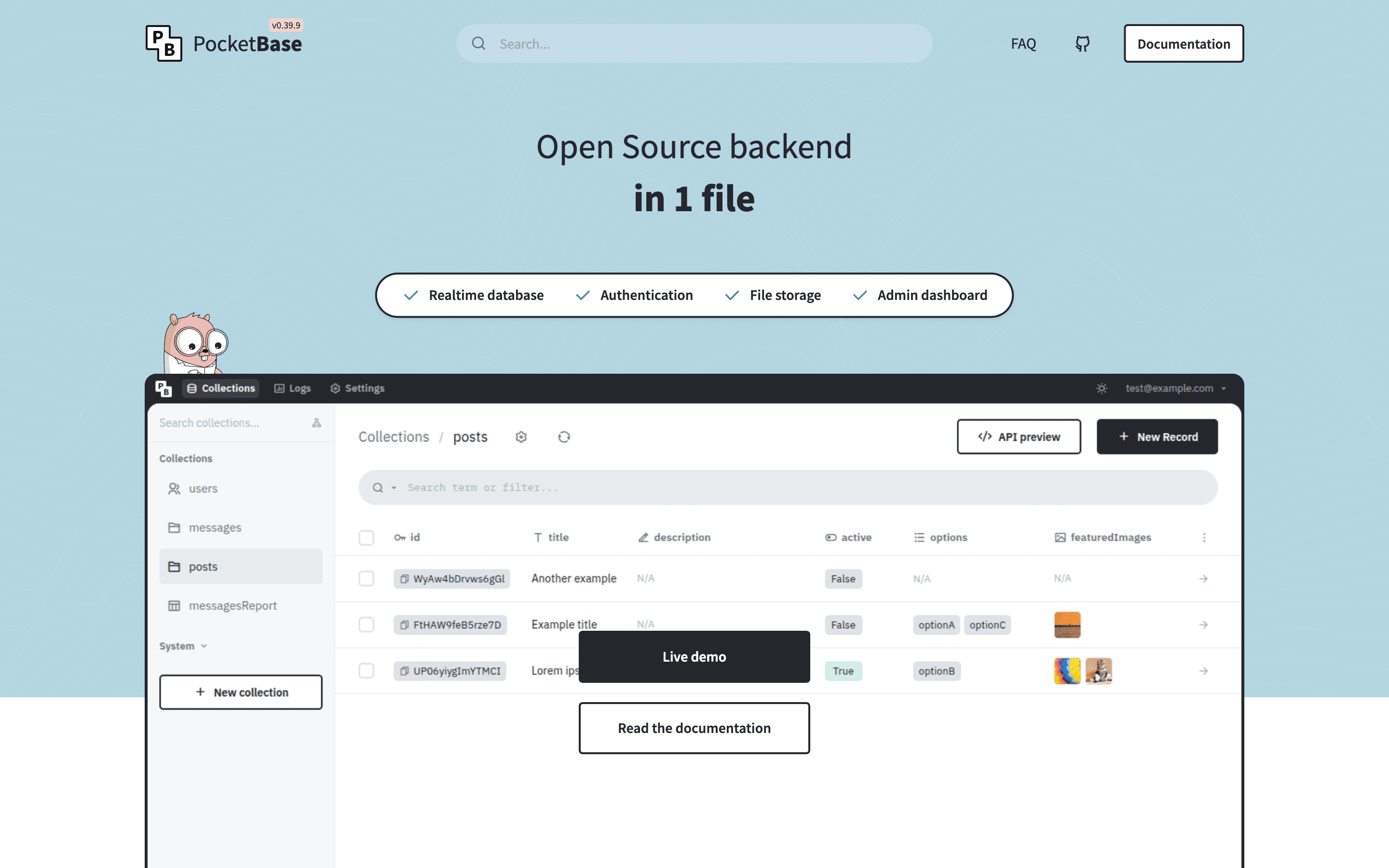
PocketBase mirrors the side of Appwrite that's free and open source to self-host, but strips away everything else. There's no managed cloud product at all, so where Appwrite gives you the choice of running your own server or paying for Appwrite Cloud, PocketBase only offers the first option. It ships as a single Go binary with an embedded SQLite database, built-in auth with OAuth2, file storage, realtime subscriptions, and an admin UI, so a solo developer can get a working backend running in minutes with nothing else to install. The tradeoffs are real: it runs as a single instance on one SQLite file with no horizontal scaling path, the project's own docs call it not yet recommended for production-critical apps, and it's maintained largely by one person. For a small side project or internal tool, that simplicity beats Appwrite's larger surface area; for anything needing a managed cloud plan or a scaling story, it doesn't compete.
Pros
- + One binary, no separate database or auth service to stand up
- + Free and MIT licensed, including for commercial use
- + Realtime subscriptions and an admin UI are built in from the start, not bolted on
Cons
- – Runs as a single instance on embedded SQLite, so horizontal scaling requests (multiple nodes, alternate databases like CockroachDB or libsql) have been closed by the maintainer rather than implemented
- – Still pre-1.0. The docs themselves say it is not recommended for production-critical apps unless you're willing to read the changelog and do manual migration steps between versions
Should your product be on this backend as a service list?
If you build a tool that belongs next to the ones above, submit it. A human reviews every submission. Approved products get their own page with pricing and screenshots, plus a place in the comparisons where they fit. It is free. You sign in with your work email so you can follow the decision, and there is no password to create.
Appwrite alternatives: FAQ
What is the best alternative to Appwrite?+
Supabase is the closest match if you want the same open source, self-hosted-or-cloud model as Appwrite but with a real Postgres database instead of documents. Firebase is the next most common comparison, especially for mobile-first apps.
Is there a free alternative to Appwrite?+
PocketBase is free and open source with no paid tier at all, though you're responsible for hosting it yourself. Supabase's free tier has usage caps and pauses projects after a week of inactivity. Firebase's free Spark plan has no inactivity pause, just fixed daily quotas on reads, writes, and bandwidth.
Which Appwrite alternative is best for mobile apps?+
Firebase has the most mature native tooling for Android, iOS, Flutter, and Unity, plus free push notifications at any volume, which makes it the strongest fit for mobile-first teams.
Which Appwrite alternative uses a SQL database instead of a document model?+
Supabase and Nhost both run on hosted Postgres. Supabase exposes it directly with auto-generated REST and GraphQL APIs, and Nhost pairs it with a Hasura-compatible GraphQL layer billed per organization.
Appwrite alternatives: pricing compared
Entry price, billing model, and whether pricing is public. 4 of 6 publish pricing you can check without talking to sales.
| Tool | Starting price | Billing | Free option | Pricing disclosed |
|---|---|---|---|---|
| Appwrite | $25/mo | usage-based | Yes | Partly public |
| Supabase | $25/mo | tiered | Yes | Partly public |
| Firebase | Free tier + custom | usage-based | Yes | Not disclosed |
| Nhost | $25/mo | tiered | Yes | Partly public |
| Convex | $25/seat/mo | usage-based | Yes | Partly public |
| PocketBase | Free tier + custom | free | Yes | Not disclosed |
How we made these picks. We compare tools on public pricing, features, and hands-on assessment, then verify every price against the vendor's own page. We never accept payment for rankings. Read the full methodology. Spotted an error? Report it.