Top Firebase Alternatives in 2026
Here for Firebase itself? See the full Firebase profile, pricing & reviews →
Suggest a change- If you want real SQL and joins instead of denormalizing data to control Firestore read costs, choose Supabase. it gives you a real hosted Postgres database you can query and join directly with any Postgres client, instead of a proprietary NoSQL store billed per read and write.
- If you want Firebase's exact shape (auth, database, storage, functions in one console) but with the option to self-host for free, choose Appwrite. it started as a Firebase alternative, is open source, and lets you run the same stack on your own server at no license cost or move to its cloud when you want a managed version.
- If you're building a real-time TypeScript app and want reactive queries without writing subscription code, choose Convex. its queries update automatically in the frontend when the underlying data changes, the same real-time feel Firebase's Realtime Database gives you, but with a typed function model instead of security rules.
- If you want a Postgres-and-GraphQL backend with Hasura-style permissions instead of Firebase's document rules, choose Nhost. it pairs managed Postgres with a Hasura-compatible GraphQL API and lets multiple projects share one organization-level bill instead of paying per project.
- If you're a solo developer or small team who wants to fully own your data with zero vendor lock-in, choose PocketBase. it's a single free binary with a database, auth, storage, and an admin UI built in, so you run it on your own server instead of depending on Google Cloud.
- If you're mobile-first, already deep in Android, iOS, Flutter, or Unity tooling, and your Firestore bill is still small, choose stay on Firebase. no alternative here matches Firebase's mobile SDK maturity and free Cloud Messaging, and rebuilding a working mobile backend costs more engineering time than the current bill.
Firebase bundles a database, auth, storage, functions, and hosting into one console, and its free Spark plan is real enough to build and test a full app on. Teams start looking elsewhere for two reasons: there's no flat-rate plan, so a bill can jump when reads, writes, or bandwidth spike, and Firestore's per-document billing means denormalized data or extra joins-in-code multiply cost in a way a single SQL query wouldn't. There's also no official way to self-host Firebase or move it off Google Cloud later.
The five tools below all do the same core job Firebase does: give you a hosted (or self-hostable) database, file storage, and backend functions behind one SDK, so you're not standing up four separate services yourself. Most bundle authentication too, though Convex leans more on pairing with a third-party provider than shipping Firebase-style built-in auth. Where they differ is the data model (SQL versus document versus GraphQL), whether you can self-host for free, and how predictable the bill is once you're past the free tier.
Firebase alternatives compared
| Tool | Best for | Starting price | Free option | Last update |
|---|---|---|---|---|
| SupabaseBest overall alternative | Developers who want real Postgres with auth and storage already wired up, not a proprietary data layer | $25/mo | Yes | July 2026 |
| AppwriteBest for self-hosting | Developers who want auth, database, storage, and functions from one vendor instead of stitching together separate services | $25/mo | Yes | July 2026 |
| ConvexBest for real-time apps | Developers who want a database, backend functions, and real-time updates working together out of the box without assembling separate services | $25/seat/mo | Yes | April 2026 |
| Nhost | Developers who want a Postgres-backed GraphQL API with auth and storage already wired together | $25/mo | Yes | June 2026 |
| PocketBaseBest for zero vendor lock-in | Solo developers and small teams who want a real database, auth, and file storage running in five minutes without setting up separate services | Free tier + custom | Yes | July 2026 |
Why teams switch from Firebase
Firestore's per-read and per-write billing makes costs hard to predict as an app scales
Complex queries often need multiple reads or denormalized data, which drives up usage in a way a single SQL join wouldn't.
There's no flat-rate plan, only free capped quotas or pay-as-you-go past them
Blaze bills per unit for Cloud Functions invocations, Hosting bandwidth, and storage past the same quotas Spark uses, so a usage spike can jump the bill with no ceiling.
Firebase has no self-hosted version and no official path off Google Cloud
Teams that want to self-host for cost control, compliance, or data residency have to rebuild their backend on another platform rather than migrate configuration.
The best Firebase alternatives, ranked
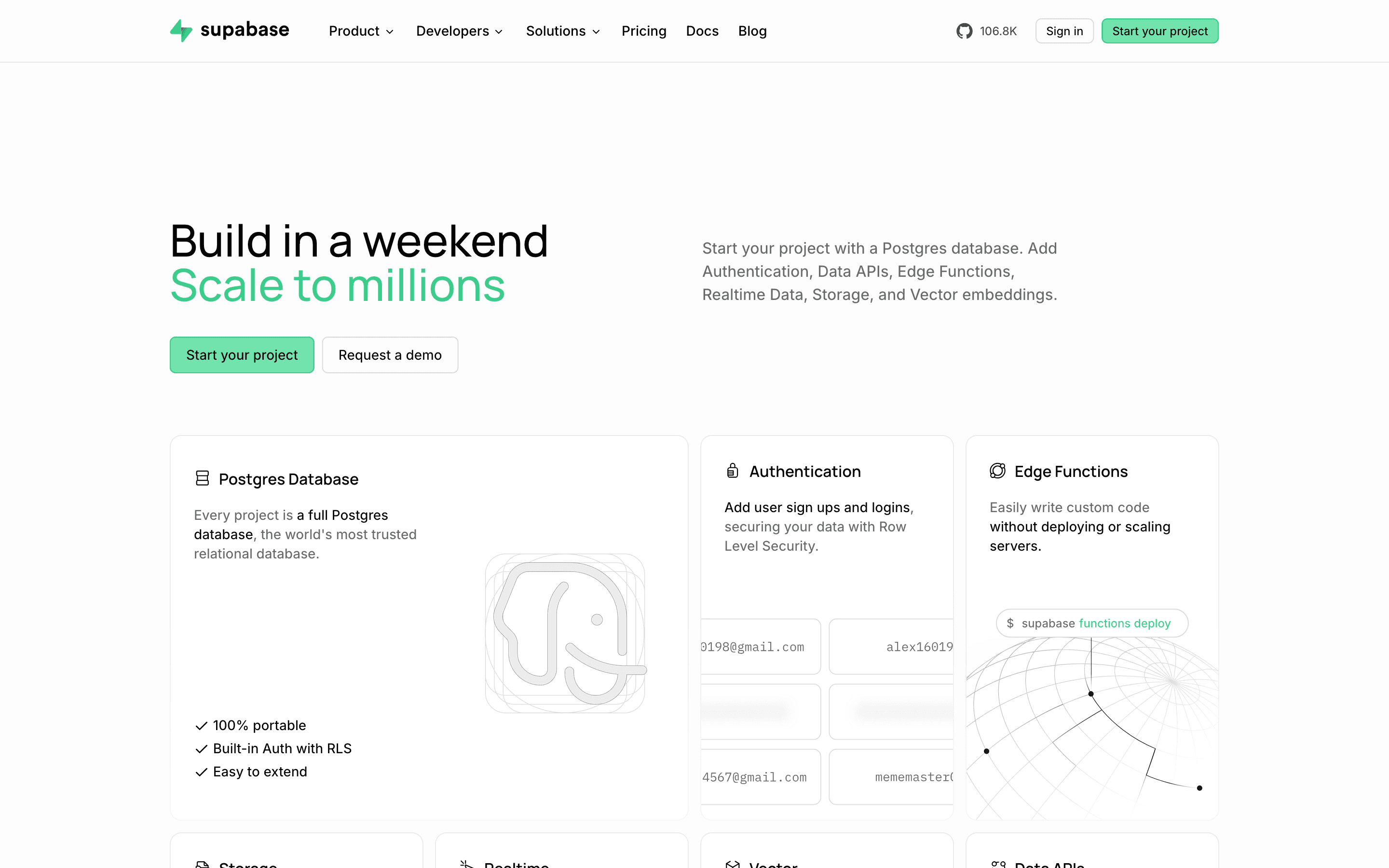
Supabase is the closest match for developers who want to leave Firebase's NoSQL billing behind without giving up a hosted backend. You get a real Postgres database you can connect to with any standard client or ORM, plus auth with row-level security, file storage, realtime subscriptions, and edge functions in the same platform, the same bundle Firebase offers but built on SQL instead of Firestore. The free plan is genuinely useful, 50,000 monthly active users and a 500 MB database, though it caps you at 2 active projects and pauses them after a week of inactivity. Once you're on Pro at $25/month per project, the bill has several moving parts: a flat fee plus metered charges for compute, disk, egress, and users. Spend caps are on by default, so a project can pause at a limit unless you enable pay-as-you-grow. For SQL and predictable joins over Firestore's per-read pricing, this is the direct swap.
Pros
- + Real Postgres underneath, so you can connect with any Postgres client or ORM and aren't locked into a proprietary query language
- + Generous free tier for a single small project, including 50,000 MAUs and 500 MB of database
- + Auth, storage, realtime, and edge functions all ship in one platform instead of four separate vendors
Cons
- – The bill has a lot of moving parts: a flat plan fee, per-project compute billed hourly, and separate overage rates for disk, egress, storage, and MAUs
- – Spend caps are on by default on Pro, so a project can get paused when you hit an included limit unless you proactively enable pay-as-you-grow
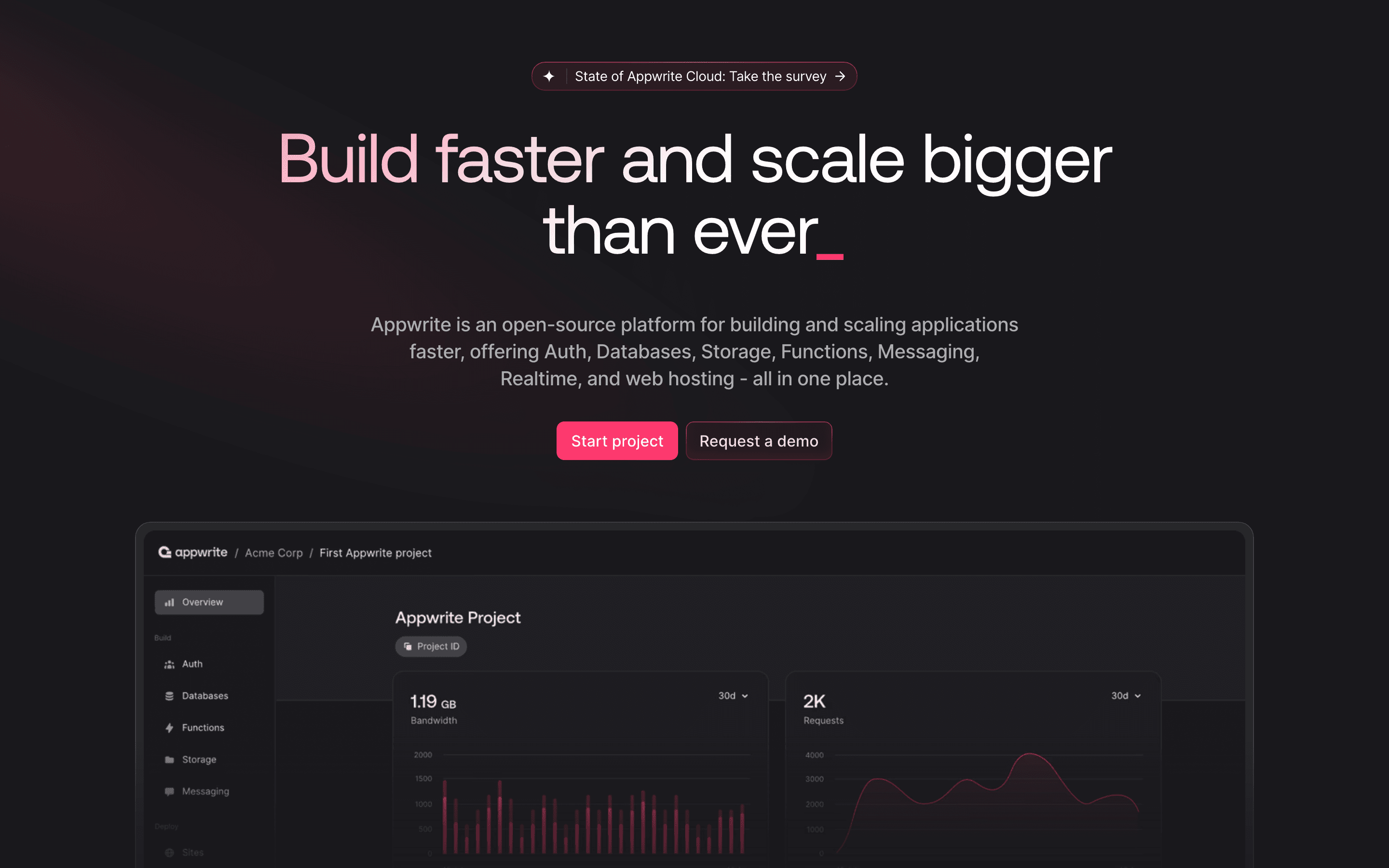
Appwrite is the pick for teams that liked Firebase's shape, one vendor for auth, database, storage, and functions, but want the option to self-host for free instead of being locked to Google Cloud. It's open source at its core, so you can run the whole stack on your own infrastructure at no license cost, or use Appwrite Cloud and pay only when you outgrow the free plan. The Free Cloud plan covers 2 projects with shared resources (5GB bandwidth, 75K monthly active users), and Pro moves you to dedicated per-project resources for $25/month plus metered overage on whichever resource you exceed first, bandwidth, storage, executions, database reads/writes, or users. Unlike Firebase, its primary data model is document-based rather than relational, so teams that specifically want SQL should look at Supabase or Nhost instead. Appwrite also recently added Sites, a hosting product pitched as an open-source Vercel alternative, extending the bundle further than Firebase's own Hosting product.
Pros
- + Free and open source to self-host, so you're never locked into the hosted price
- + Pricing page lists real numbers for Free and Pro, not just "contact sales"
- + One dedicated resource bundle per project on Pro instead of shared infrastructure
Cons
- – Pro's $25 base only includes a bundle of usage; every resource type (bandwidth, storage, executions, reads/writes, users, realtime) has its own separate overage rate, so a busy app can rack up several add-on charges at once
- – Free plan caps you at 2 projects and auto-pauses a project after a week of inactivity
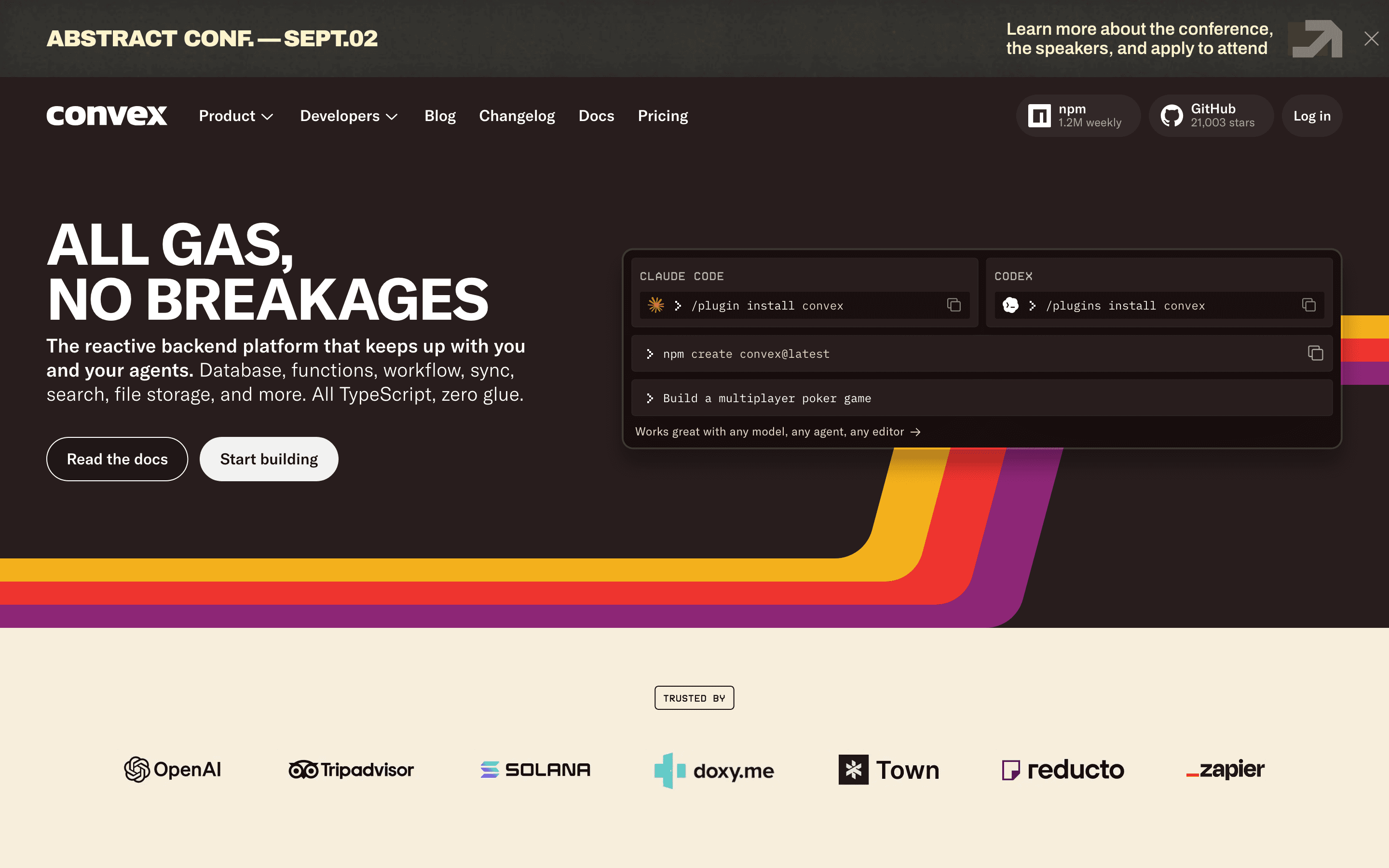
Convex fits teams building something new in TypeScript who want Firebase's real-time feel without hand-rolling subscriptions or security rules. Its queries are reactive: when underlying data changes, results update automatically in the frontend, the same instant-sync experience Firebase's Realtime Database is known for, but built around typed server functions instead of a rules language. One gap versus Firebase: auth isn't a built-in product here the way Firebase Authentication is. Convex's own integration list points to pairing with a provider like Clerk rather than a bundled auth system, so budget time to wire that up separately. The Free & Starter plan has no time limit and covers 1M function calls, 0.5 GB of database storage, and 1 GB of file storage a month, a genuinely usable free tier for prototypes. Professional is $25 per developer per month with a larger usage bundle, then metered overage on function calls, storage, and egress past that, so cost is more predictable than Firebase's Firestore-per-read model but still scales with traffic. The catch is Business plan pricing jumps to a $2,500/month minimum, a steep step up from Professional, and unlike Supabase or Nhost, there's no underlying Postgres you can connect other tools to directly.
Pros
- + Real-time reactive queries work automatically, no manual subscriptions or cache invalidation
- + Free tier is genuinely free with no time limit, useful for prototypes and side projects
- + Function calls, storage, and compute are all billed from one dashboard instead of stitching together separate vendor bills
Cons
- – Business plan pricing starts at a $2,500/month minimum, a large jump from the $25/seat Professional plan
- – Data egress and action compute are metered past small included quotas, so cost gets harder to predict as traffic grows
Nhost
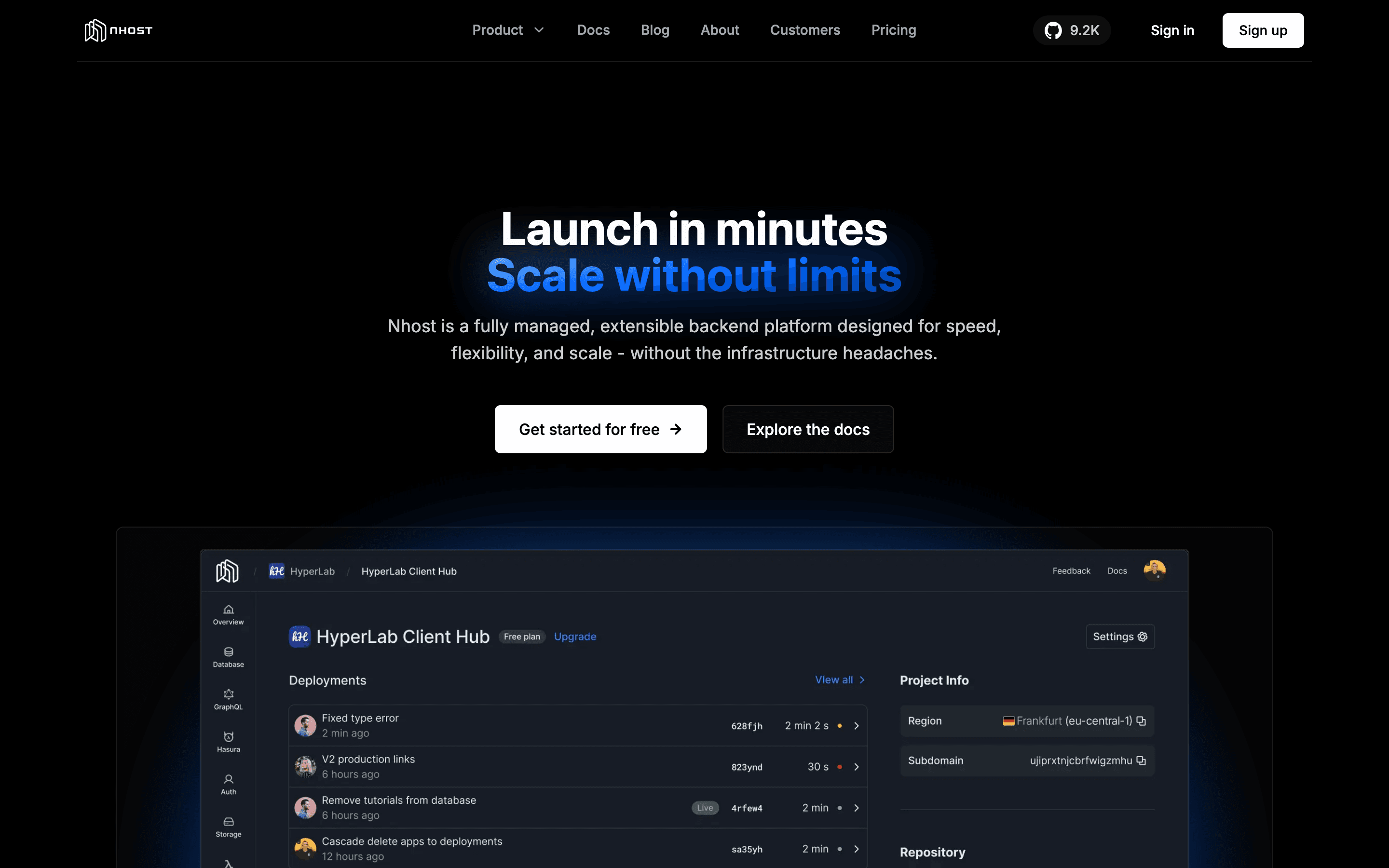
Nhost suits teams that want a Postgres-and-GraphQL backend with Hasura-style permissions instead of learning Firestore's document rules from scratch. It bundles managed Postgres, a Hasura-compatible GraphQL API, auth, storage, and functions, and bills at the organization level, so multiple projects share one pool of database, storage, egress, and compute instead of paying per project the way Firebase and Supabase do. The free Starter plan is limited to one project and pauses after a week of inactivity, so it's for testing rather than production. Pro is $25/month with a $15 compute credit included, which real traffic can exceed quickly since overage bills automatically with no cap, unlike Firebase's hard free-tier quotas. Nhost's newer GraphQL engine, Constellation, shipped in alpha in June 2026 as a lighter-weight Hasura replacement but still lacks some Hasura features like event triggers, worth checking against your needs before committing.
Pros
- + One bill covers database, auth, storage, functions, and GraphQL instead of stitching together separate vendors
- + 7-day automated backups are included free starting on the Pro plan
- + Org-based billing lets you run multiple projects under one plan instead of paying per project
Cons
- – The free Starter plan is limited to one project and pauses after a week without activity
- – Pro's included compute credit ($15/month) is easy to exceed once you have real traffic, and overage is billed automatically with no cap
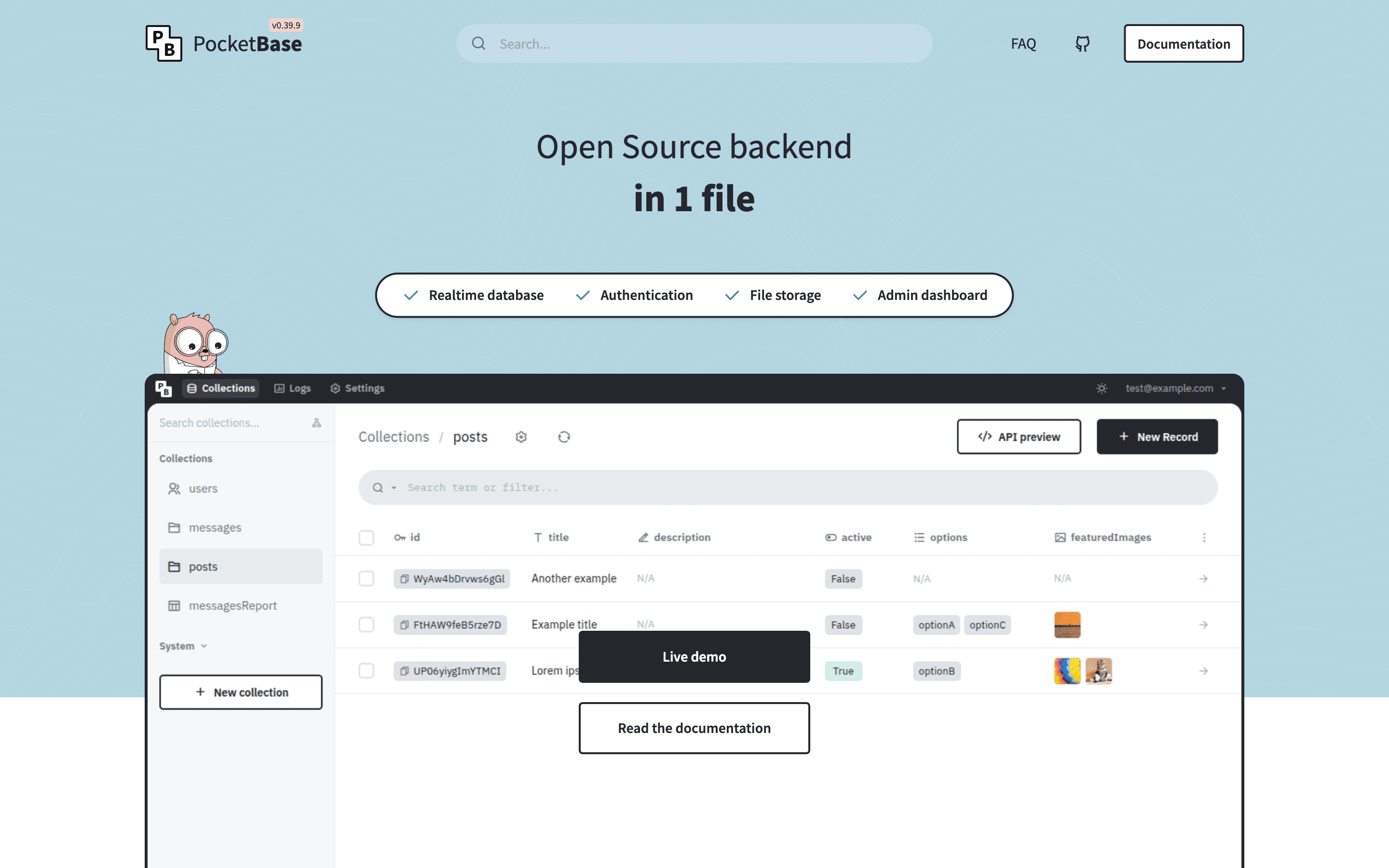
PocketBase is the pick for developers who want to walk away from Google Cloud entirely and own their backend outright. It ships as a single Go binary bundling an embedded SQLite database, built-in auth with OAuth2 providers, file storage, realtime subscriptions, and an admin dashboard, no separate services to stand up and no vendor bill at all beyond whatever server you run it on. That makes it the most direct answer to Firebase's usage-based pricing risk, since there's no metering to worry about. The tradeoffs are real: it runs as a single instance on one SQLite file, so it can't scale writes across multiple servers the way Firestore or a managed Postgres backend can, and the project's own docs say it isn't recommended for production-critical apps yet. It's also maintained largely by one developer, a bus-factor risk worth weighing against Firebase's Google-backed infrastructure before betting a production app on it.
Pros
- + One binary, no separate database or auth service to stand up
- + Free and MIT licensed, including for commercial use
- + Realtime subscriptions and an admin UI are built in from the start, not bolted on
Cons
- – Runs as a single instance on embedded SQLite, so horizontal scaling requests (multiple nodes, alternate databases like CockroachDB or libsql) have been closed by the maintainer rather than implemented
- – Still pre-1.0. The docs themselves say it is not recommended for production-critical apps unless you're willing to read the changelog and do manual migration steps between versions
Should your product be on this backend as a service list?
If you build a tool that belongs next to the ones above, submit it. A human reviews every submission. Approved products get their own page with pricing and screenshots, plus a place in the comparisons where they fit. It is free. You sign in with your work email so you can follow the decision, and there is no password to create.
Firebase alternatives: FAQ
What is the best free Firebase alternative?+
PocketBase is free with no usage limits at all since you self-host it, only paying for your own server. Supabase's free plan is the most generous hosted option, with 50,000 monthly active users and a 500 MB database, though it caps you at 2 projects and pauses them after a week of inactivity.
Which Firebase alternative uses SQL instead of a NoSQL document store?+
Supabase and Nhost both run on managed Postgres. Supabase gives you direct SQL access with any Postgres client, while Nhost pairs Postgres with a Hasura-compatible GraphQL API for teams that prefer querying through GraphQL.
Can I self-host any of these instead of using a managed cloud?+
Yes, several of them. Appwrite's core server is open source and free to self-host, and PocketBase only ships as self-hosted software, a single binary you run on your own server. Supabase is also open source at its core and officially documented for free self-hosting via Docker Compose, though it's more DIY to run and maintain yourself than Appwrite or PocketBase. Nhost's underlying pieces (Postgres, Hasura-style GraphQL) are open source too, but Nhost doesn't offer a documented turnkey self-hosted bundle the way Supabase does. Convex is a fully hosted service with no self-host option at all.
Which alternative is closest to Firebase's real-time database feel?+
Convex's queries are reactive and update your frontend automatically when data changes, without writing subscription code, the closest match to how Firebase's Realtime Database behaves. Appwrite and PocketBase also include realtime subscriptions.
Firebase alternatives: pricing compared
Entry price, billing model, and whether pricing is public. 4 of 6 publish pricing you can check without talking to sales.
| Tool | Starting price | Billing | Free option | Pricing disclosed |
|---|---|---|---|---|
| Firebase | Free tier + custom | usage-based | Yes | Not disclosed |
| Supabase | $25/mo | tiered | Yes | Partly public |
| Appwrite | $25/mo | usage-based | Yes | Partly public |
| Convex | $25/seat/mo | usage-based | Yes | Partly public |
| Nhost | $25/mo | tiered | Yes | Partly public |
| PocketBase | Free tier + custom | free | Yes | Not disclosed |
How we made these picks. We compare tools on public pricing, features, and hands-on assessment, then verify every price against the vendor's own page. We never accept payment for rankings. Read the full methodology. Spotted an error? Report it.