Top LiveChat Alternatives in 2026
Here for LiveChat itself? See the full LiveChat profile, pricing & reviews →
Suggest a change- If you're a small team tired of per-agent math and want a plan that's actually free, not just a trial, choose Crisp. Crisp charges per workspace instead of per agent, and its Free plan covers 2 seats and a shared inbox with no time limit, while LiveChat's cheapest option is a 14-day trial followed by $19 per agent per month.
- If you're a small ecommerce or SaaS team that wants live chat, ticketing, and a basic AI bot bundled without a demo call, choose Tidio. Tidio's Free plan covers up to 10 seats and 50 conversations a month, and Lyro AI is available as a $39+/month add-on starting at that same Free tier, while LiveChat's ChatBot is a separate product with its own bill on top of a paid LiveChat plan, so a small team gets the AI option at a lower entry price with Tidio.
- If you want an AI agent that resolves support conversations on its own across chat, email, and phone, and you're fine paying for that outcome, choose Intercom. Intercom's Fin AI Agent is billed per resolved conversation on top of seat pricing and handles chat, email, WhatsApp, SMS, and phone in one queue, well past what LiveChat's chat-only widget does.
- If you want to control your own data and stop paying per agent for basic chat entirely, choose Chatwoot. Chatwoot's self-hosted Community edition is free with unlimited agents if you run the server yourself, versus LiveChat's flat $19-79 per agent per month structure with no self-hosted option at all.
- If you already depend on LiveChat's SMS and Apple Messages for Business channels plus its work scheduler and staffing prediction tools, choose stay on LiveChat. none of Crisp, Tidio, Intercom, or Chatwoot pairs that exact channel mix with built-in staffing prediction, so switching means rebuilding routing and coverage planning from scratch.
LiveChat is a mature, dedicated website chat widget billed per agent, with a visitor-tracking cap that rises each tier and no free plan beyond a 14-day trial. It works well if you just want a reliable chat box, but chatbot and helpdesk ticketing are separate LiveChat-family products with their own bills, and reviewers on Capterra say the per-agent pricing has climbed while the company split what used to feel like one product into several paid ones.
The four tools below are what a support or growth team actually cross-shops when they start pricing out a move: Crisp and Tidio for teams that want chat, an inbox, and a basic AI bot without LiveChat's per-agent math; Intercom for teams ready to pay more for an AI agent that resolves tickets end to end; and Chatwoot for teams that would rather self-host than pay a SaaS vendor per seat at all. Drift isn't on this list. Its own owner announced in 2026 that it's sunsetting the product and referring customers elsewhere, so it's not something a LiveChat buyer can realistically switch to.
LiveChat alternatives compared
| Tool | Best for | Starting price | Free option | Last update |
|---|---|---|---|---|
| CrispBest for small teams on a budget | Small support or growth teams that want chat, email, and a basic AI bot in one inbox without per-seat pricing | $45/seat/mo | Yes | April 2026 |
| TidioBest for small ecommerce or SaaS support | Small ecommerce or SaaS support teams that want live chat, a shared inbox, and a basic AI bot without stitching together separate tools | $29/mo | Yes | — |
| IntercomBest for AI-driven resolution | Support teams that want an AI agent (Fin) to resolve a large share of tickets on its own across chat, email, and phone | $19/seat/mo | Trial (14 days, no credit card required) | July 2026 |
| ChatwootBest free alternative | Teams that want to self-host their support inbox instead of trusting a vendor's cloud | $19/seat/mo | Yes | June 2026 |
Why teams switch from LiveChat
LiveChat's price has climbed and the company split chat, chatbot, and ticketing into separately billed products
Reviewers describe this as nickel-and-diming long-time customers who once paid for one product and now stack three LiveChat-family subscriptions to get the same coverage.
Per-agent licensing gets called out as inflexible and expensive once a team adds a few agents
Reviewers compare it unfavorably with older, less rigid pricing models and flag the cost as high for smaller teams specifically.
Visitor tracking is capped per tier, which forces an upgrade purely to track more visitors
Starter tracks up to 100 visitors, Team up to 400, and Business up to 1,000, so growth alone can push a team to the next price tier even with no new features needed.
The best LiveChat alternatives, ranked
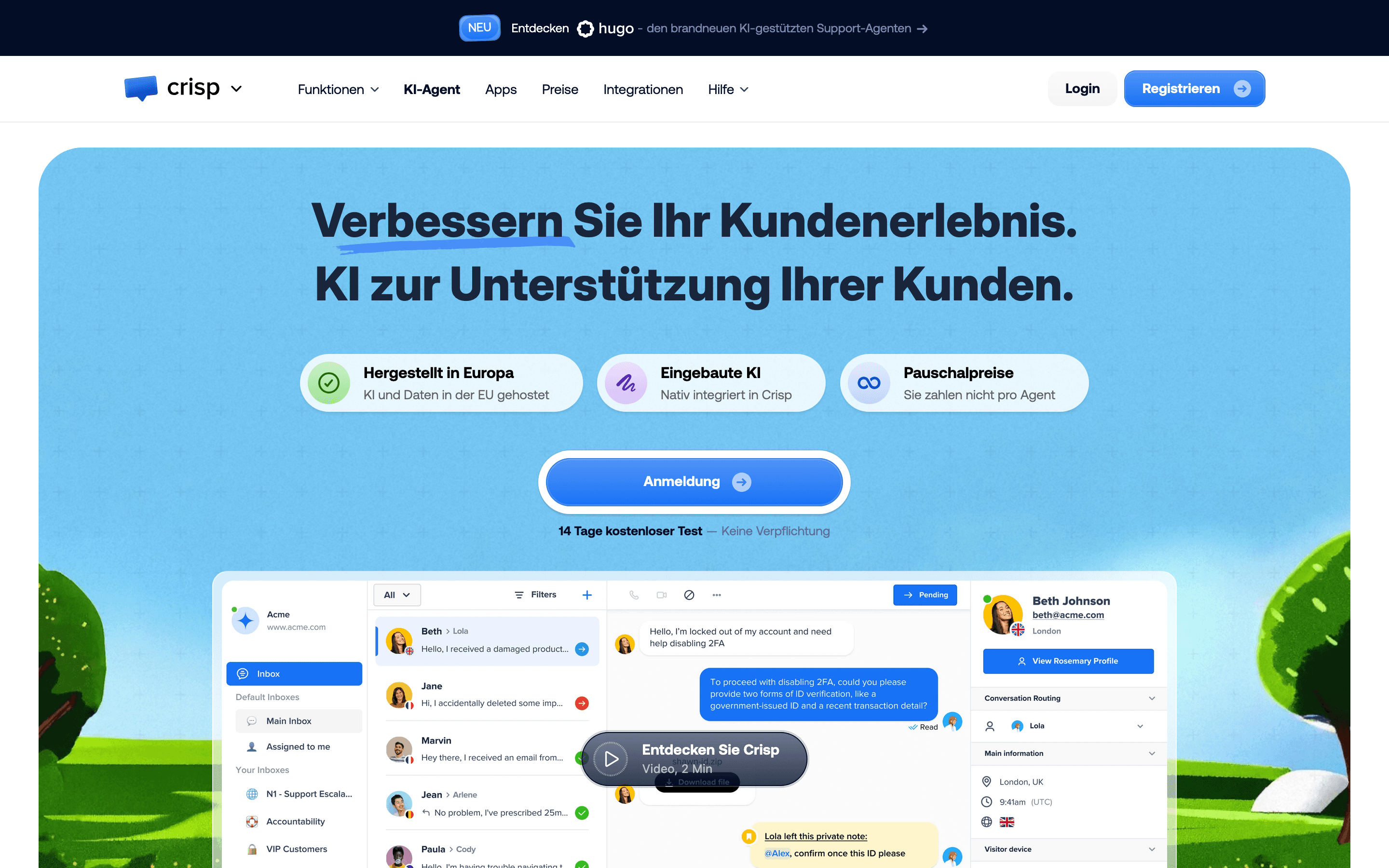
Crisp is the closest match for a LiveChat buyer who mainly wants to stop paying per agent. It bills per workspace instead of per seat, so a small team of 2-4 agents pays a flat monthly rate rather than watching the bill grow with every hire, and the Free plan is a real, unlimited-time plan covering 2 seats, not a countdown trial like LiveChat's. Beyond the chat widget, Crisp folds in a shared inbox for chat and email, a knowledge base, and Hugo, a credit-metered AI chatbot, so a team can run support out of one inbox instead of stacking separate LiveChat-family products. The catch shows up as you grow: extra agent seats beyond each tier's cap can only be added on the top Plus plan, so a team that outgrows Mini or Essentials has to jump the whole plan rather than add one seat, and AI credits run out fast on the cheaper tiers if Hugo handles real volume.
Pros
- + Flat workspace pricing instead of per-seat pricing, which is cheaper for small teams with several agents
- + Free plan is genuinely usable for 2 agents, not a time-limited trial
- + Omnichannel inbox and ticketing are available well below what comparable tools charge at the same tier
Cons
- – Extra agent seats can only be added on the Plus plan, so a growing team on Mini or Essentials has to upgrade the whole plan rather than just add a seat
- – AI credits are limited on Mini and Essentials, so an active Hugo chatbot can hit its monthly cap before the month is out
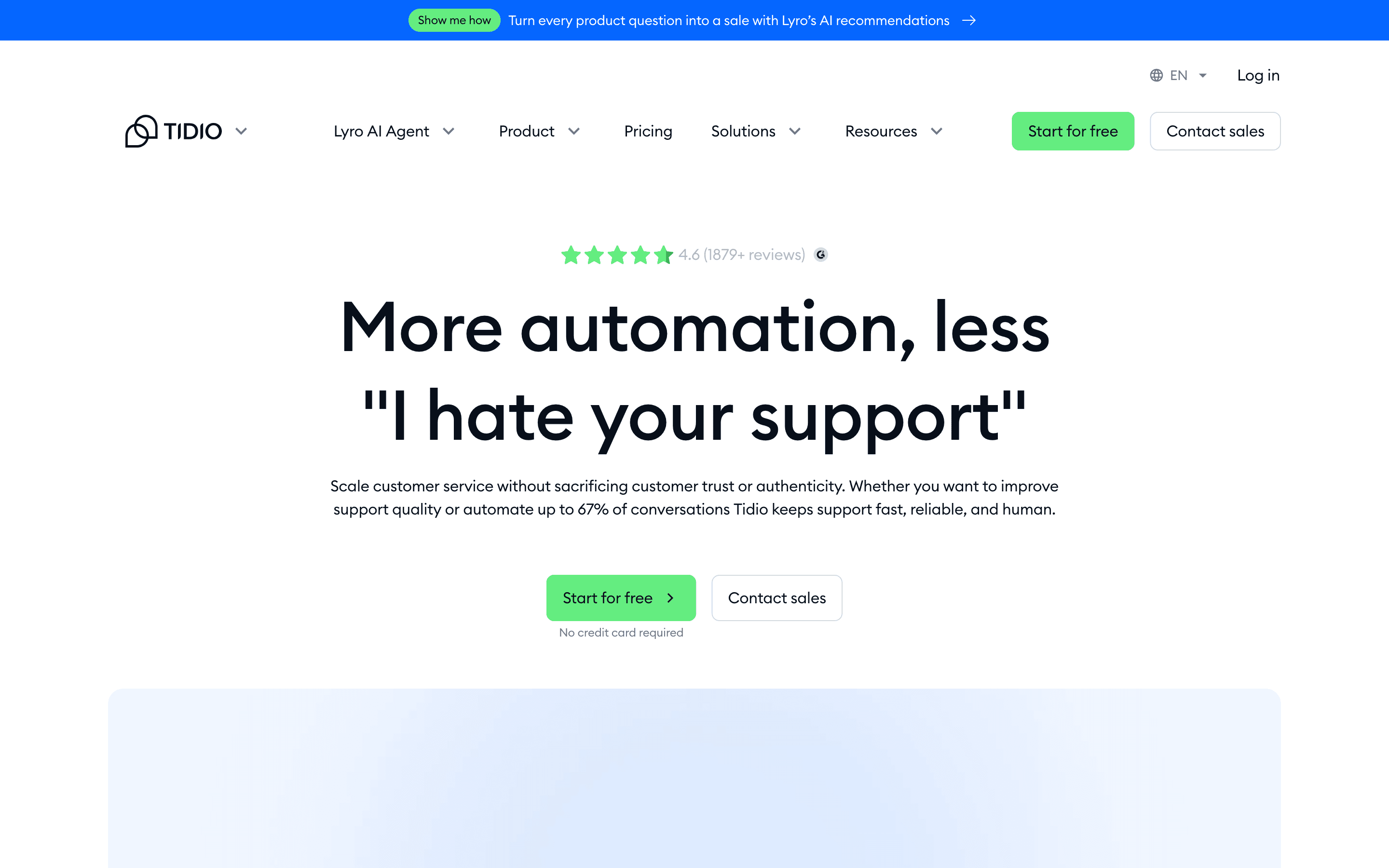
Tidio sits in the same small-business lane as LiveChat but backs it with a free plan LiveChat doesn't have at all: 10 seats and 50 billable conversations a month, enough for a small team to run real chat coverage before paying anything. Its Lyro AI agent reads your help center and existing content to answer questions with little setup, and one tool covers live chat, a shared inbox, and basic ticketing across email and social, so a small ecommerce or SaaS team doesn't need to bolt on a separate helpdesk. The pricing has real rough edges worth knowing before you commit. Tidio restructured its plans in December 2024, and reviewers on Trustpilot and Capterra documented bills doubling in a single cycle with little warning, and Lyro is billed separately from the base plan below the Plus tier, so the sticker price on Starter or Growth understates what AI usage actually costs.
Pros
- + Free plan covers 10 seats and 50 billable conversations, which is workable for a small team just trying chat
- + Lyro AI reads your help center and existing content without a lot of setup
- + One tool covers live chat, a shared inbox, and basic ticketing, so support teams don't need a separate help desk for simple cases
Cons
- – Lyro and Flows are billed separately from the base plan on Free, Starter, and Growth, so the advertised plan price understates what you'll actually pay for AI
- – No middle tier between Growth (which tops out at $349/month for 2,000 conversations) and Plus (from $749/month), which is a hard jump for a team that outgrows Growth's conversation limits
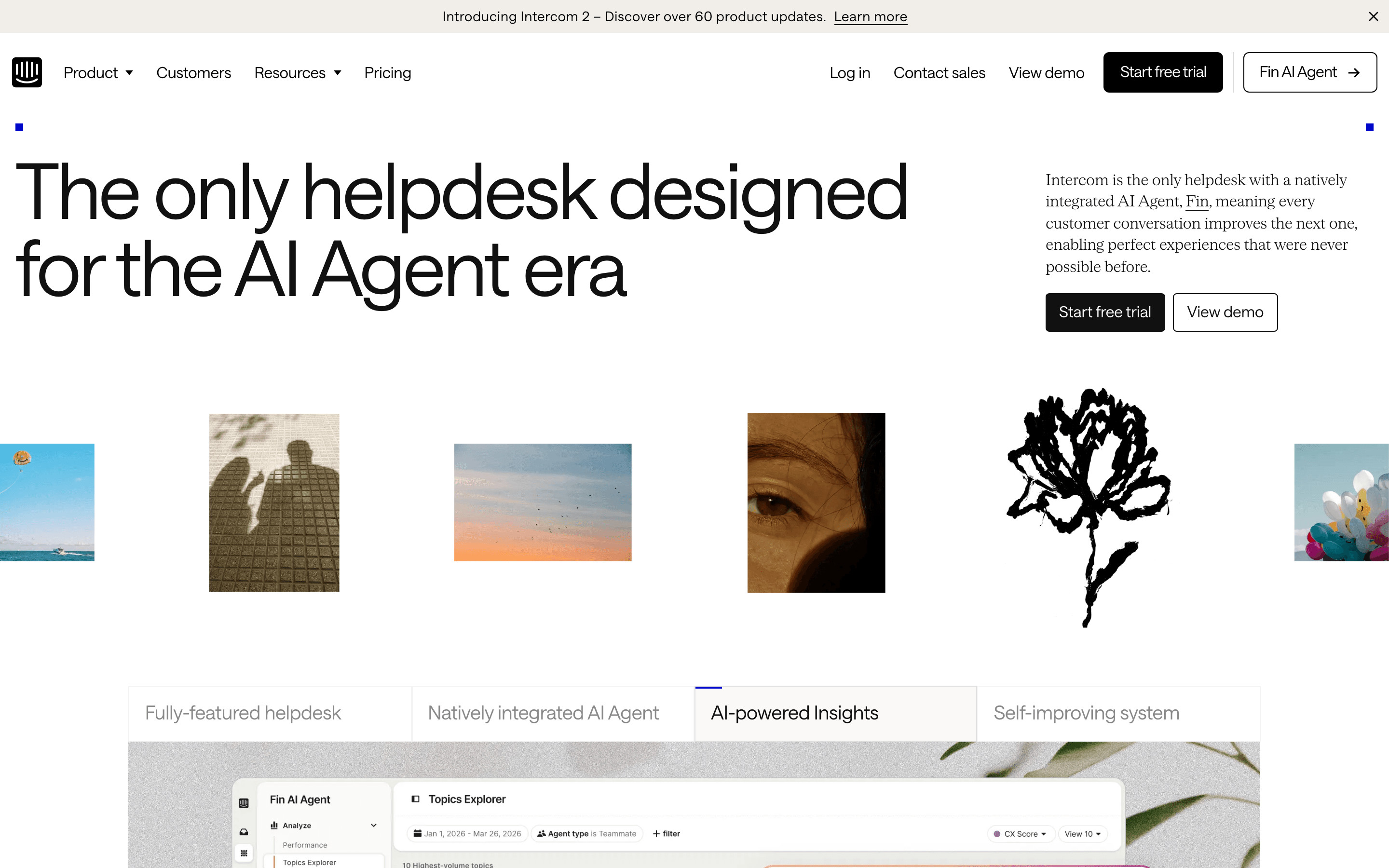
Intercom is the upgrade path for a team that's decided a chat widget alone isn't enough and wants an AI agent doing real resolution work. Fin, its AI agent, is billed per resolved outcome at $0.99 rather than a flat add-on fee, and it works across chat, email, WhatsApp, SMS, and phone from one shared inbox, a wider channel spread than LiveChat's chat-plus-SMS setup. Essential starts at a promotional $19 per seat per month, in the same range as LiveChat's entry tier, but Advanced and Expert jump to $85 and $132 per seat before any Fin usage fees, and Copilot, Pro, and Proactive Support Plus are all separate charges stacked on top. The company is also mid-rebrand from Intercom to Fin and facing a pending roughly $3.6 billion Salesforce acquisition, which is worth asking about before signing a multi-year contract.
Pros
- + Fin AI Agent resolves a large share of support volume end-to-end across chat, email, WhatsApp, SMS, phone, and Slack, and is priced per outcome instead of a flat AI add-on
- + One shared inbox spans chat, email, and phone with workflows, macros, and SLA automation built in
- + Frequent, granular product updates, sometimes several in the same week (for example phone workflow triggers and call-outcome automation on 2026-07-03)
Cons
- – No forever-free plan, only a 14-day trial
- – Total cost is hard to predict upfront. Seat price, Fin's $0.99-per-outcome fee, and separate add-ons (Copilot, Pro, Proactive Support Plus) all stack on top of each other.
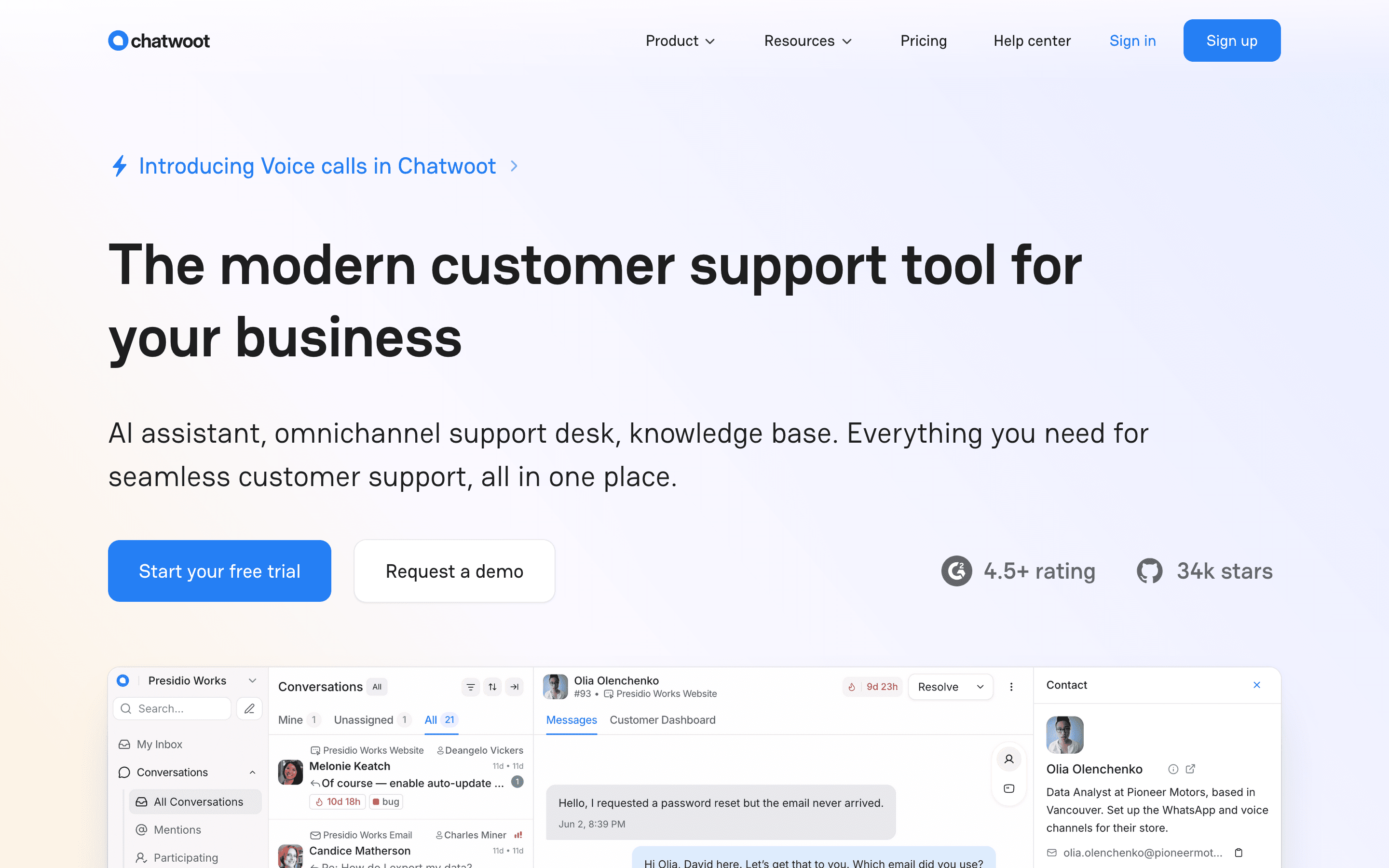
Chatwoot is the pick for a team that would rather run its own server than keep paying a vendor per agent for the basics. The self-hosted Community edition is genuinely free with no agent cap, the main reason teams choose it over LiveChat or other closed SaaS tools, and the cloud version starts at $19/agent/month (Startups) with WhatsApp, Instagram, and email in the same inbox, though voice calling only comes in at the $39/agent Business tier. The free Hacker cloud plan caps out at 500 conversations a month, too low for a real support queue, and self-hosting still means running a Linux server with PostgreSQL and Redis at Chatwoot's own stated minimum of 4GB RAM and 2 CPU cores, so the cost savings come with real DevOps work attached. SSO and audit logs also sit behind the Enterprise tier only, a roughly 2.5x per-seat jump from Business.
Pros
- + Genuinely free, unlimited-agent self-hosted Community edition if you're willing to run the server yourself
- + One inbox covers live chat, email, WhatsApp, Instagram, and now voice
- + Open-source codebase means no vendor lock-in on your data
Cons
- – The free Hacker cloud plan caps out at 500 conversations a month, about 17 a day, too low for a real support queue
- – SSO/SAML and audit logs sit behind the Enterprise tier only, a roughly 2.5x per-seat jump from Business ($39 to $99/agent)
Should your product be on this website chat & chatbots list?
If you build a tool that belongs next to the ones above, submit it. A human reviews every submission. Approved products get their own page with pricing and screenshots, plus a place in the comparisons where they fit. It is free. You sign in with your work email so you can follow the decision, and there is no password to create.
LiveChat alternatives: FAQ
What's the main pricing difference between LiveChat and Crisp?+
LiveChat charges per agent with no free plan, starting at $19/agent/month. Crisp charges per workspace, not per seat, and its Free plan covers 2 agents indefinitely, which makes it cheaper for a small team with several agents.
Is there a free alternative to LiveChat?+
Yes. Chatwoot's self-hosted Community edition is free with unlimited agents if you run your own server, Tidio's Free plan covers 10 seats and 50 conversations a month, and Crisp's Free plan covers 2 seats. LiveChat itself has no free plan, only a 14-day trial.
Which LiveChat alternative has the strongest AI agent?+
Intercom's Fin AI Agent is the most capable, resolving conversations end to end across chat, email, WhatsApp, SMS, and phone, billed at $0.99 per resolved outcome on top of seat pricing.
Why isn't Drift on this list?+
Drift's owner, Clari + Salesloft, announced in March 2026 that it's sunsetting the product and referring existing customers to a different vendor, 1mind. That makes it a poor switch target for a team leaving LiveChat, regardless of fit.
LiveChat alternatives: pricing compared
Entry price, billing model, and whether pricing is public. 5 of 5 publish pricing you can check without talking to sales.
| Tool | Starting price | Billing | Free option | Pricing disclosed |
|---|---|---|---|---|
| LiveChat | $19/agent/mo | per-seat | Trial (14 days, no credit card required) | Partly public |
| Crisp | $45/seat/mo | flat | Yes | Partly public |
| Tidio | $29/mo | tiered | Yes | Partly public |
| Intercom | $19/seat/mo | per-seat | Trial (14 days, no credit card required) | Public |
| Chatwoot | $19/seat/mo | per-seat | Yes | Public |
How we made these picks. We compare tools on public pricing, features, and hands-on assessment, then verify every price against the vendor's own page. We never accept payment for rankings. Read the full methodology. Spotted an error? Report it.