Limble Review
Mobile-first CMMS for tracking work orders, assets, and inventory across plants and facilities
Is this your product? Claim this page · Request a change
Looking for a Limble alternative? See our ranked comparison.→What is Limble?
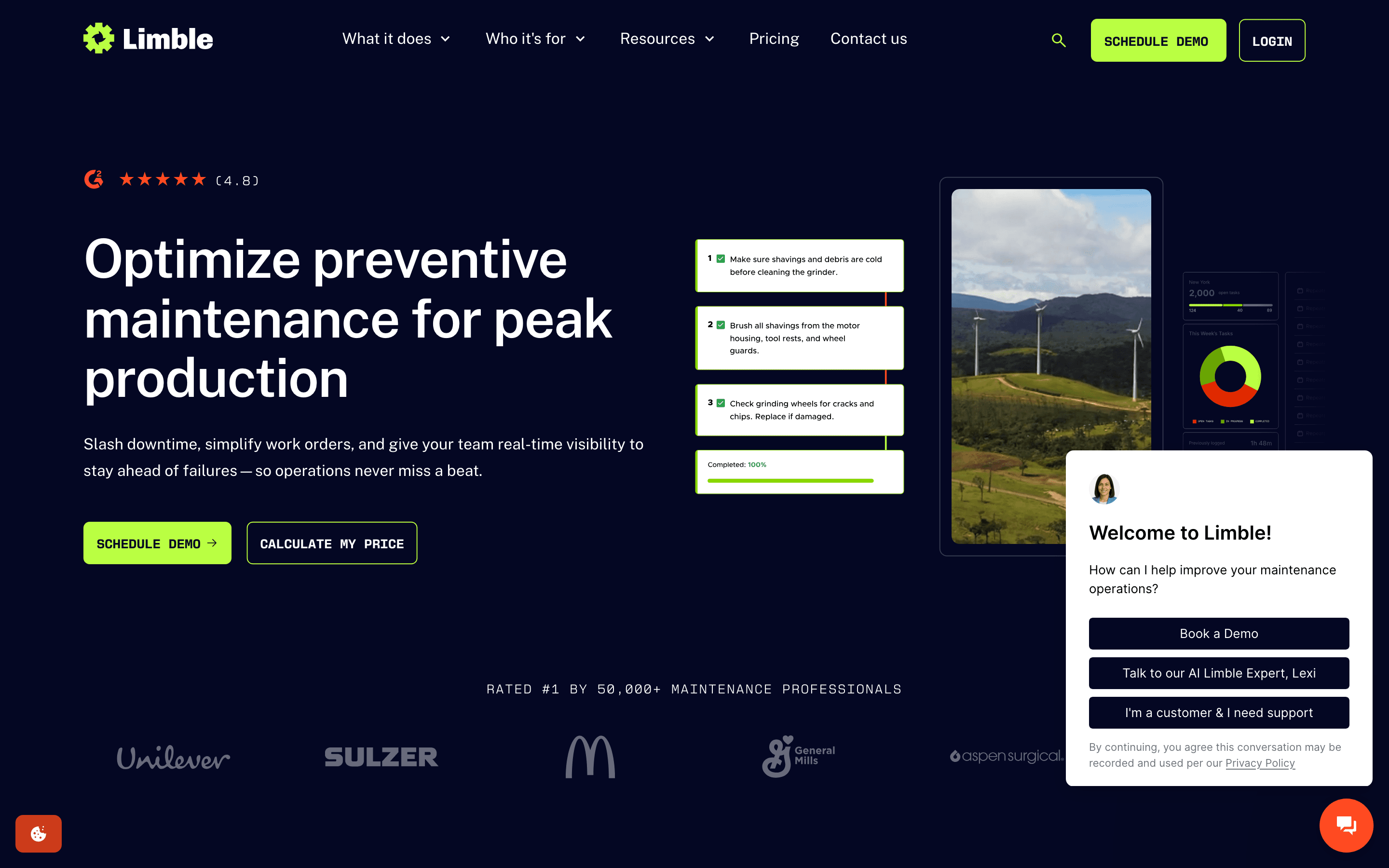
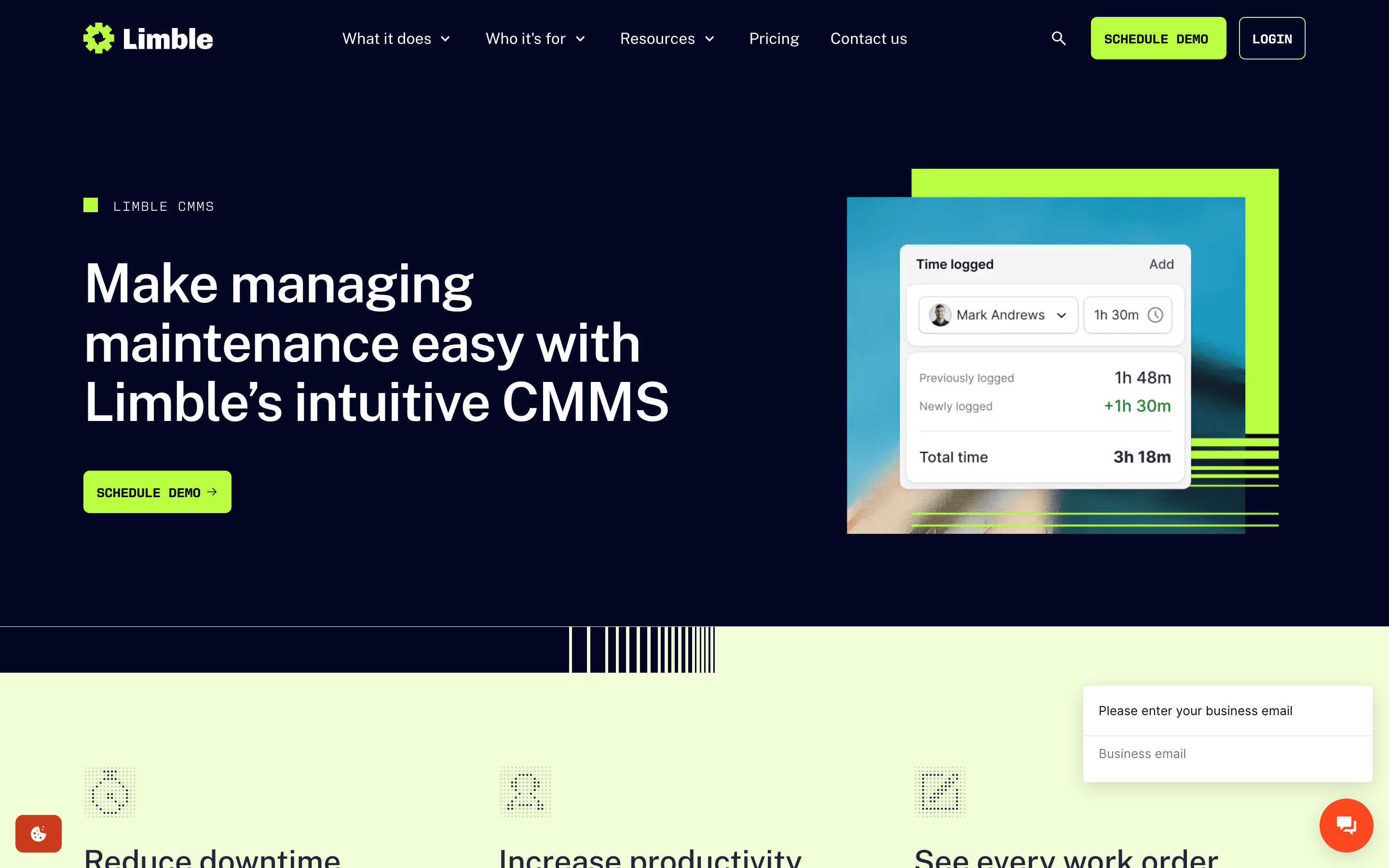
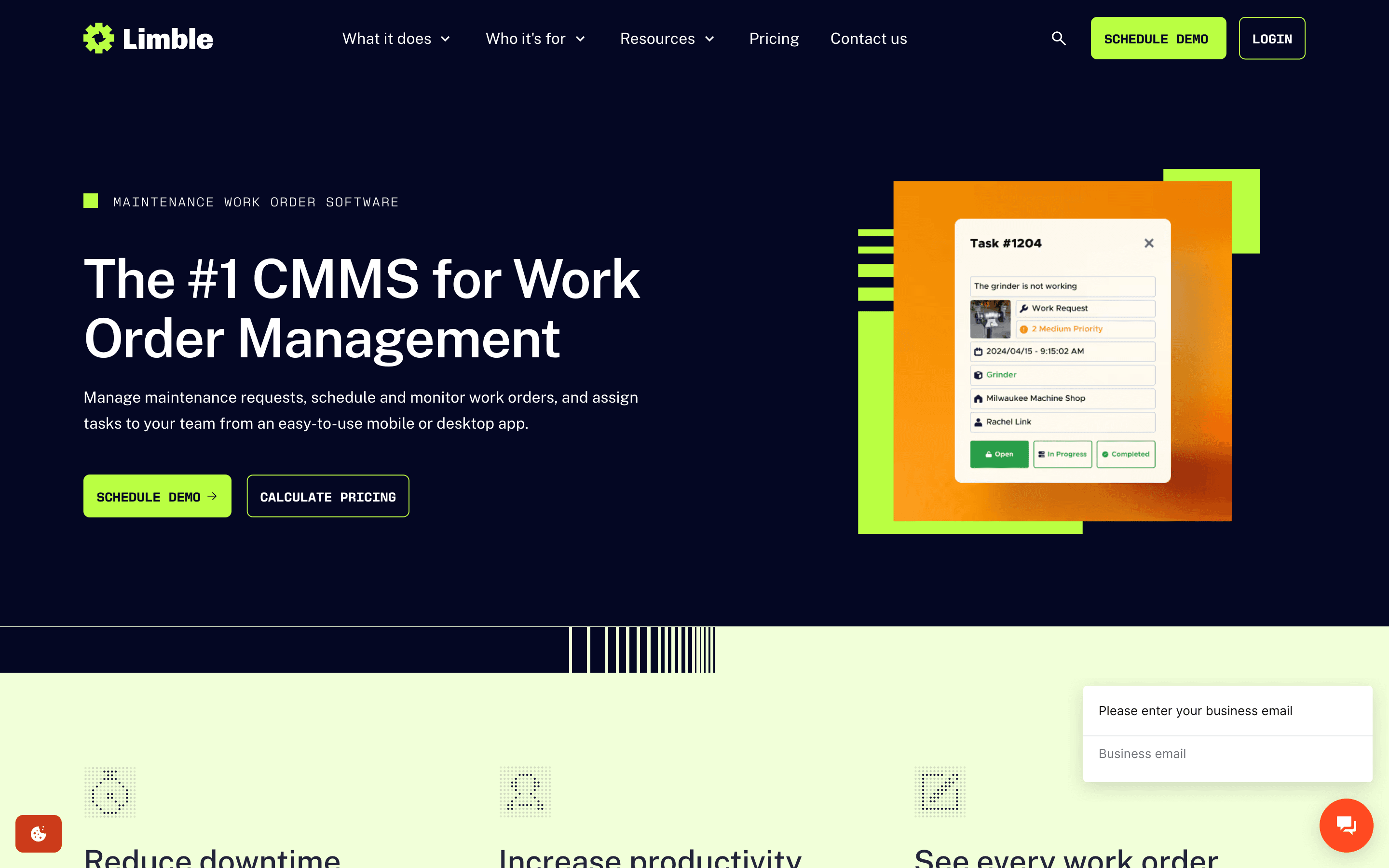
Limble is a CMMS you use to log work orders, schedule preventive maintenance, and track assets, parts, and vendors from a phone or a desktop. Technicians get a mobile app for completing work orders and scanning QR codes on equipment, while managers get dashboards for downtime, costs, and PM compliance.
The entry tier covers work orders, assets, and requests. Moving up adds spare parts inventory, purchase orders, an open API, and offline mobile mode. The top tier adds multi-location reporting, custom roles, and compliance features like 21 CFR support.
Limble does not list prices. Every plan on its pricing page sends you to a calculator or a sales conversation, so the actual cost depends on your user count and which add-ons you need.
Limble screenshots
Who it's for
- ✓ Maintenance teams that want a mobile app technicians will actually use in the field
- ✓ Facilities and manufacturing sites that need PM scheduling, asset tracking, and parts inventory in one system
- ✓ Multi-site operations that need Enterprise-tier reporting and role controls
Who should look elsewhere
- ✗ Buyers who want a published price to compare before talking to a salesperson
- ✗ Teams that need PLC or machine-level IoT connectivity out of the box
- ✗ Programs with 200+ users who are cost-sensitive, since per-seat pricing compounds fast at scale
Pros
- + Technicians adopt the mobile app more readily than legacy CMMS tools, per user reviews
- + Unlimited assets, work orders, and custom dashboards even on the entry tier
- + Fast implementation and hands-on onboarding support
- + New MCP support lets you connect Limble data to AI tools like Claude Code
Cons
- – No published pricing. You have to request a quote or use a calculator to learn the real cost
- – Standard tier caps you at 3 work orders per month with attached procedures and 3 advanced analytics reports per month
- – API access, advanced reporting, and purchase orders are locked behind Premium+ or Enterprise, which some buyers only discover after signing
- – No native PLC or IoT sensor integration for condition-based triggers on the lower tiers
- – Completed work orders can't be reopened to fix mistakes, a workflow limit several users flag
Limble pricing
No public entry price to compare, so budget depends on a sales quote.
| Plan | Price | Highlights |
|---|---|---|
| Standard | Custom | Unlimited assets and custom fields · Unlimited work orders and PMs · Unlimited work requesters · Unlimited custom dashboards · Automatic downtime reporting · Only 3 work orders/mo with attached procedures, 3 advanced analytics reports/mo |
| Premium+ | Custom | Everything in Standard · Offline mobile mode · Unlimited spare parts · Vendor and purchase order management · Meter and threshold-based scheduling · Open REST API and Model Context Protocol (MCP) access · IoT sensor and ERP/business system integrations (additional costs may apply) · Single sign-on available as a paid add-on · Dedicated customer success manager |
| Enterprise | Custom | Everything in Premium+ · Multi-location tools and reporting · Custom roles and approval workflows · Inventory cycle counts · 21 CFR compliance · Single sign-on included at no extra add-on fee · White label options |
Limble does not publish per-seat prices. Every tier on the pricing page links to a 'Calculate my price' tool instead of showing a number, so pricing is quote-only based on user count and tier. There is no free-forever plan; the old dedicated free-CMMS page now redirects to the main product page. Third-party buyer guides put Standard around $28-35/user/month and Premium+ around $55-69/user/month, billed annually, but these are not vendor-confirmed figures.
Pricing verified July 7, 2026 · source
How Limble's pricing compares
Limble next to its closest alternatives on entry price, billing, and whether pricing is public.
| Tool | Starting price | Billing | Free option | Pricing disclosed |
|---|---|---|---|---|
| Limble | Custom / quote | quote-only | No | Not disclosed |
| Fiix | $45/seat/mo | per-seat | Yes | Partly public |
| UpKeep | $24/seat/mo | per-seat | Trial (Free trial, no credit card required, on Essential and Premium plans) | Partly public |
| eMaint | $69/seat/mo | per-seat | Trial (Available by request via a signup form on eMaint's site) | Partly public |
| MaintainX | $20/seat/mo | per-seat | Yes | Partly public |
| Brightly | Custom / quote | quote-only | No | Not disclosed |
| Tractian | $60/seat/mo | tiered | No | Partly public |
Is Limble still actively developed?
Last significant update: March 2026. Limble launched a redesigned, technician-first mobile app that separates field execution tools (work orders, offline mode, QR scanning) from the desktop admin experience.
Top Limble alternatives
Limble FAQ
How much does Limble cost?+
Limble does not publish a price. Every tier on its pricing page links to a calculator or a sales call, so you need to enter your user count or talk to Limble to get a quote.
Does Limble have a free plan?+
No. Limble used to advertise a dedicated free CMMS page, but that page now redirects to the main product page and the current pricing page lists only paid, quote-based tiers.
What's the difference between Standard and Premium+?+
Standard covers unlimited work orders, assets, and dashboards but caps you at 3 procedure-attached work orders and 3 advanced analytics reports a month. Premium+ removes those caps and adds spare parts inventory, purchase orders, offline mobile mode, and API access.
Can Limble connect to machine sensors or ERP systems?+
IoT sensor integrations and ERP/business system integrations are available on Premium+ and Enterprise, and Limble notes additional costs may apply for some of these connections.