Top tl;dv Alternatives in 2026
Here for tl;dv itself? See the full tl;dv profile, pricing & reviews →
Suggest a change- If you want a free plan that never expires or guts your history, choose Fathom. Fathom's Free plan gives you unlimited recordings and transcripts forever, unlike tl;dv's free plan, which auto-deletes recordings after 3 months and caps AI summaries at 10 for the account's entire lifetime.
- If you want sales coaching and CRM sync without paying tl;dv's Business price, choose Fathom. Fathom's Business plan is $25 a seat a month billed annually ($34 monthly) and includes Salesforce and HubSpot sync plus coaching metrics and AI scorecards, cheaper per seat than Grain's comparable Business plan ($29 annually) at any team size of 2 or more. Solo operators should look at Grain instead, since Fathom's Team and Business tiers both require a 2-seat minimum.
- If you'd rather type your own notes and have AI clean them up than have a bot join your call, choose Granola. Granola transcribes quietly in the background while you take your own notes and rewrites them into a clean summary, instead of recording as a visible bot the way tl;dv does.
- If you're a solo founder who wants meeting notes pushed automatically into Slack, a CRM, or a drafted email, choose Circleback. Circleback pushes notes, CRM updates, and drafted emails to 1,000+ apps automatically right after a call, the automation half of what tl;dv's Business tier does, but with no playbook-based sales coaching to replace it.
- If you already rely on tl;dv's playbook-based sales coaching, multi-meeting search, and mobile capture together, choose stay on tl;dv. no single alternative combines MEDDIC/BANT-style coaching, cross-call AI search, and a mobile app for in-person conversations in one product at a comparable price.
tl;dv records your Zoom, Meet, and Teams calls and turns them into notes, tags, and CRM updates, with a Business tier that adds AI sales coaching against playbooks like MEDDIC and BANT. It's a fair pick if you commit to annual billing. But its free plan behaves more like a trial than a real free tier: recordings auto-delete after 3 months and you only get 10 AI summaries for the life of the account. Paid tiers also punish anyone paying monthly, where Pro and Business cost roughly 60-65% more than the annual rate.
If you're a founder or a sales and CS team buried in back-to-back calls, here's how tl;dv's closest substitutes compare on price, CRM sync, sales coaching, and how much you can actually trust the free plan to stay free.
tl;dv alternatives compared
| Tool | Best for | Starting price | Free option | Last update |
|---|---|---|---|---|
| FathomBest value for sales coaching and CRM sync | Individual reps or founders who want unlimited free recording and don't mind a 5-call cap on advanced AI features | $20/seat/mo | Yes | — |
| Grain | Sales and CS teams that want call notes tied directly into HubSpot or Salesforce | $15/seat/mo | Yes | May 2026 |
| Fireflies | Sales and CS teams who want meeting notes synced straight into their CRM | $10/seat/mo | Yes | — |
| CirclebackBest for automation without a RevOps hire | Founders and solo operators who want clean notes and automations without setting up a big workflow tool | $25/seat/mo | Trial (7 days) | July 2026 |
| GranolaBest for teams that don't want a bot on the call | Founders and reps who already type notes during calls and want them cleaned up automatically | $14/seat/mo | Yes | July 2026 |
| Otter | Individuals and small teams who mainly need reliable transcripts and summaries of Zoom/Meet/Teams calls | $16.99/seat/mo | Yes | April 2026 |
| Read AI | Sales and CS teams who want meeting scoring and talk-time analytics on top of transcripts | $15/seat/mo | Yes | May 2026 |
Why teams switch from tl;dv
The free plan reads as unlimited but quietly expires
tl;dv's free plan auto-deletes recordings after 3 months and caps AI summaries at 10 for the account's whole lifetime, which surprises teams once they rely on it as a real free tier.
Reported account lockouts with slow support resolution
A paying customer reported being locked out of their account after a February 2026 domain migration, with support giving no resolution for weeks while billing kept charging.
Monthly billing runs about 60-65% higher than the annual rate
Paying monthly instead of annually pushes Pro from $18 to $29 a seat a month (a 61% jump) and Business from $59 to $98 (a 66% jump), which punishes teams that aren't ready to commit for a year.
The best tl;dv alternatives, ranked
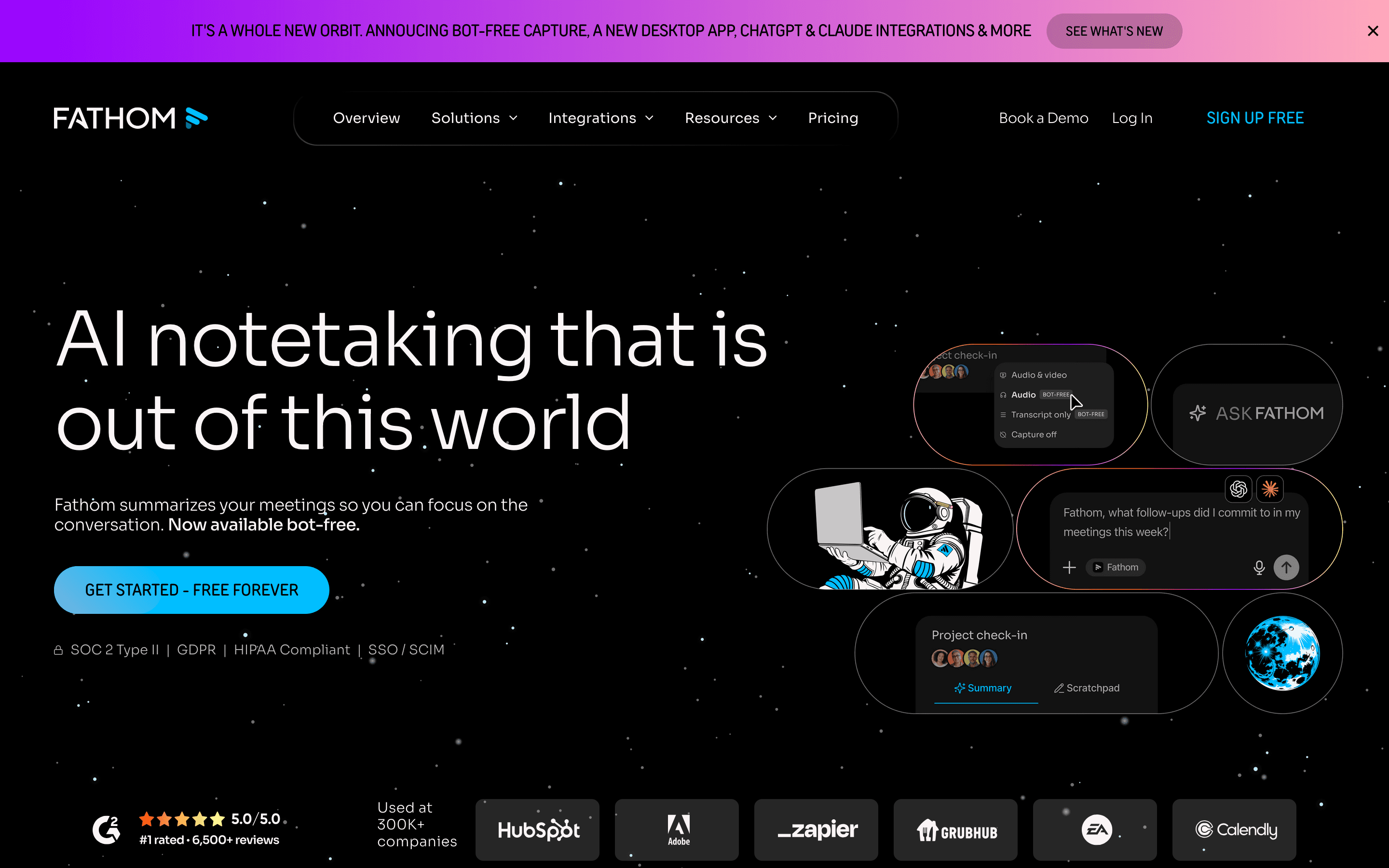
Fathom is the closest thing to tl;dv with the trial-fear removed. Its Free plan never expires: unlimited recordings, transcripts, and basic summaries forever, not the 3-month wipe and 10-summary lifetime cap that tl;dv's free plan enforces. Paid tiers mirror tl;dv's structure closely. Team ($19/seat/month monthly, $15 annually) adds cross-call search, and Business ($34/seat/month monthly, $25 annually) adds Salesforce and HubSpot sync plus coaching scorecards, both cheaper than tl;dv's equivalent Pro and Business tiers. Business also undercuts Grain's comparable Business plan ($29/seat/month annually) for any team of 2 or more seats, which is Fathom's own seat minimum on Team and Business. The tradeoffs are real. That 2-seat minimum means a solo team lead can't buy team features alone (Grain has no such minimum), and free users only get advanced AI features like Ask Fathom on their first 5 calls a month. Third-party trackers also report steep renewal price jumps for both SMB and enterprise contracts, so negotiate multi-year terms before you sign.
Pros
- + Free plan is genuinely usable long-term, not a time-limited trial
- + Bot-free capture options mean you can record without an obvious bot in the call
- + CRM sync and coaching scorecards on Business tier compete with dedicated revenue intelligence tools at a lower price
Cons
- – Free users only get advanced AI features (Ask Fathom, action items, advanced summaries) on their first 5 calls each month, then lose them until the next month
- – Team and Business plans require a 2-seat minimum, so solo team leads can't get team features at single-seat pricing
Grain
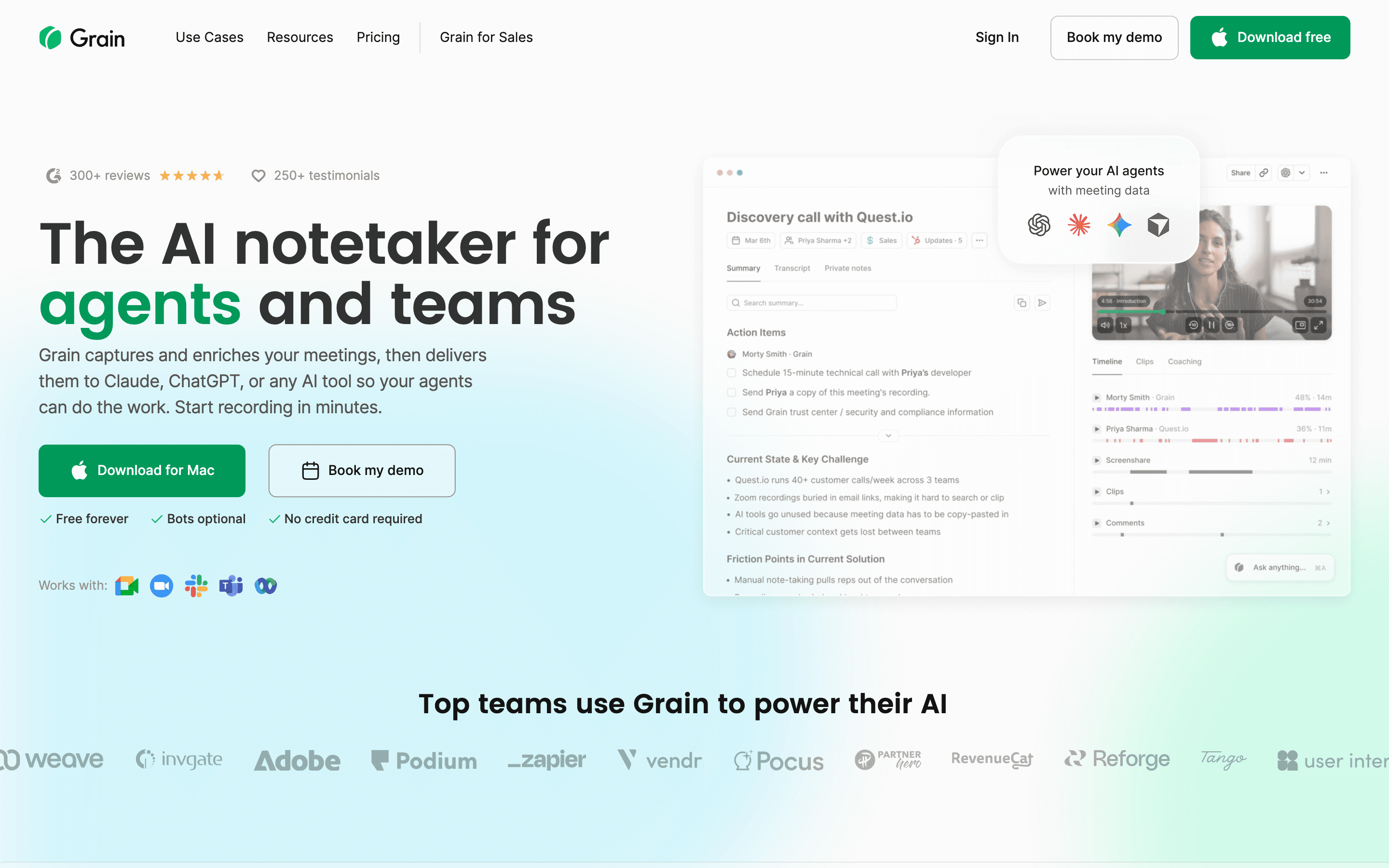
Grain matches tl;dv's push into sales tooling, but on a straight per-seat comparison it doesn't undercut Fathom the way it undercuts tl;dv: Grain's Business plan is $29/seat/month annually ($39 monthly) against Fathom Business at $25/seat/month annually ($34 monthly), and Fathom's Business tier already covers the same HubSpot and Salesforce sync plus coaching scorecards. Grain's real edge is elsewhere. It has no seat minimum, so a single rep can buy Business alone, where Fathom requires two seats minimum on both Team and Business. Business also adds deal pipeline tracking with topic and momentum trackers and custom AI follow-up emails, which aren't part of Fathom's feature set. Anyone can view a shared recording for free, and viewer-only seats never cost a license, so the bill tracks reps and CSMs instead of the whole team. The free plan is also more generous day to day: unlimited meetings up to 45 minutes each, unlimited notetaker seats, and 30-day history. The catch is that per-seat cost still climbs fast once most of the team needs to record their own calls, and several users report losing access to past recordings after downgrading, with no clear published policy on what happens to that data.
Pros
- + Free viewer seats mean you don't pay for people who only watch and comment
- + Deal pipeline tracking and AI coaching go further than most general-purpose notetakers
- + Generous free plan: unlimited meetings up to 45 minutes each, with unlimited notetaker seats
Cons
- – Per-seat cost adds up fast for teams where most people also need to record their own calls
- – Multiple users report losing access to past recordings after downgrading, with no clear public policy on what gets locked versus deleted
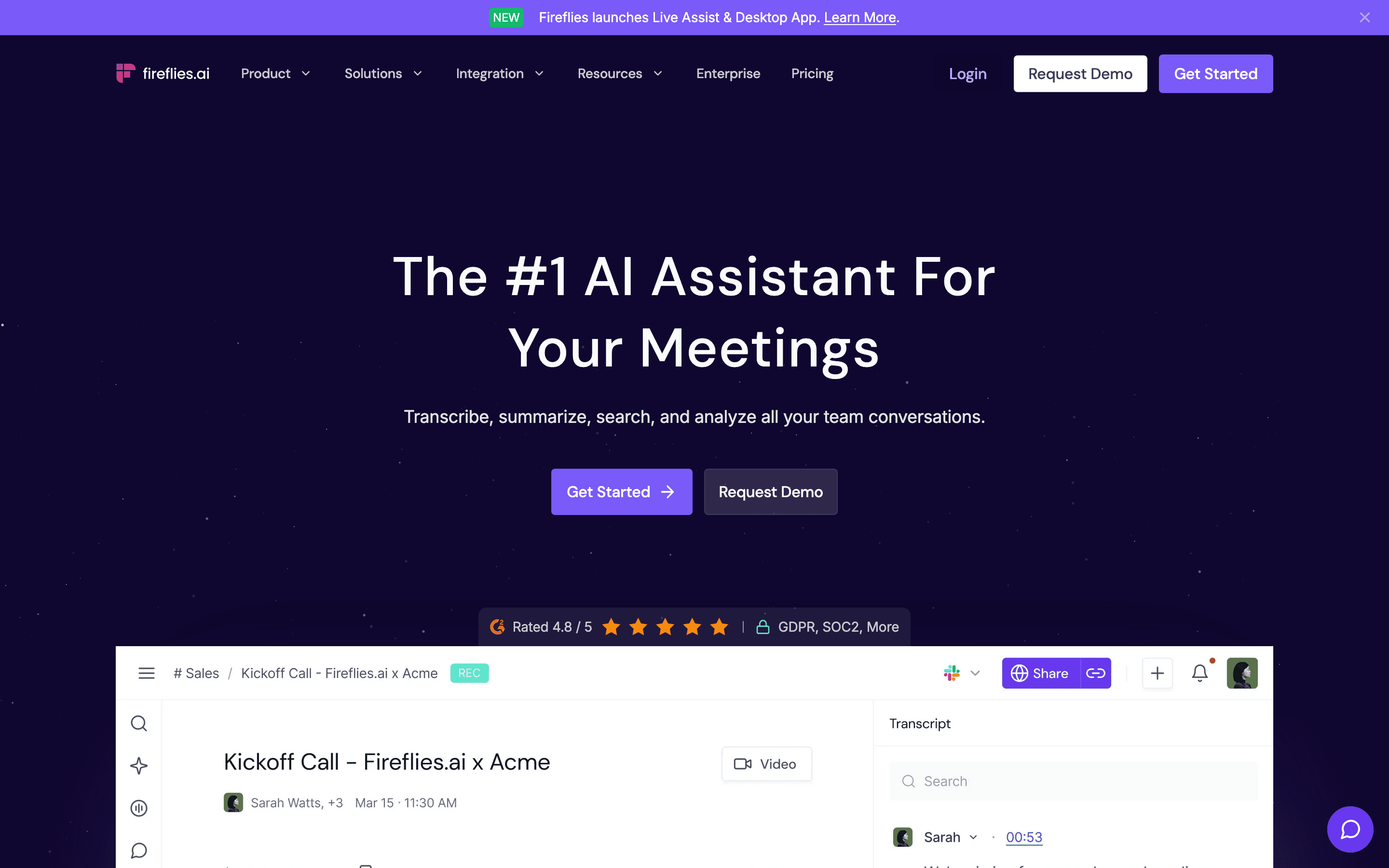
Fireflies undercuts tl;dv on sticker price. Pro starts at $10/seat/month billed annually versus tl;dv's $18, and it covers CRM sync, unlimited integrations, and 8,000 minutes of storage per seat. The catch is the credit system. AI Skills, sentiment analysis, and Voice Agents run on a one-time grant of credits (20 on Pro, 30 on Business) that never refills, so an active team burns through them and either buys more or gets auto-billed for a $5 top-up. Core transcription and summaries aren't credit-gated, only the advanced AI tools are. Free teams get unlimited transcription but only 400 minutes of storage per team, which fills up fast. If your team will lean hard on AI Skills or Voice Agents every month, budget for credit top-ups on top of the seat price, the same way you'd budget for tl;dv's annual commitment.
Pros
- + Works across Zoom, Google Meet, Microsoft Teams, and uploaded recordings
- + CRM sync and AI Skills automate a lot of the post-call admin work
- + Business and Enterprise tiers scale storage to unlimited
Cons
- – AI Skills, Personal Assistant, Voice Agents, and sentiment analysis run on a one-time credit grant that never refills, not a monthly allowance, so active users hit a wall and must buy more or get auto-billed for a top-up
- – Free plan caps out at 400 minutes of storage per team, which fills up fast for active teams
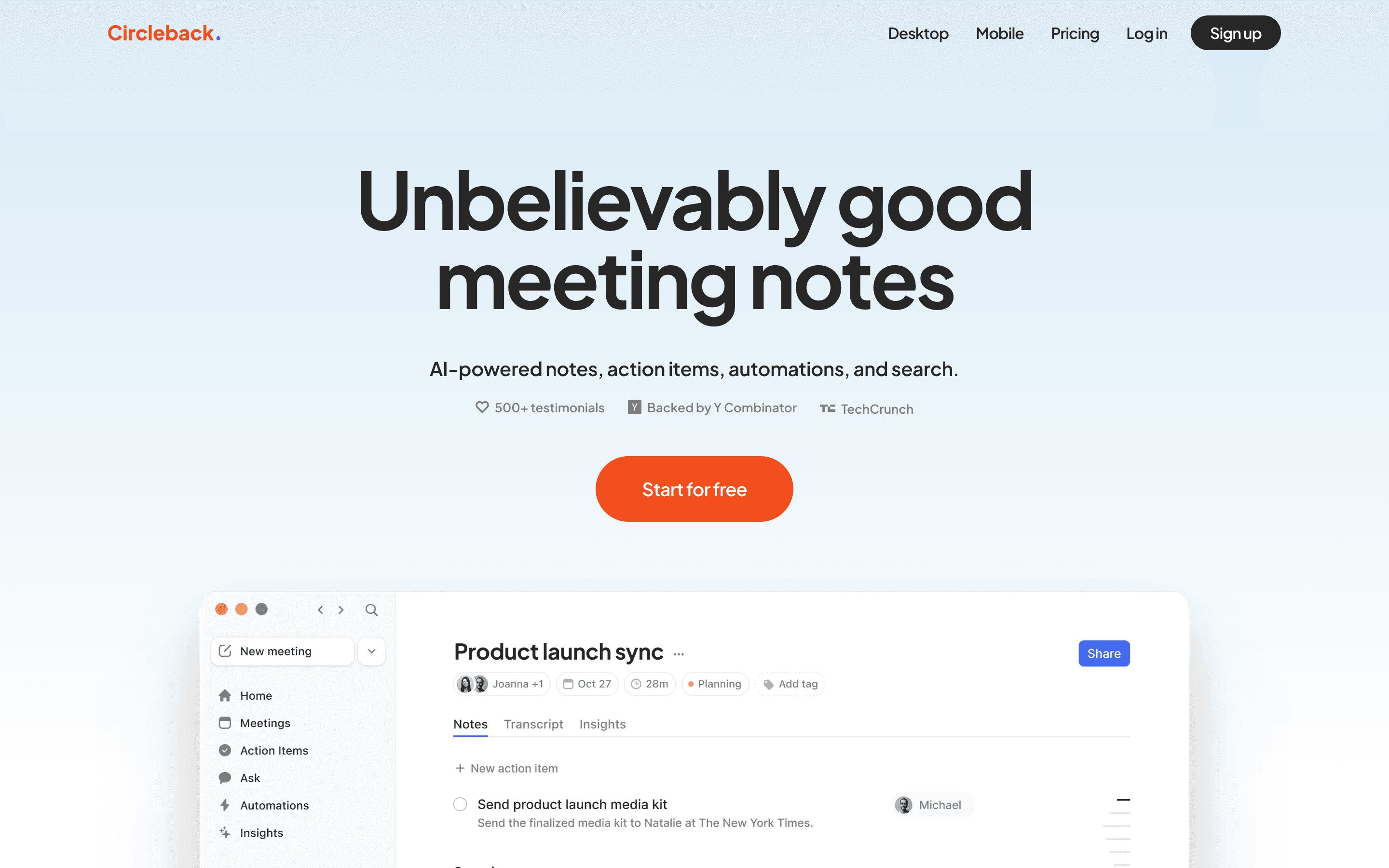
Circleback trades tl;dv's free tier for a stronger automation story. There's no free-forever plan, just a 7-day trial before Individual ($25/seat/month monthly, $20.83 annually) or Team ($30/seat/month monthly, $25 annually) kicks in, but both plans connect to 1,000+ apps and push notes into a CRM, Slack, or a drafted follow-up email automatically once a call ends. It also records in-person conversations through a desktop app, not just video calls, and supports over 100 languages. The downside is support: at least one reviewer describes it as chatbot-only, with no way to reach a person even to report the app crashing. Enterprise pricing also isn't published. For a solo founder or small team that wants automations working out of the box without a RevOps hire, Circleback does more with less setup than tl;dv's Business tier, just without tl;dv's playbook-specific coaching.
Pros
- + Notes and action items are ready right after the call, with automations that push them into Slack, a CRM, or email on their own
- + Works for in-person meetings too, not just video calls, through the desktop app and now an Apple Watch complication
- + Supports over 100 languages and connects to 1,000+ apps
Cons
- – No free plan, only a 7-day free trial before you need to subscribe
- – At least one reviewer describes support as chatbot-only, with no way to open a ticket or reach a person, even to report the app crashing
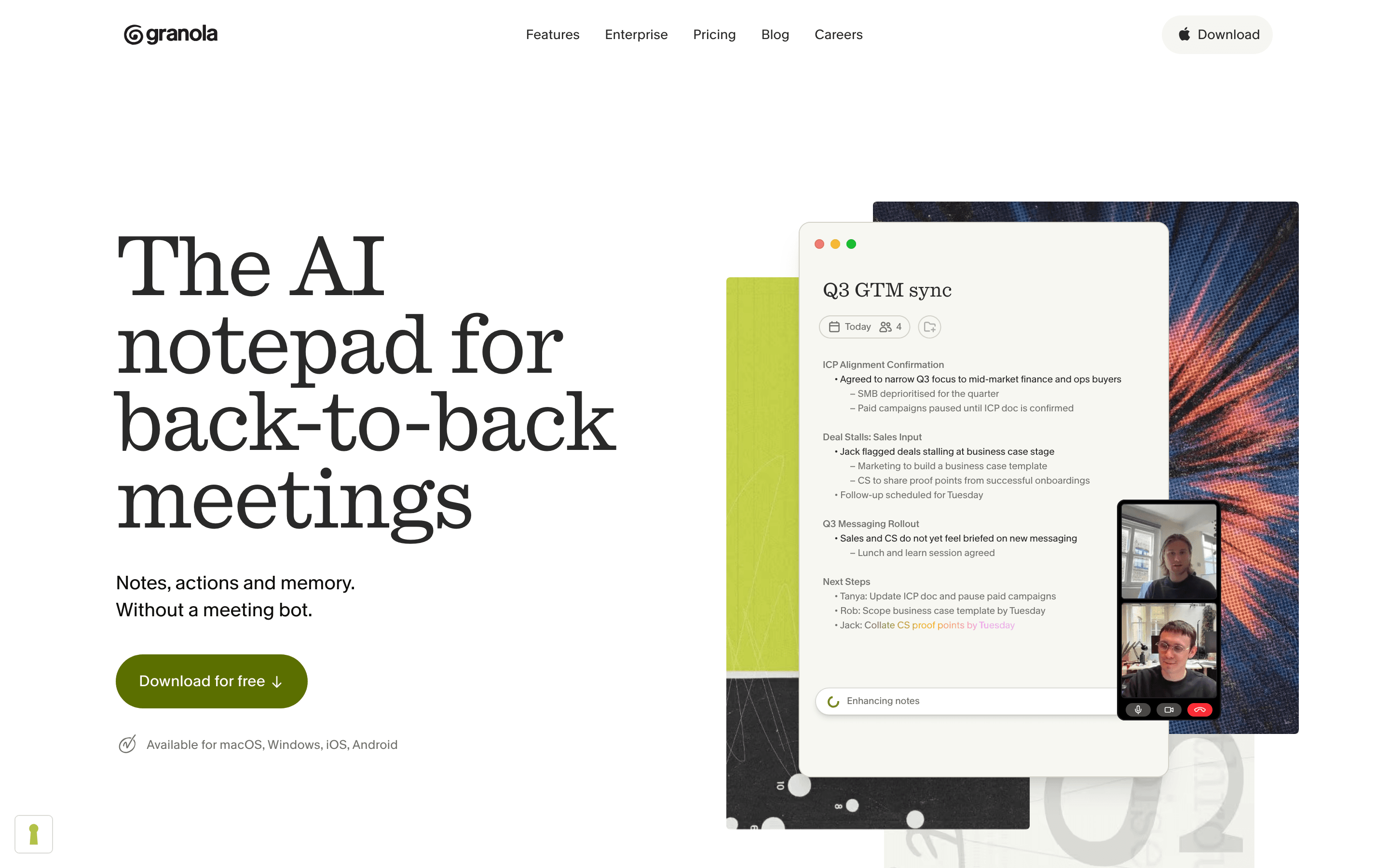
Granola works completely differently from tl;dv. Instead of a bot joining your call, it transcribes quietly in the background while you type your own rough notes, then rewrites them into a clean summary once the meeting ends. That means notes read like a person wrote them, and it also works on in-person conversations through Android and iOS apps, something tl;dv doesn't do. Business ($14/seat/month, no annual discount published) is cheaper than tl;dv's Pro ($18/seat/month annually) for unlimited history and integrations into Notion, Slack, and HubSpot. The tradeoffs are real: there's no audio or video playback to double-check a transcription error, speaker attribution gets shaky past four people on a call, and Granola trains its AI on your calls by default unless you opt out or pay for Enterprise. It also has no playbook-based sales coaching to replace tl;dv's Business tier.
Pros
- + Notes read like a human wrote them instead of a raw AI transcript
- + Works on in-person conversations too, through the Android and iOS apps
- + Business tier at $14/seat is cheaper than Fathom and tl;dv for the same integrations
Cons
- – No audio or video playback, so you can't verify a transcription error after the fact
- – Free plan's meeting history cap isn't clearly stated by Granola, and reviewers report different numbers
Otter
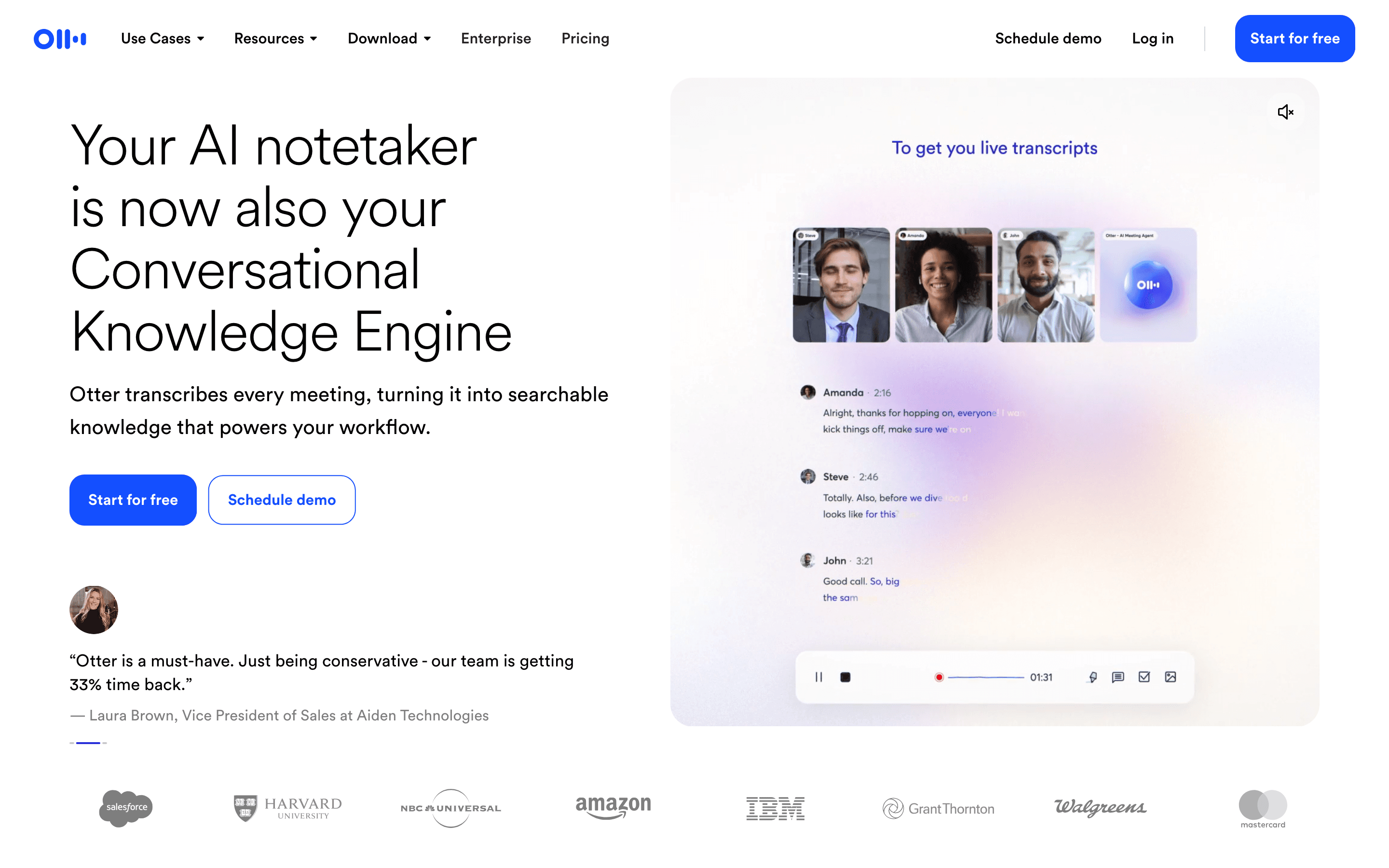
Otter is the cheapest way to get a straightforward transcript-and-summary tool if you don't need tl;dv's sales coaching or CRM sync. Pro runs $8.33/seat/month billed annually, less than half of tl;dv's Pro price, and Business at $19.99/seat/month annually adds unlimited meetings and in-app recordings, unlimited file imports, meetings up to 4 hours, and 3 concurrent meetings, versus Pro's 90-minute meeting cap and 2 concurrent meetings. New AI Chat and MCP connectors to Gmail, Drive, Notion, and Salesforce let you ask questions across past meetings. But Otter cut Pro's monthly transcription minutes from 6,000 to 1,200 without lowering the price, support is email-only with no phone or live chat, and Otter is a named defendant in a consolidated federal privacy class action alleging it recorded participants without consent. It has no sales-coaching layer at all, so teams that came to tl;dv for playbook-based coaching won't find a replacement here, only a cheaper plain notetaker.
Pros
- + Real, published pricing for every tier except Enterprise, so you can budget without a sales call
- + Free Basic plan is usable for light, occasional meetings
- + New AI Chat and MCP connectors let you ask questions across past meetings instead of hunting through transcripts
Cons
- – Otter cut the Pro plan's monthly transcription minutes from 6,000 to 1,200 without lowering the price, which frustrates heavy users
- – No phone or live chat support, only a help center and email tickets
Read AI
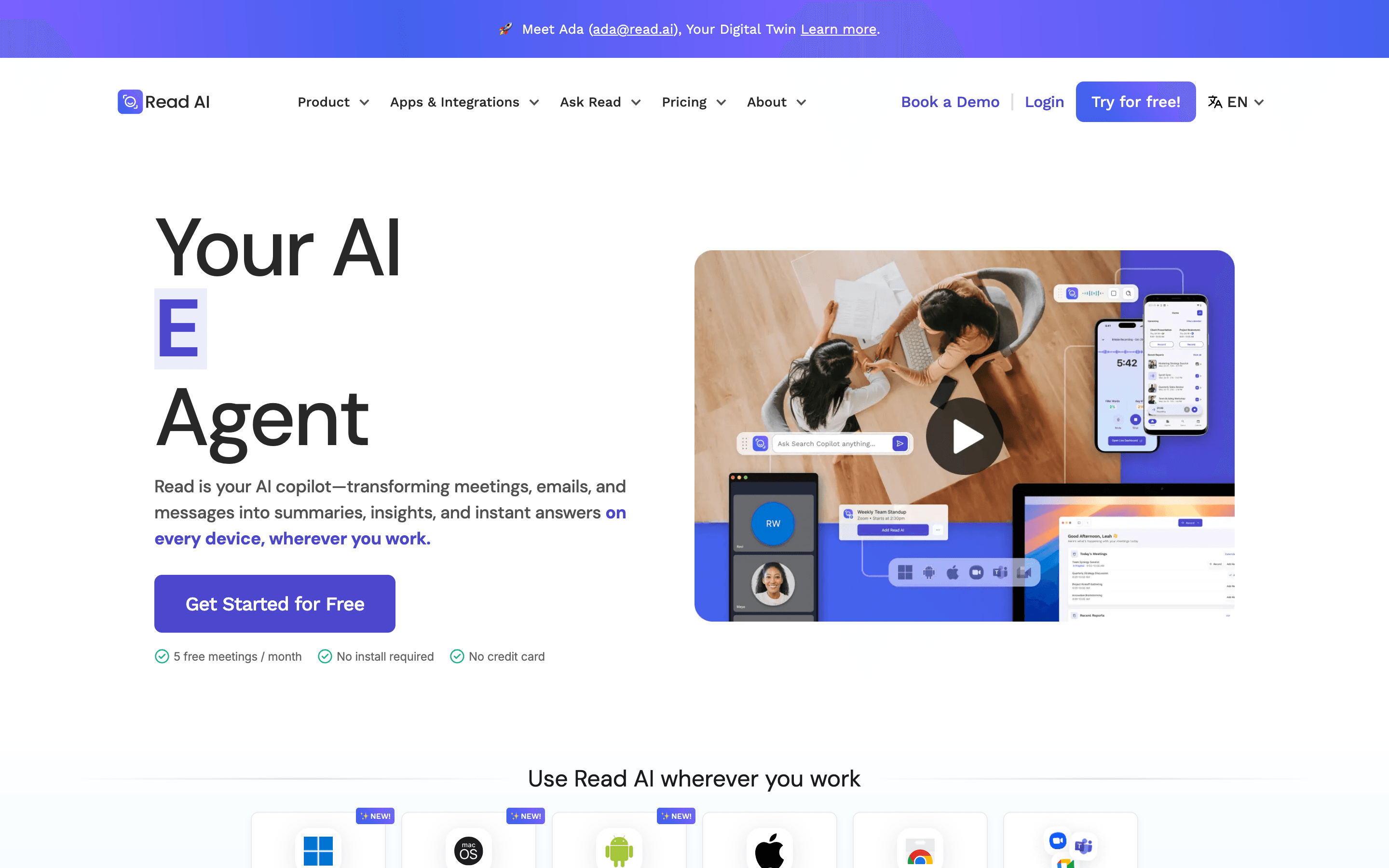
Read AI's angle is meeting analytics rather than sales coaching: it scores talk-time balance and sentiment on every call, on top of the transcript and summary tl;dv also gives you. Pro starts at $15/seat/month billed annually, cheaper than tl;dv's Pro, and bundles Notion, Salesforce, HubSpot, Jira, and Confluence integrations from the entry paid tier. It has also become a Claude connector, so meeting data can flow directly into Claude instead of staying locked in its own app. The serious downside is trust. Trustpilot reviews sit around 1.4 out of 5, mostly from people whose meetings the bot joined without asking, and several universities have blocked it entirely over consent concerns. Licensing is also per person rather than per workspace, so covering a whole team costs more as headcount grows, and it has no playbook-based sales coaching like tl;dv's Business tier.
Pros
- + Meeting analytics like talk-time ratio and sentiment go beyond a plain transcript
- + Premium integrations (Notion, Salesforce, HubSpot, Jira, Confluence) are included on the entry paid plan
- + Pricing is public and posted on the site, not hidden behind a sales call
Cons
- – Per-seat licensing means covering a whole team costs more than tools priced per workspace
- – Free plan is capped at 5 meeting transcripts a month with a 1-hour meeting limit
Should your product be on this ai meeting notetakers list?
If you build a tool that belongs next to the ones above, submit it. A human reviews every submission. Approved products get their own page with pricing and screenshots, plus a place in the comparisons where they fit. It is free. You sign in with your work email so you can follow the decision, and there is no password to create.
tl;dv alternatives: FAQ
What's the best free alternative to tl;dv?+
Fathom. Its free plan never expires and includes unlimited recordings and transcripts, unlike tl;dv's free plan, which auto-deletes recordings after 3 months and caps AI summaries at 10 for the account's life.
Which tl;dv alternative is cheapest for a sales team that wants CRM sync?+
Fathom, for any team of 2 or more seats: Business is $25 a seat a month billed annually ($34 monthly) with Salesforce and HubSpot sync plus coaching scorecards, cheaper than Grain's comparable Business plan at $29 a seat a month annually. Solo operators should look at Grain instead, since Fathom's Team and Business tiers both require a 2-seat minimum.
Is there a tl;dv alternative that doesn't use a bot to join calls?+
Granola is the cleanest option: it never uses a bot at all, transcribing quietly in the background while you type your own notes. Fathom also added a bot-free capture mode, but it's a newer option that sits alongside its default bot mode rather than replacing it. tl;dv, Fireflies, Otter, Circleback, and Grain still join every call as a visible bot.
Do any tl;dv alternatives avoid credit limits and privacy complaints?+
Fathom and Grain publish straightforward per-seat pricing with no credit system. Otter faces an active federal privacy class action, and Read AI's Trustpilot reviews are heavily negative over bots joining calls without consent, so weigh trust alongside price.
tl;dv alternatives: pricing compared
Entry price, billing model, and whether pricing is public. 8 of 8 publish pricing you can check without talking to sales.
| Tool | Starting price | Billing | Free option | Pricing disclosed |
|---|---|---|---|---|
| tl;dv | $18/seat/mo | per-seat | Yes | Partly public |
| Fathom | $20/seat/mo | per-seat | Yes | Partly public |
| Grain | $15/seat/mo | per-seat | Yes | Partly public |
| Fireflies | $10/seat/mo | per-seat | Yes | Public |
| Circleback | $25/seat/mo | per-seat | Trial (7 days) | Partly public |
| Granola | $14/seat/mo | per-seat | Yes | Public |
| Otter | $16.99/seat/mo | per-seat | Yes | Partly public |
| Read AI | $15/seat/mo | per-seat | Yes | Public |
How we made these picks. We compare tools on public pricing, features, and hands-on assessment, then verify every price against the vendor's own page. We never accept payment for rankings. Read the full methodology. Spotted an error? Report it.